

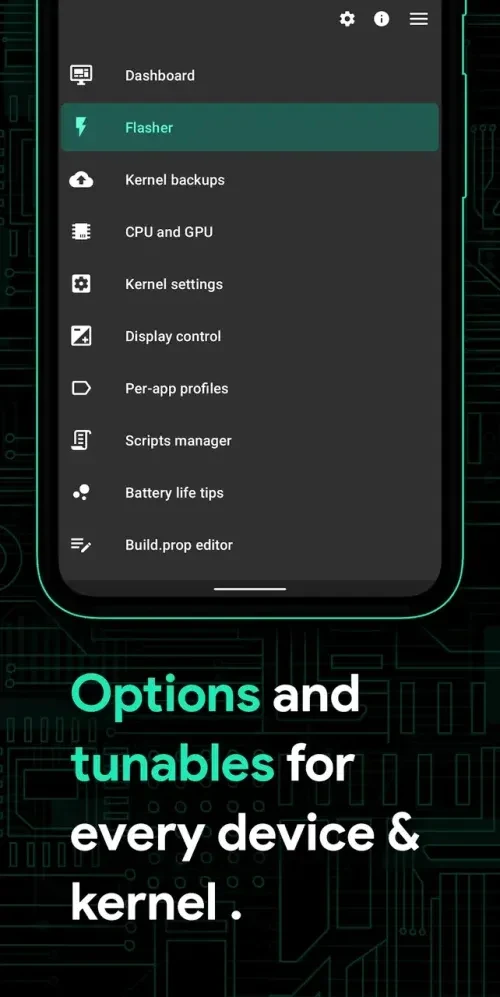
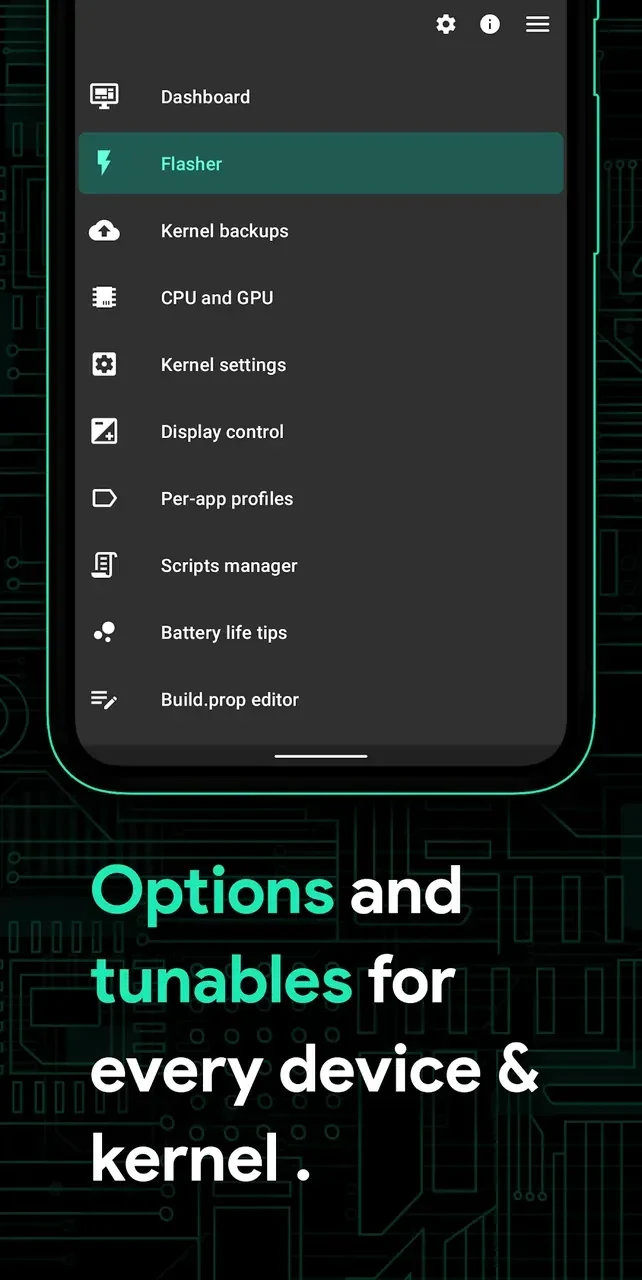
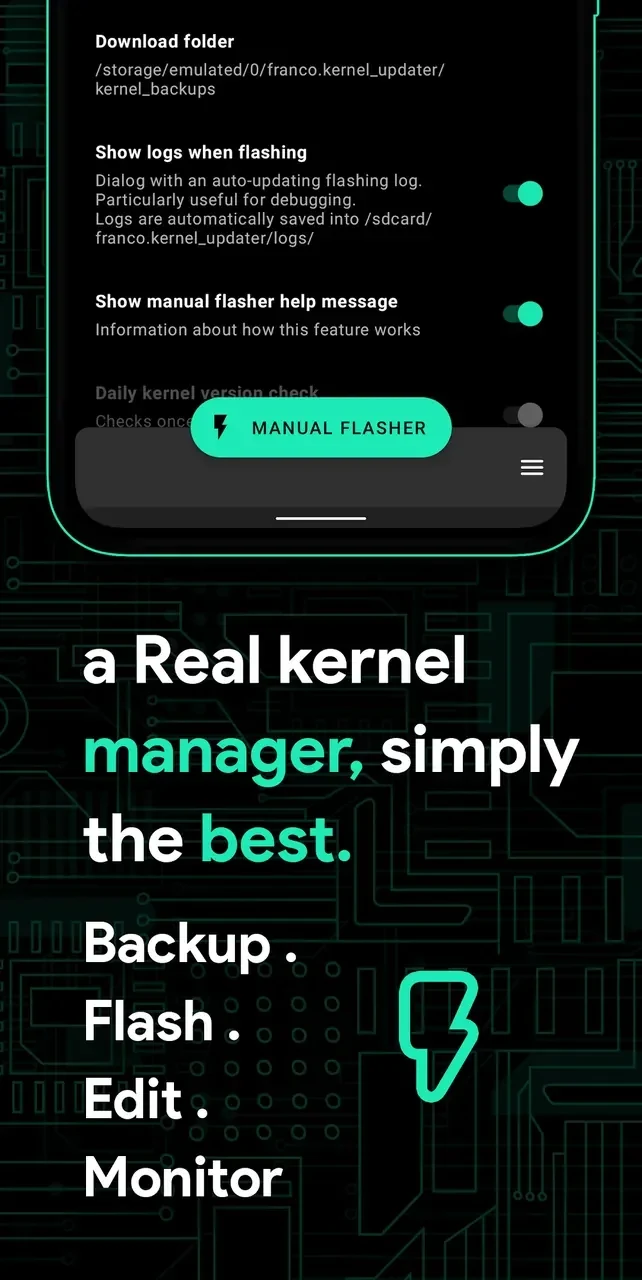
Franco Kernel Manager is a mobile toolkit for examining device performance, tracking battery behavior, and customizing supported kernel settings. It addresses two related needs: understanding what a device is doing during use and adjusting selected controls to suit different workloads. The app can show real-time power consumption, CPU usage, temperatures, clock speeds, memory usage, and other system information. Users can also configure CPU and GPU behavior, create profiles for individual apps, review kernel logs, and apply battery-saving settings from one interface.
What can the app show about battery and system health?
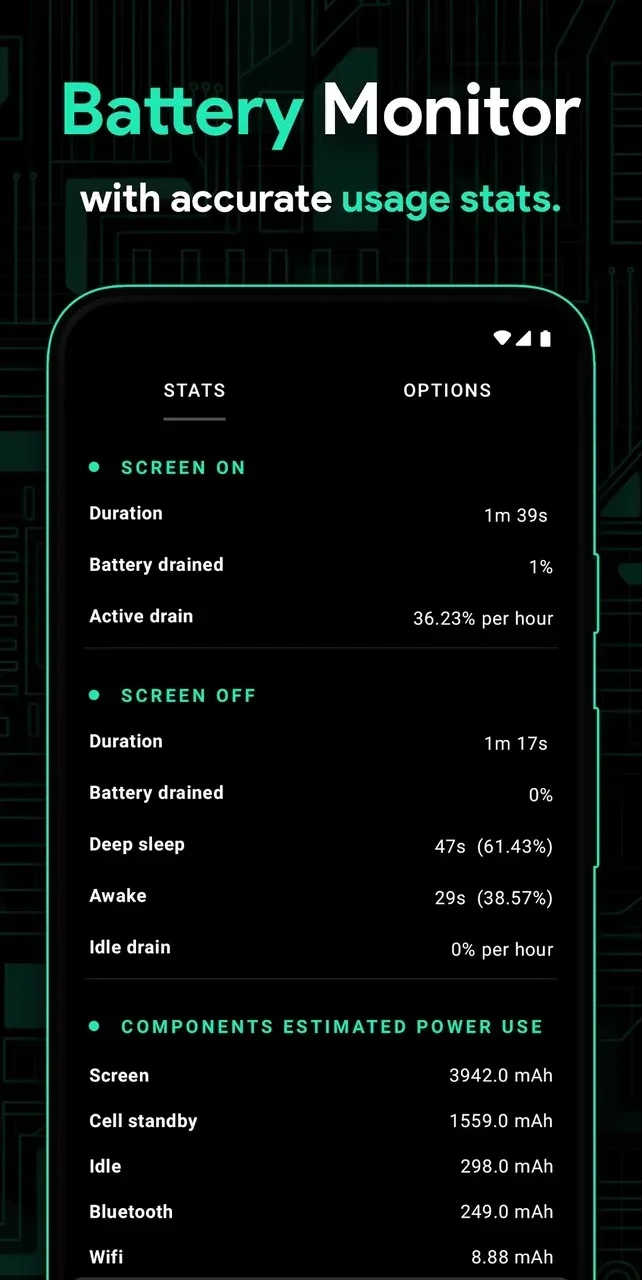
The battery monitor provides detailed information about power use, including active drain and idle drain. It can display consumption in mAh for components such as Wi-Fi, the screen, mobile signal, and idle activity, while also estimating battery health. These details help users examine which parts of the device are contributing to power consumption instead of relying only on a general battery percentage.
A system health dashboard brings together indicators such as temperature, CPU clock speeds, memory usage, and CPU activity. The app also provides charts and other indicators that reflect device behavior while it is being used, giving users a way to inspect current conditions over time.
Which performance settings can be customized?
Franco Kernel Manager can adjust CPU and GPU frequencies, governors, and multicluster configurations on supported devices. It also includes controls for the I/O scheduler, wakelocks, memory management, and other custom kernel settings. These options are intended for users who want to fine-tune how their device handles performance and power consumption.
The app includes display calibration controls for color temperature, saturation, and gamma. It also has a built-in Build.prop editor for customizing system properties. Kernel logs can be viewed from the app, and its kernel integration is designed to expose supported kernel features and optimizations.
Can settings be tailored for individual apps?
Per-app profiles let users create different performance tiers for particular applications. A demanding game can be assigned a higher-performance profile, while an app used for lighter tasks can receive a lower-power profile. This gives users control over how settings are applied in different use cases rather than requiring one configuration for the entire device.
The source also documents preset profiles and one-touch battery-saving buttons. Users who do not want to begin with individual manual adjustments can start with these prepared options, then move to more specific CPU, GPU, or kernel controls as needed.
Does it support kernels and flashable files?
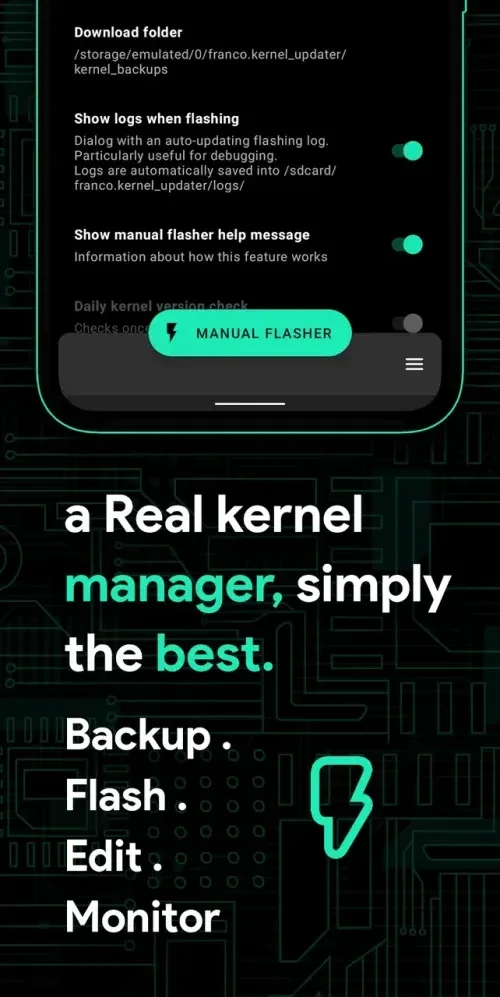
The app can automatically flash kernels, Magisk modules, and other flashable ZIP files without requiring a custom recovery, according to the supplied feature information. It can also interact with the device kernel for supported changes and provide access to kernel-related settings and logs.
Kernel-level changes require root access. Compatibility is not uniform across Android devices: the available functions depend on whether the device is rooted and what its kernel supports. The source states that the app works on most rooted devices, but it does not establish support for every phone or every feature.
Who may find this toolkit useful?
This app is aimed at users who want detailed technical information and direct control over supported device settings. It may suit someone investigating battery drain, comparing active and idle consumption, adjusting performance for particular apps, calibrating the display, or examining kernel behavior. It is less suited to people who only want basic battery information and do not need kernel-level customization.
Because root is required for kernel-level changes and some functions depend on kernel support, users should consider their device configuration before relying on the more advanced tools. The supplied information also notes that extreme overclocking may cause overheating, so frequency and governor adjustments require care. Settings can be reset to the app’s default configurations when users want to revert changes.