




Overview
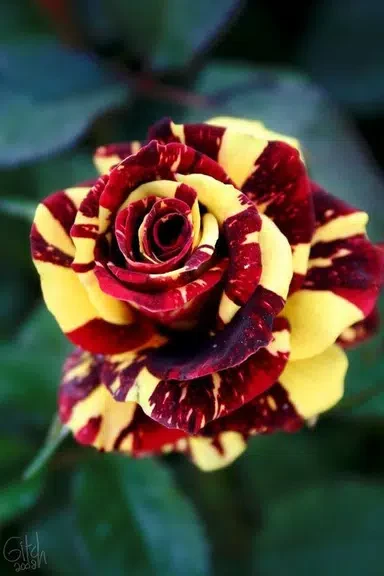
Flower Rose Animated Image Gif lets you decorate photos with rose and flower frames, then personalize them with text and visual effects. It is aimed at people who want to give pictures a floral look or add a personal message before sharing them. Alongside a variety of flower frames, the editor offers filters and effects such as black and white, sepia, and sharpen. Text can be adjusted by size, color, and font style, giving you several ways to tailor an image. The app is described as free to use, and edited photos can be shared through social platforms.
What You Can Do
⭐ Browse and apply rose and flower frames to give a photo a decorative floral border.
⭐ Add text to a picture, then customize its size, color, and font style for a more personal caption or message.
⭐ Apply photo filters and effects, including black and white, sepia, and sharpen, to change the image’s appearance.
⭐ Share your finished pictures with friends and family through WhatsApp, Facebook, or other social platforms.
⭐ Try different flower frames and text treatments to find a combination that suits the photo.
Using the App
A practical editing flow is to select a photo, try a flower frame, and then add or adjust text if you want a message on the image. Filters and effects provide further ways to change its look. The source does not describe specific controls or an offline workflow, so those details are not covered here.
Why It May Appeal
✅ Frame choices, text customization, and several named effects bring multiple photo-decoration tools together in one editor.
✅ The app is described as free to use, and it offers sharing options for common social platforms.