

Overview
Flexclip video editor is an Android video creation and editing application for making app demos, promotional clips, tutorials, reviews, and personal projects. Its templates help users begin with an established design instead of building every video from scratch, while its editing tools support videos, images, text, transitions, logos, and watermarks. The workflow is intended to be approachable for beginners but also useful when a project needs more control over speed, framing, or presentation. You can combine media, adjust the result, record screen activity, and select from several output resolutions when the video is ready.
What You Can Do
⭐ Create app publishing videos with built-in templates. These starting points can help present an application's features in a structured format without requiring a fully manual editing process.
⭐ Produce app demo videos for technical or non-technical applications. The editor is designed to bring the main steps or capabilities of an app together into a video that is easier to follow.
⭐ Make promotional videos using drag-and-drop editing. You can arrange media and use the integrated editing functions to build short, attention-focused presentations for an app or project.
⭐ Prepare app tutorial videos with text, transitions, and other visual elements. These tools can be used to explain a workflow clearly and give instructional footage a more organized presentation.
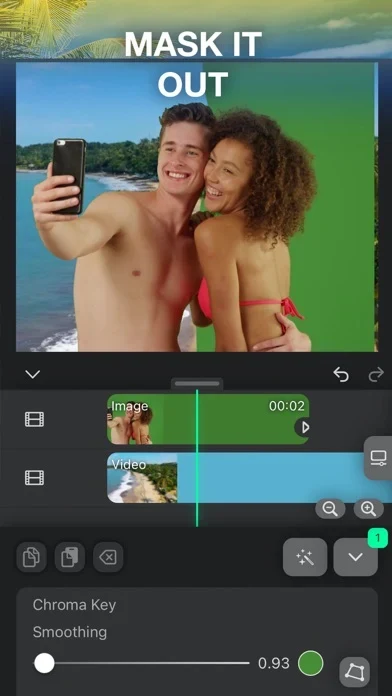
⭐ Edit and merge videos and images in the same project. The app also lets you adjust video speed, zoom or rotate footage, and rotate slideshow photos for a more varied result.
⭐ Add transitions, intros, outros, logos, video watermarks, text captions, shapes, and emojis. These options provide ways to identify a project, separate sections, or add visual context to the content.
⭐ Record screen activity as a storyboard. This is useful when the project needs to show actions performed inside an app rather than relying only on separately prepared footage.
⭐ Build app review lists that showcase applications and compare prices. This supports video content aimed at presenting several apps and helping viewers examine their differences.
Using the App
A typical project can start with a template or with imported videos and images. From there, you can combine clips, adjust their speed, scale or rotate visual content, and use transitions to connect sections. Captions, logos, watermarks, shapes, and emojis can be added when the video needs labels or extra visual detail. The source also describes a media library containing video, image, and music templates, along with basic offline editing. However, access to the media library or cloud resources may require an internet connection. When the edit is complete, Flexclip video editor provides 480p, 720p, and 1080p output choices.
Why It May Appeal
✅ Templates can reduce the need to design a video structure from the beginning, which may be helpful for app marketers, educators, reviewers, and casual creators.
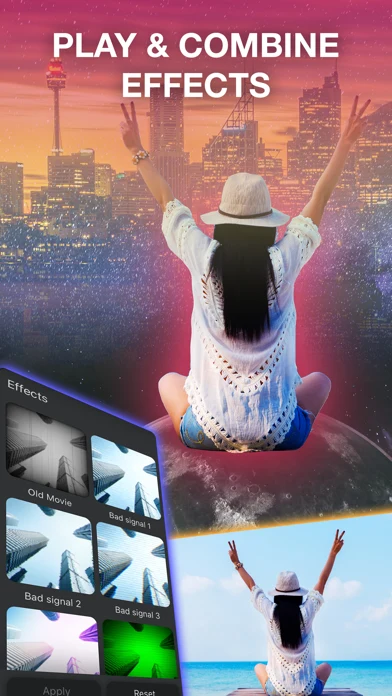
✅ The feature set covers several common stages of editing, including combining media, adjusting motion and speed, adding branding, recording the screen, and exporting at selectable resolutions.
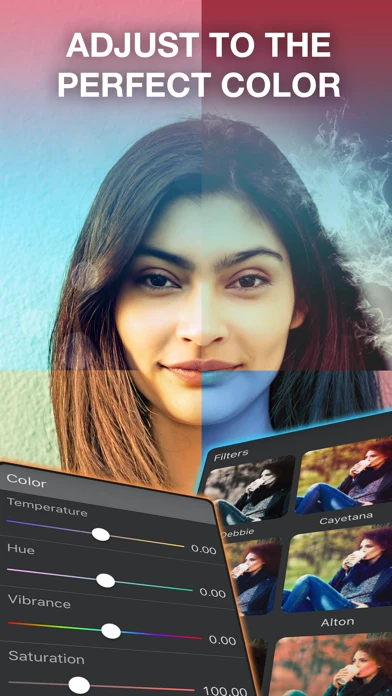
✅ Its controls are described as suitable for beginners, while the range of effects and media resources gives more experienced users additional ways to shape a project.
✅ The app can support different kinds of content, from product demonstrations and tutorials to personal slideshows and promotional material.
Things to Consider
❎ Basic editing can work offline, but features connected to the media library or cloud resources may need an internet connection.
❎ The available export choices listed in the source are 480p, 720p, and 1080p; other resolutions or export settings are not documented here.
What Users Mention
Provided user comments describe Flexclip video editor as useful for client projects, educational videos, social media content, and book trailers. They also mention a simple learning curve, professional effects, and built-in media resources that can reduce the need to search elsewhere for images, video, and music. These comments are individual experiences rather than an independent rating or guarantee of results.
Version Information
The supplied listing identifies the app version as 1.0. No further update history is provided.