

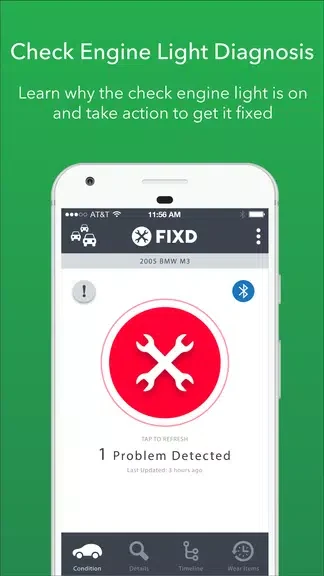
FIXD OBD2 Scanner helps make vehicle diagnostic codes easier to understand when you need to interpret a check engine light. With a scanner plugged in and paired with your device, the app can read codes and present explanations without relying on technical jargon.
When you want to check a warning light
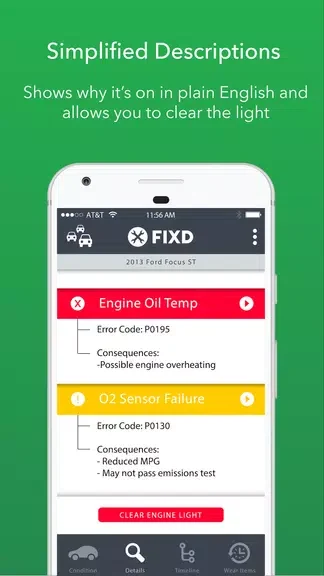
After connecting and pairing the scanner, allow the app time to establish its connection. Open FIXD and begin a scan, then follow the on-screen instructions. The app communicates with the scanner to read diagnostic codes and other relevant vehicle information. It translates error codes into plain English and provides explanations of vehicle issues, giving you information to help understand what the codes indicate. The scan is based on the scanner connection; the app's role is to read and explain the information it receives.
When you are reviewing a vehicle issue
The code explanations are intended to make vehicle information clearer, rather than leave you with technical terminology alone. If you need more context about a particular code, the source suggests consulting the app's help section or online resources. This can complement the app's explanations when you want to learn more about common error codes and their meanings.
When you are keeping up with scheduled service
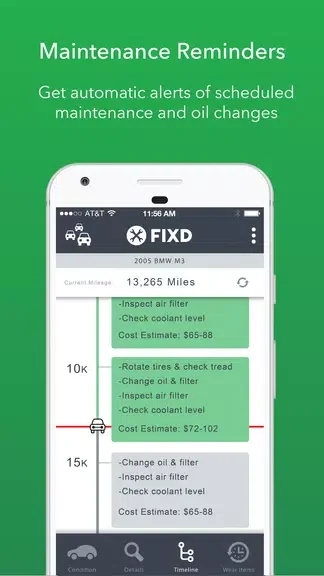
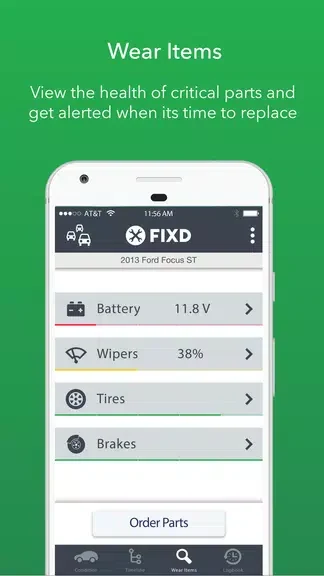
FIXD also tracks scheduled service for your vehicle. This gives the app a maintenance role alongside its diagnostic-code function: you can use it to keep track of planned service as well as review information from a scan. The supplied details do not specify which service intervals or scheduling options are available.