

FilmoraHD is a video editing application that supports layered editing, creative adjustments, and AI-assisted tools for shaping video content on a phone. It also provides a built-in cloud system for uploading edited files and keeping materials available across devices, while its clearly categorized functions are arranged to support regular editing work.
Layered editing and visual adjustments
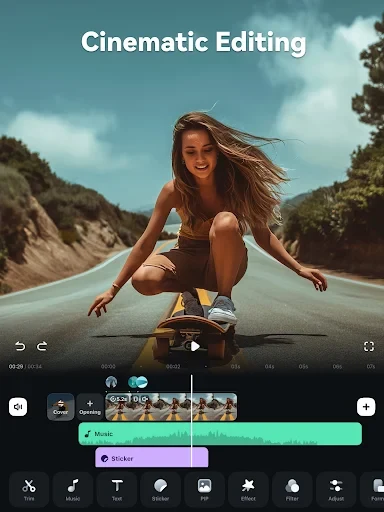
The app allows users to edit different layers with attention to the alignment of video elements. This gives clips, added text, stickers, filters, transitions, and overlays a place within the wider composition. Text can be used to explain information that is not conveyed by the footage itself, while stickers provide an additional visual element.
Filters, transitions, and overlays can change the presentation of a video without requiring a separate editing tool. FilmoraHD also includes controls for brightness and color temperature, which can be used when footage appears too dark, too bright, or visually monotonous. These adjustments support more deliberate control over the tone and appearance of the final composition.
AI-assisted video creation
FilmoraHD lists AI Auto Cutting for bringing memorable moments together into a cinematic narrative. AI Remover is intended to erase unwanted elements from videos. The app also offers AI Smart Background Removal, including background or chroma-key removal and sky replacement.
Custom Cutouts let users slide a finger across the image to identify target areas for cutting out. The AI Show effect can transform photos into stylized images or videos, while Infinite Zoom provides an additional visual effect for exploring extended zoom presentations. These tools are grouped around changing subjects, backgrounds, and the overall visual treatment of source material.
Captions, voices, and generated media
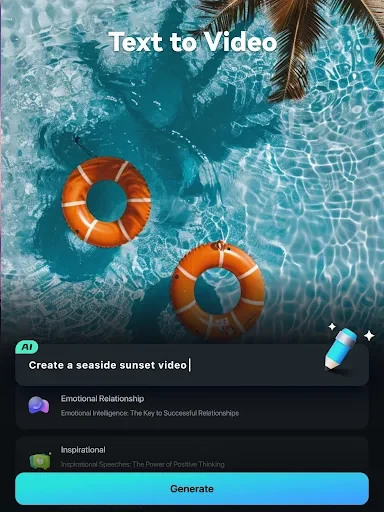
Dynamic Captions can convert speech into text and create word-for-word captions. Text-to-Video is described as generating videos from AI-generated text and captions. For narration, Text-to-Speech converts written text into video voiceovers, while AI Voice Cloning is described as replicating a voice and generating speech in different languages with customizable emotional qualities.
The app also lists AI-powered music and sound effects for generating music and soundscapes for videos. Together, these options cover written captions, generated narration, voice-based tools, and added audio intended to complement edited footage.
File handling and editing control
Editing can be carried out on the phone before the resulting file is uploaded through the built-in cloud system. FilmoraHD presents its functions by frequency of use, and the source describes the layout as clear and categorized. The combination of layered control, visual adjustments, AI tools, and media-generation features provides a broad set of documented options for assembling and refining video projects.