
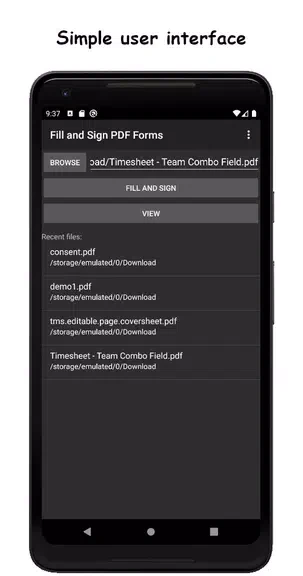
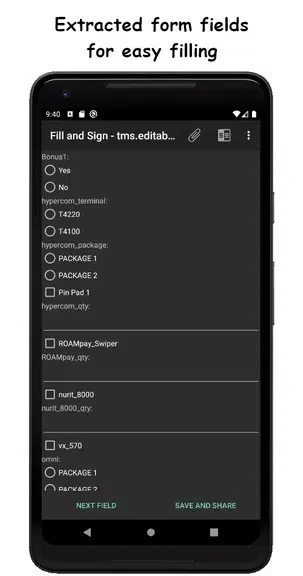
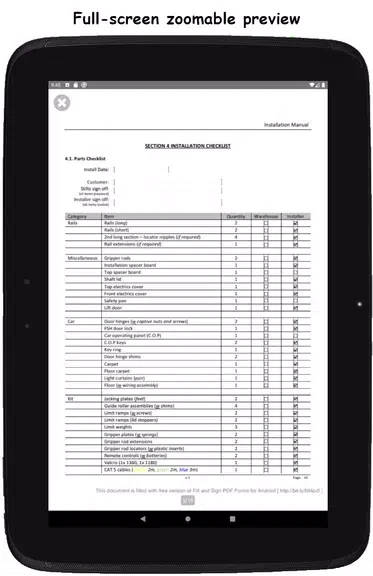
Fill and Sign PDF Forms is an Android utility application designed to streamline the process of completing and signing PDF documents. Developed by Binary Solutions, the app addresses the common task of filling out digital paperwork by extracting form fields from documents and presenting them in a clear, user-friendly interface. Its clearest supported benefit is the ability to accurately populate forms, electronically sign agreements, attach supporting visual information, and export input data without unnecessary complexity.
How does the app handle form fields and navigation?
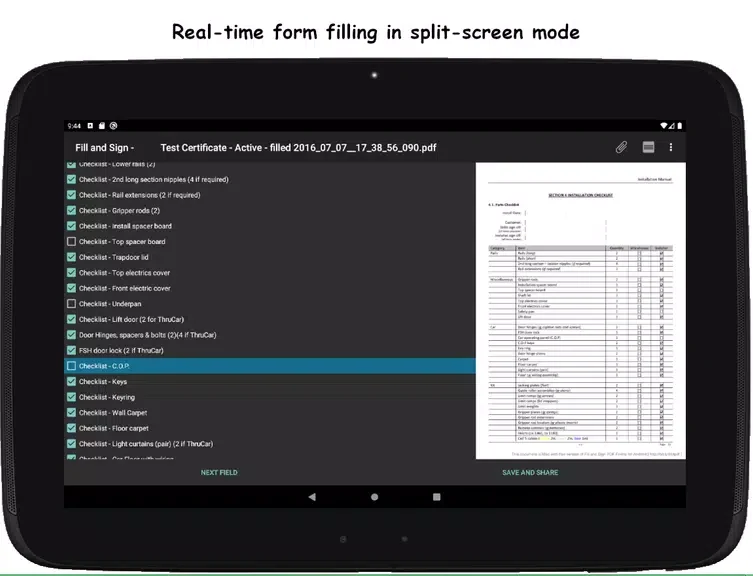
The app automatically extracts form fields from uploaded PDF documents to give users direct and easy access to input areas. For documents where form fields might not be labeled or aligned correctly, the application offers a real-time split-screen mode. This navigation feature helps users match input fields accurately, making it especially beneficial for individuals working on smaller mobile screens.
What options are available for signing and attaching media?
Users can sign documents electronically by utilizing the app's signature capabilities. When a signature is requested, the app prompts the user to install a Signature Capture library, which can be retrieved through the Google PlayStore or directly from the app's server. In addition to text and signatures, the software allows users to attach photos to documents, providing a convenient way to include extra visual evidence or information alongside the form.
How can completed data and documents be shared?
Once a form is filled out, the application supports exporting input data and viewing, mailing, or sharing completed documents through various standard methods. The full version of the app removes advertisements, allows documents to be saved without watermarks, supports exporting input data specifically to JSON format, and provides access to an API for integration with third-party applications.
Who will find this PDF tool useful?
This utility is well-suited for anyone who frequently needs to handle, complete, and sign PDF forms while on the go. Users who want to provide feedback or request new features can contact the developer through the support email or forum, or choose to participate as beta testers to help shape future updates.