
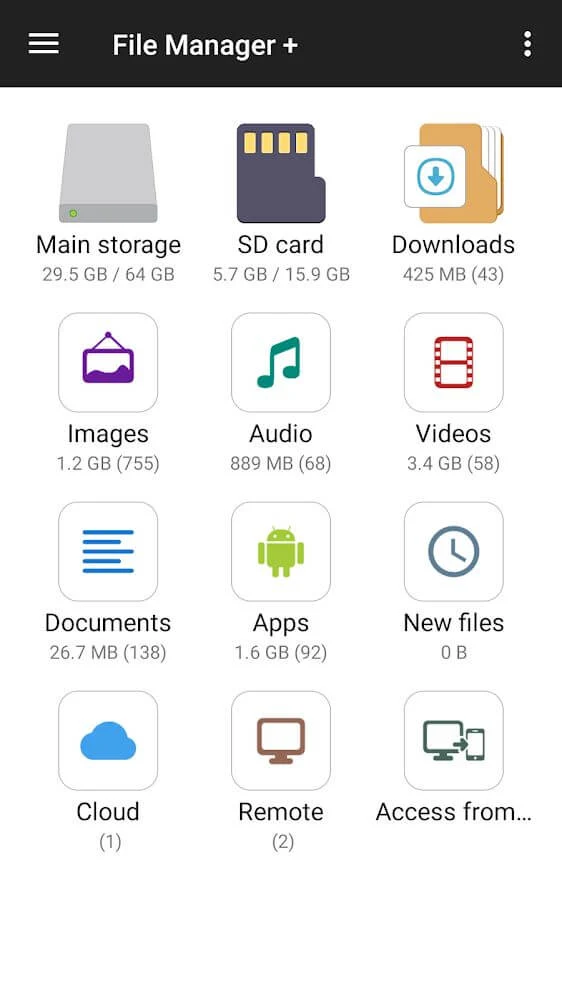
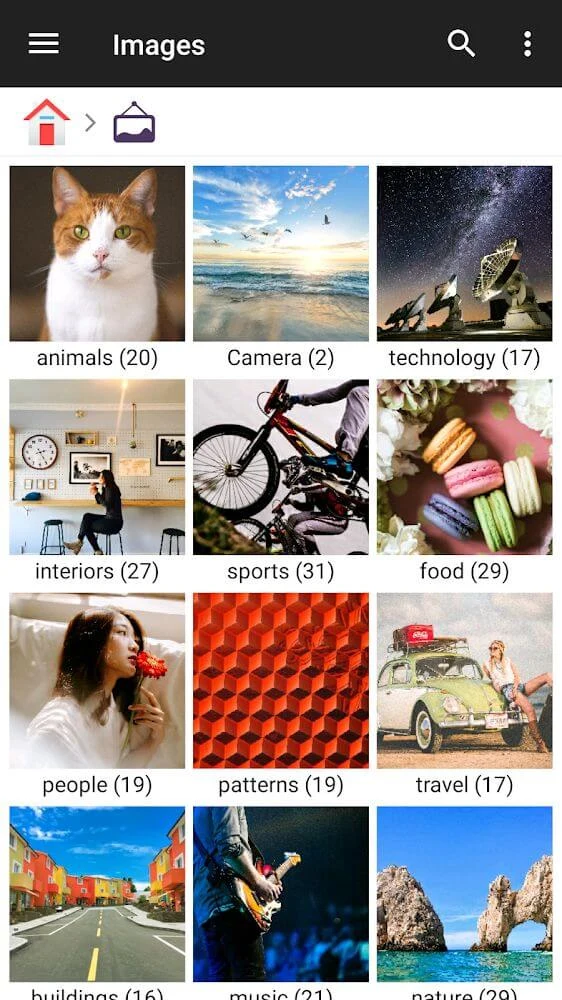
File Manager helps you find, organize, and work with files stored on your device. Its categories group items by format, including images, music, videos, documents, APKs, and ZIP files, while a recent-files view provides another way to reach items. These browsing options bring file discovery and everyday file handling together in one app.
Browse and manage files
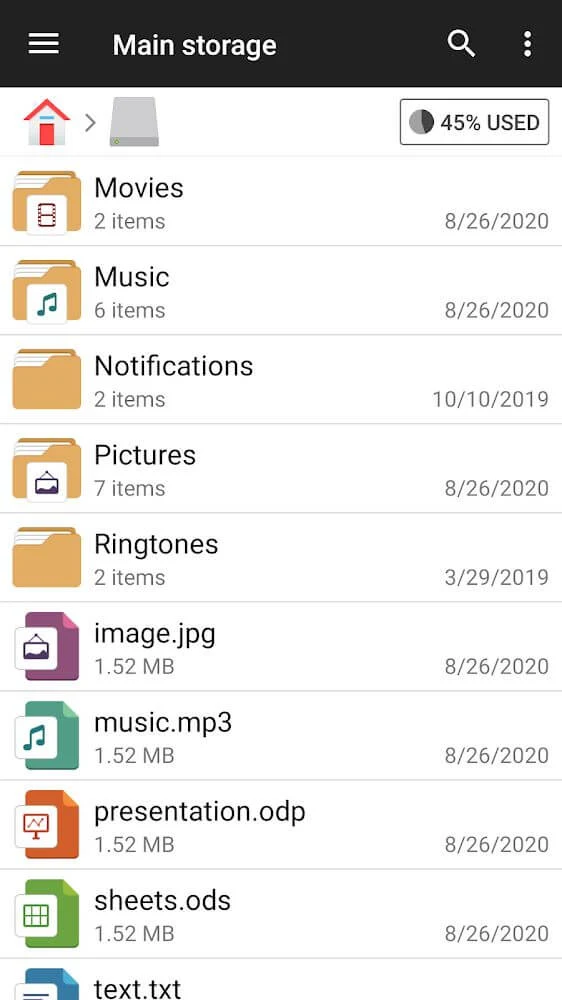
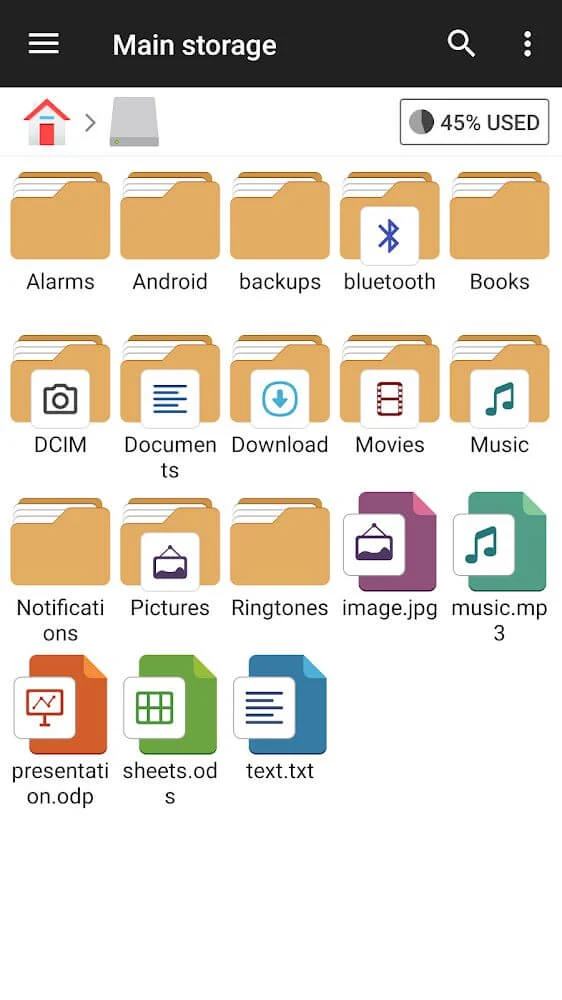
For specific items, the app includes global search, which can be used with a file or folder name or related keywords. Sorting can be adjusted by size, date, or type, making it possible to arrange files according to what you are looking for. Once an item is located, the available actions include opening, moving, copying, pasting, renaming, deleting, and sharing it. The source also describes managing content in both internal storage and an SD card, including moving files between them.
Review storage and handle archives
Storage management tools help identify which files and apps take up space. A storage analysis feature presents this information alongside options for removing items, while a cleaner is listed for deleting cache and junk files. These are separate from the everyday file actions, giving users a way to review storage use as well as organize individual items. For compressed files, the app supports compressing and decompressing ZIP and RAR archives, and its file-management functions also include unzipping.
Use built-in utilities
The listed utilities include an image viewer, a music player, and a text editor, so those file types can be opened with tools provided in the app. The source also describes offline file sharing. Together with format-based categories and file actions, these utilities cover browsing, opening, organizing, and sharing different kinds of stored content.
Adjust the interface
The interface is described as organizing content into separate categories and offering options to personalize its design. This lets users choose among the available presentation choices while keeping file browsing and management functions accessible. The source also lists support for multiple languages.