

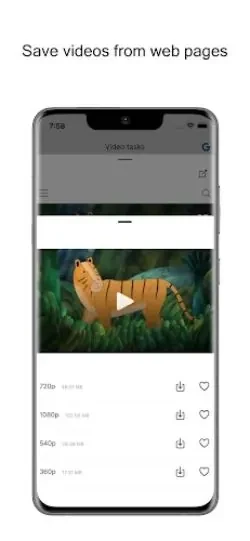
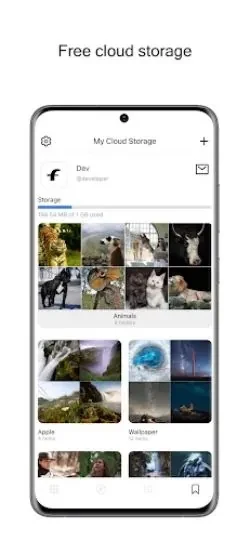

FetcherX Video Downloader helps users save pictures and videos from web pages and manage several related media tasks in one application. It combines web media saving with cloud uploads and a combined view for content from Twitter and Tumblr.
Save pictures and videos while browsing
The app is designed for collecting pictures and videos encountered on web pages. Its browser integration lets users save supported media during browsing without repeatedly switching between the browser and the application. This makes the saving function part of the browsing process rather than a separate task after a page has been viewed.
Upload saved media to cloud storage
After saving pictures or videos, users can upload them to cloud storage platforms such as Google Drive or Dropbox. This gives the app a second role beyond downloading: it can help move selected media from the device into a cloud storage account. Users who build a larger collection can organize files with folders in their chosen cloud platform, using categories that make particular pictures or videos easier to locate later.
View Twitter and Tumblr data together
FetcherX Video Downloader also brings data from Twitter and Tumblr into a shared viewing experience. Rather than treating those sources as completely separate browsing destinations, the app presents their content together so users can review updates and posts through one interface.
Adjust the viewing experience
The app includes settings for changing aspects of media viewing. Available options described for FetcherX include adjusting video playback speed and changing the application theme. These controls let users select a playback pace and visual style that suit their preferences while using the app.