
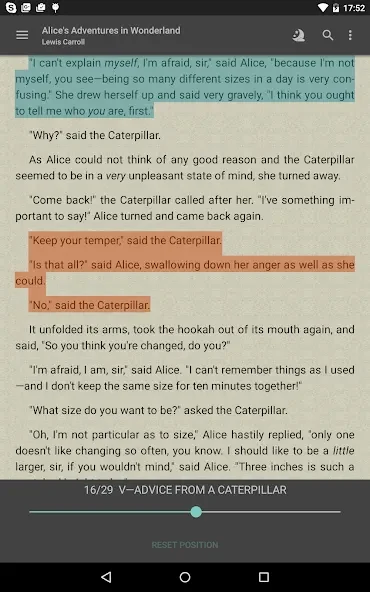
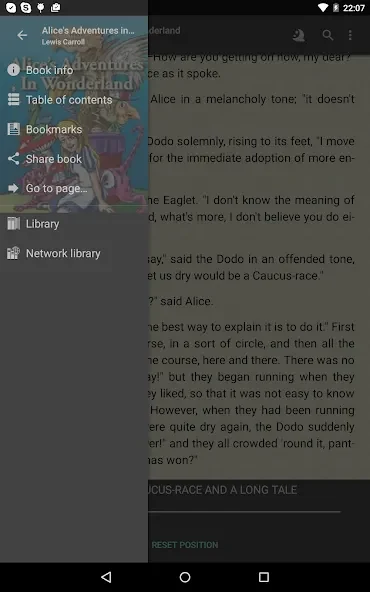
FBReader helps readers open ebooks, documents, and comic files in one place, so a personal reading collection can include more than a single format. It supports DRM-free ebooks and books protected with Readium LCP, as well as formats such as RTF, DOC, HTML, plain text, CBZ, and CBR. During reading, users can adjust fonts, backgrounds, brightness, and gestures to suit their preferences. A built-in browser and downloader also provide a way to explore ebook catalogs, while dictionary integration can help with unfamiliar words.
Adjust the page to suit your reading
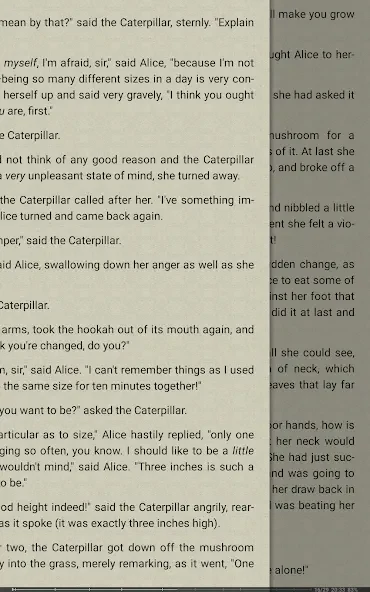
Readers can choose external TrueType or OpenType fonts and change the background, allowing them to personalize the appearance of the page. Brightness can be adjusted by sliding a finger up or down along the left edge of the screen while reading. Gesture controls are customizable as well. Together, these options let readers change the display without relying on a single fixed presentation. FBReader is also described as optimized for e-ink screens, making that display type part of its intended reading use.
Open books from files or catalogs
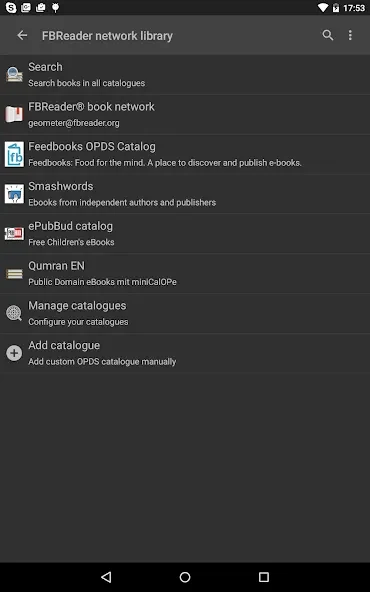
FBReader includes a browser and downloader for accessing network ebook catalogs and stores. Users can add their preferred sources through custom OPDS catalogs, which gives them a way to work with catalogs beyond any built-in selections. Books can also be downloaded separately and saved in the device’s “Books” folder. These routes support both readers who want to browse online sources and those who already have files to organize on their device.
The supported material extends beyond ebooks: the app can open comic archives in CBZ and CBR, along with RTF, Microsoft Word DOC, HTML, and plain text files. Its ebook support includes DRM-free books and those using Readium LCP. This range makes FBReader relevant to collections containing different kinds of reading material, though the source does not identify every possible format or catalog.
Look up words and read across languages
An integrated dictionary function lets readers look up words or phrases using external dictionaries. This can be useful when a passage contains unfamiliar vocabulary, including when reading in another language. FBReader is available in 34 languages, and it includes hyphenation patterns for 24 languages. The app’s language availability and hyphenation support are distinct: the source gives separate counts for each.
Reading history is recorded automatically, according to the supplied information. The description also associates this history with reading on different devices, but does not explain how records are transferred or synchronized, so it does not establish the precise setup required for that use.
Notes and reading aloud
Readers can make notes in text and mark passages with color; the supplied description says these notes can be saved in a folder for later access. This provides a way to keep selected thoughts or marked passages alongside a reading routine, rather than relying only on memory. The description does not specify additional note-export or sharing options.
Automatic reading aloud is available on Android in FBReader Premium. It uses text-to-speech engines installed on the device rather than a speech generator built into FBReader, so available voices depend on the system engines. Reading aloud is limited to text formats: PDF, DjVu, and comic books are not supported for this function according to the supplied information. The stated minimum requirement is Android 4.1 or later.
Language and format considerations
FBReader combines display customization, catalog access, file support, and dictionary lookup, while its reading-aloud option has narrower format support than its general file-reading capabilities. In particular, being able to open a file does not mean it can be read aloud: the source excludes PDF, DjVu, and comics from Premium’s text-to-speech feature. Readers choosing the app for that function should also note that the feature described here is for Android and depends on a text-to-speech engine installed on the device.