

Fast energy vpn is a VPN app for connecting to proxy servers, selecting among free server options, and encrypting internet traffic. Its main task is to provide a quick way to establish a VPN connection while giving users control over the server they use.
How does Fast energy vpn connect to a VPN server?
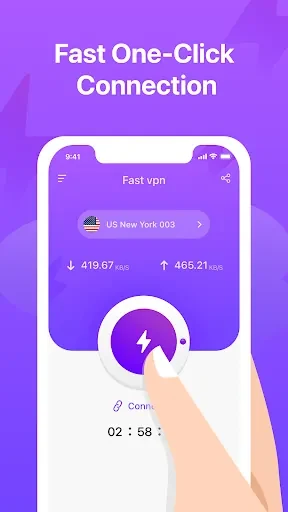
The app provides a one-click connection function. According to the supplied description, a user can tap the connection control to connect to a VPN proxy server without going through a complicated setup process. The description also says that the app can automatically connect to an optimal server when using this function, although it does not define how that selection is made.
Can users choose a server?
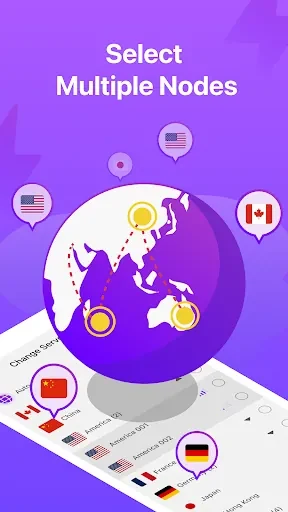
Fast energy vpn includes a range of free servers and allows users to choose among available options. This can be useful when a user wants to compare connection performance or select a server based on their preferred speed and reliability. The source specifically presents server selection as a control for users who want more choice than a single default connection.
What does the app say about connection performance?
The app is described as providing fast and stable VPN connections and as working with both fast and slow internet connections. These are product claims rather than independently verified performance results. The supplied material recommends trying different server options to identify one that suits the user’s connection and location, but it does not provide measured speeds, latency figures, or coverage details.
Does it encrypt internet traffic?
Internet traffic encryption is listed as one of Fast energy vpn’s functions. The description says this feature is intended to keep online activity private and reduce the risk of traffic being intercepted. Encryption is a supported app feature in the source, but the material does not specify the encryption protocol, logging policy, privacy policy, or the types of data the app may collect.
Who might use these controls?
The app’s stated features are aimed at users who want a simple VPN connection, a choice of free servers, and an encryption option in one Android tool. The one-click control addresses quick connection needs, while the server list provides an option to try different connections when the current one does not meet the user’s preferred performance. The supplied data does not identify a minimum Android version because the recorded minimum-operating-system field is incomplete.