

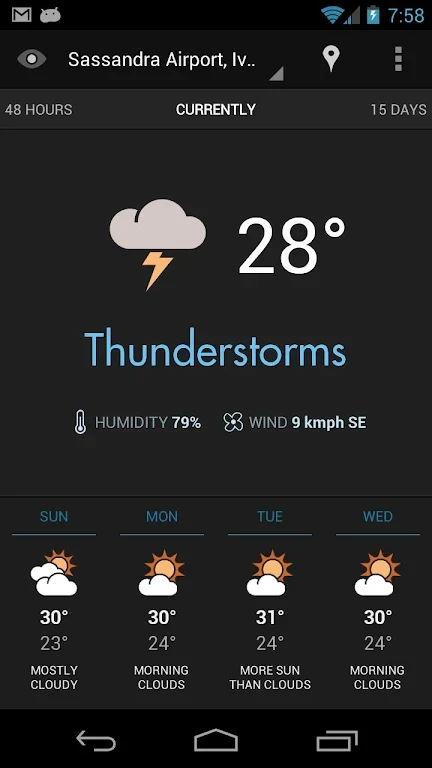
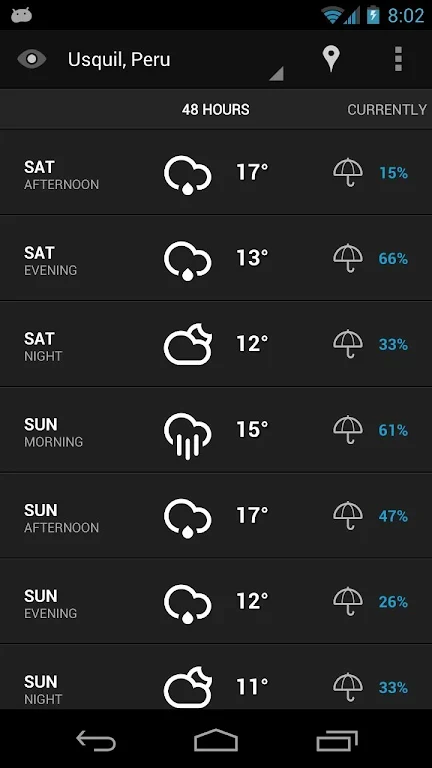
Eye In Sky Weather is designed for people who want weather information presented clearly and styled to match their preferences. Its clean interface, customizable visual options, widgets, and notification provide several supported ways to view weather conditions without relying on a single display.
Choosing a weather style that fits your screen
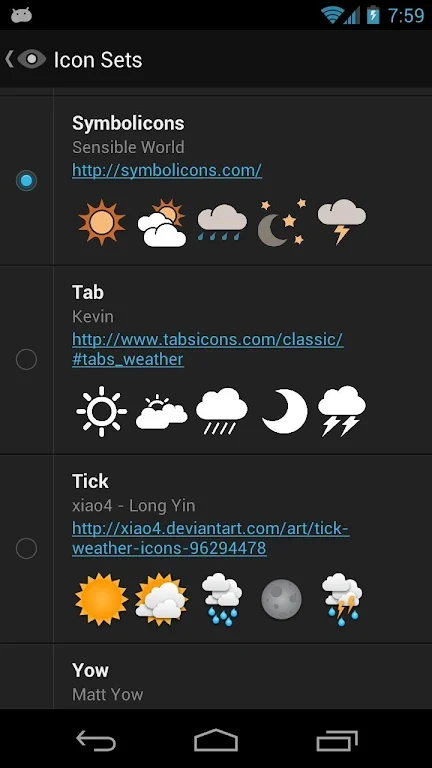
The app includes 14 weather icon sets, allowing you to change how weather conditions are represented in the interface and related displays. This gives the app a choice of visual styles rather than requiring one fixed appearance. Eye In Sky Weather also supports adding your own icon sets, so the available presentation can be extended with custom artwork through the app's settings.
Checking weather from the home screen
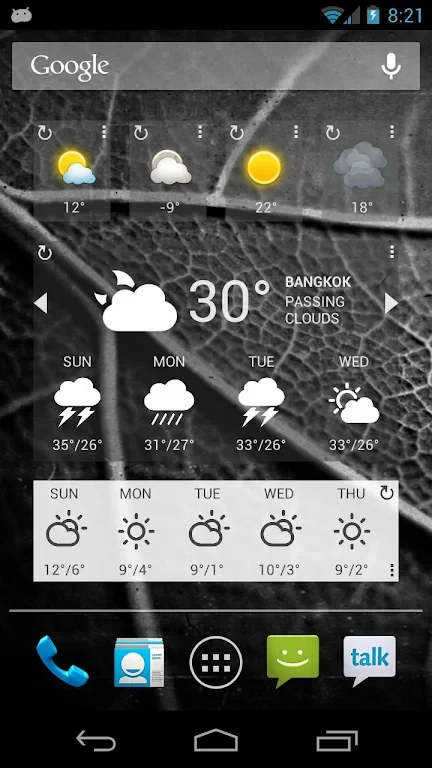
When weather information needs to remain accessible from the Android home screen, Eye In Sky Weather provides four widgets. Their customization options let you choose the widget size, layout, and information shown. These controls are intended for tailoring the displayed weather details to the available home-screen space and to the information that matters most to you.
Viewing a quick update through notifications
The expandable notification offers a snapshot of current weather conditions without requiring the main app interface to be opened. Its content can be personalized so the notification presents the weather information selected by the user. This creates a separate viewing option for checking conditions from the notification area.
Accessing weather information with DashClock
For devices using DashClock, the app includes a DashClock extension. This integration makes current weather information available through the DashClock lock-screen widget, adding another supported location for viewing weather details.
Removing ads with the pro key
A pro key is available for users who want to remove advertisements while supporting the app's development. The source describes the pro key as a separate purchase that provides an ad-free experience and contributes to ongoing work on the app and its features.
Using a straightforward weather interface
Alongside its customization options, Eye In Sky Weather emphasizes a clean and simple interface intended to keep weather information readable without unnecessary visual clutter. The main display, icon choices, widgets, expandable notification, and DashClock extension can therefore be used as separate ways to present the weather in a preferred style and location.