

Overview
Expressive Comic Creator gives Android users a focused workspace for drawing comics and shaping illustrated stories. Its smooth artistic brush responds to different pressure levels, helping artists create detailed lines and varied visual effects. A minimalist interface keeps the main workflow easy to navigate, while layers allow separate elements to be adjusted without changing the rest of a design. The app also includes copy-and-paste support for comic panels, making it easier to maintain continuity or test different arrangements. These tools can suit experienced comic artists as well as people beginning their first illustrated projects.
What You Can Do
⭐ Draw details and designs with the smooth artistic brush. Pressure-sensitive input supports a more natural drawing experience and can help produce different line effects.
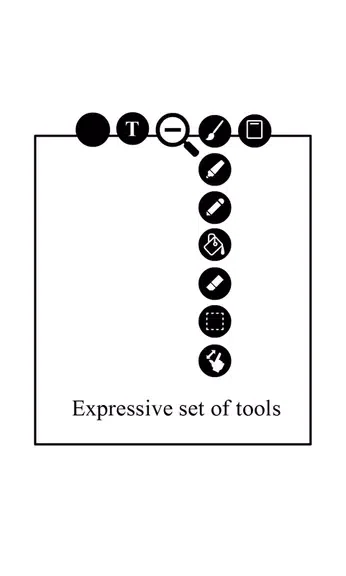
⭐ Adjust brush settings such as size, opacity, and pressure sensitivity to explore different styles and levels of detail.
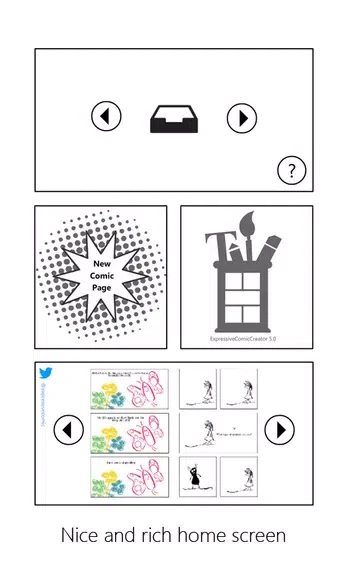
⭐ Work through a minimalist interface that keeps navigation straightforward and avoids unnecessary visual clutter while you create.
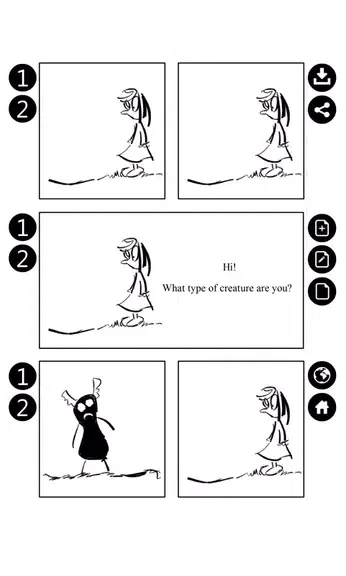
⭐ Copy and paste comic panels within the app. This can save time when building continuity or trying several panel arrangements.
⭐ Use layers to separate parts of a comic. Individual elements can then be adjusted without directly affecting other parts of the design.
⭐ Experiment with panel layouts by moving from one configuration or arrangement to another and using copied panels to compare ideas.
Using the App
A practical workflow can begin with choosing a brush size, opacity, and pressure setting that matches the intended drawing style. Separate visual elements across layers when you need more control over later edits. As the story develops, copy and paste panels to test alternate compositions or preserve repeated visual elements. The uncluttered interface is designed to keep these drawing and arrangement tasks within a direct, focused workspace.
Why It May Appeal
✅ The pressure-responsive brush offers more expressive control than a single fixed drawing effect.
✅ Layers provide a way to make targeted adjustments without reworking every part of a comic.
✅ Panel copying can make continuity work and layout experimentation more efficient.
Developer
Expressive Comic Creator is listed as being developed by BahraniApps.