
eWay helps users stay connected to their conveyancing case from a smartphone or tablet. It is designed for people managing a property sale, purchase, or re-mortgage who need convenient access to case information while away from a computer. After signing in with an eWay username and password, users can review case activity, receive notifications about actions that need attention, and open relevant materials from the app. Bringing these functions together can make it easier to follow progress and respond when their conveyancer requires something.
Access your case while on the go
The app provides quick access to an eWay case from a mobile device. This allows users to remain connected to their conveyancing information during the process rather than relying solely on access through another device. The service supports cases relating to sales, purchases, and re-mortgages.
Notifications for required actions
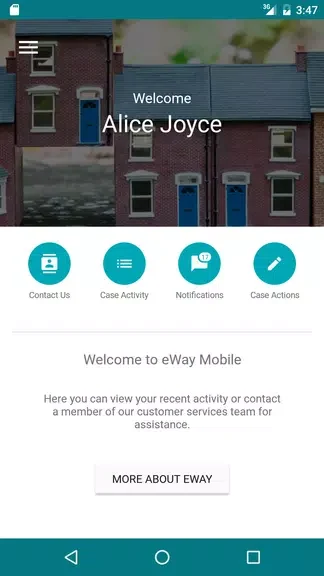
Push notifications alert users when there are actions to complete for their case. Enabling notifications helps users receive these updates through the app, making it easier to notice requests and keep track of the next steps in the process.
Documents and supporting information
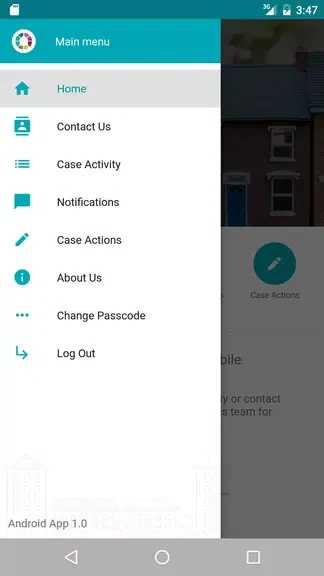
eWay brings together support materials, videos, forms, and case documents. These resources can help users find information about their case and the conveyancing process from the same place, while the available forms and documents provide direct access to material they may need to review or complete.
Sign in to review case activity
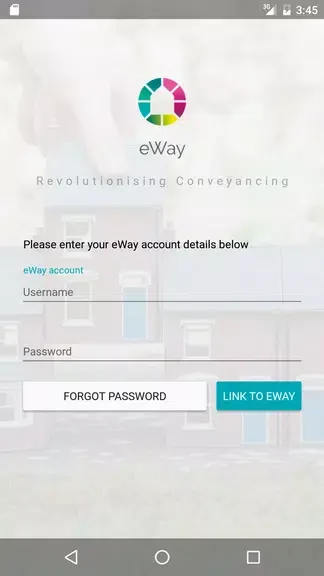
Users log in with their eWay username and password to access the app. Once signed in, they can view details of case activity and use the available resources to stay informed about progress. The app is intended for users whose conveyancing work is managed through eWay.