

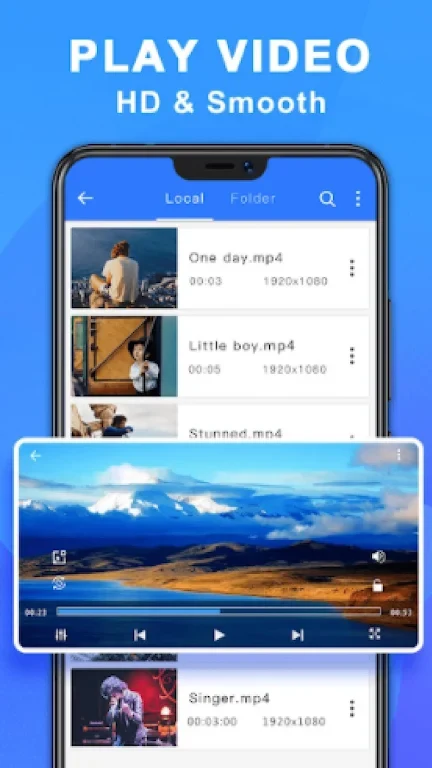
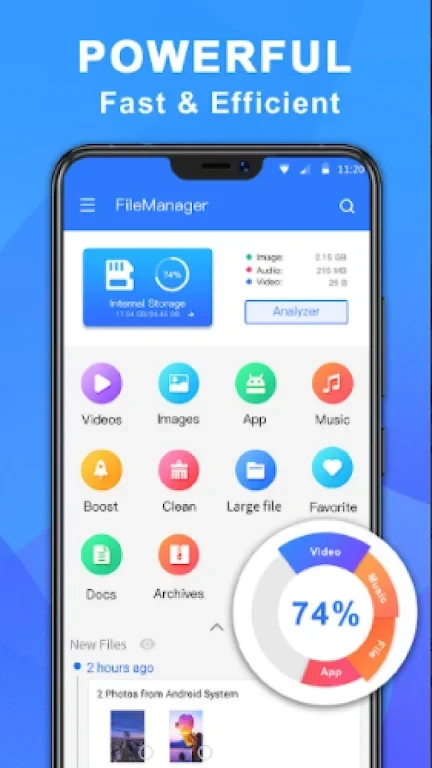
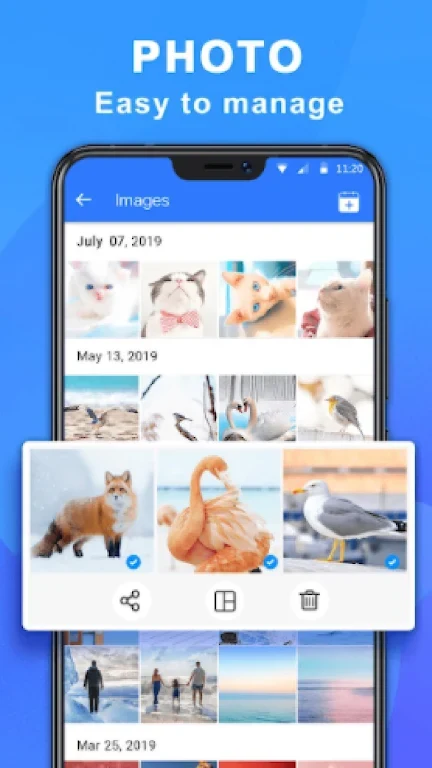
ES File Explorer Root - File Manager brings everyday file operations and several transfer options together on an Android device. It can help you browse and organize local files, open supported documents, and share content without relying only on a computer connection. Alongside common actions such as copying, moving, renaming, and deleting, the app handles ZIP and RAR archives and can connect with computers or FTP servers. Root-storage tools are also described for advanced users, while the app’s standard file functions serve more routine tasks.
Everyday file and archive tasks
The manager provides familiar operations for creating, copying, pasting, cutting, deleting, and renaming files. It can also send files by email, which gives users another way to share content. ZIP and RAR decompression lets you access files inside supported archives, and the description notes that the app can open documents in various file types. These tools bring basic organization, viewing, and sharing into the same file-management workflow.
Connections to computers and FTP servers
For moving files beyond the phone, the app describes wireless access through Wi-Fi, FTP, and SMB. Its Wi-Fi transfer feature allows phone files to be edited from a computer using FTP, while Wi-Fi and SMB are listed as options for transferring files to a computer. The FTP client can manage files on a server in a manner compared with browsing an SD card. The source also mentions accessing computer content over Wi-Fi.
Root access and additional tools
Root Explorer is intended for advanced users who need to explore or edit files in the phone’s root storage partition. Listed actions include copying, pasting, and deleting files, with examples of system locations such as data and cache folders. The app also includes an application manager for categorizing, opening, stopping, uninstalling, and backing up apps. Its document editor supports text formats including HTML, XHTML, and TXT, and the description says it can edit files on rooted phones.
Storage, compatibility, and caveats
The app is described as scanning for and deleting junk files, and the source lists cloud-storage management as an advantage without detailing how that function works. It also mentions managing 3G connections but provides no further explanation. The supplied FAQ states that Android 5.0 or later is required and gives an installation package size of 6.9 MB, with an additional 100–500 MB suggested for updates and cache. Insufficient storage, incompatibility, and a weak network connection are listed as possible reasons for installation problems. The source also flags click-fraud issues but does not explain their scope.