

Ephoto 360 is a photo editing application designed for creating personalized images from selected effects and photos. It organizes options in tabs so users can browse filters by Latest, Events, Categories, Popular, and Favorites. After choosing a filter, users select a photo and can add text, decorations, backgrounds, stickers, overlays, or other elements. The app also provides frames, artistic effects, and image-adjustment tools for brightness, contrast, saturation, sharpness, cropping, zooming, and focus. Its clearest use is quick visual customization for cards, greetings, artwork, and social sharing.
How do you choose an effect and build an image?
Browse the available tabs and swipe through the options until you find a suitable filter or template. The editing process starts by selecting the desired effect and then choosing the photo to which it should be applied.
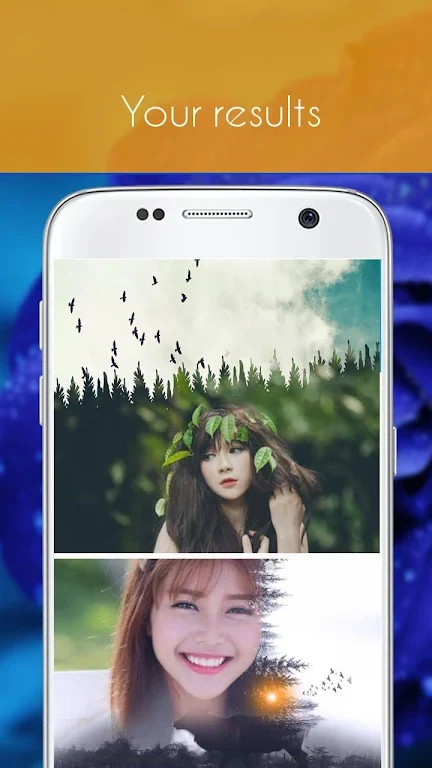
After that, you can combine the image with text, decorations, backgrounds, and other elements. Colors can be adjusted for these additions, while the included tools help you assemble a composite image according to your preferred design.
What types of creative effects are included?
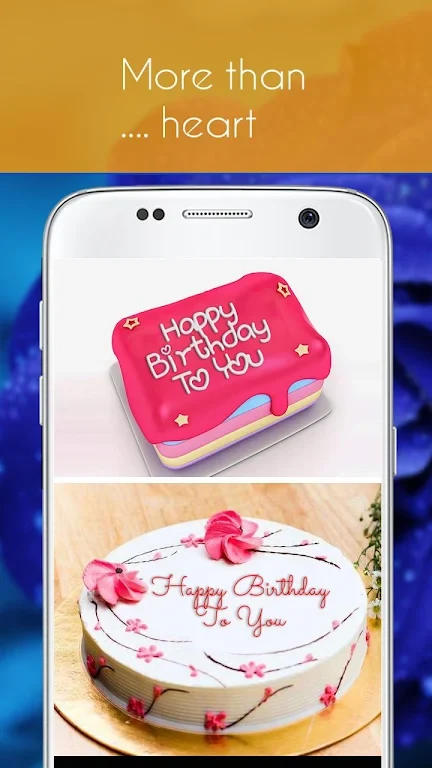
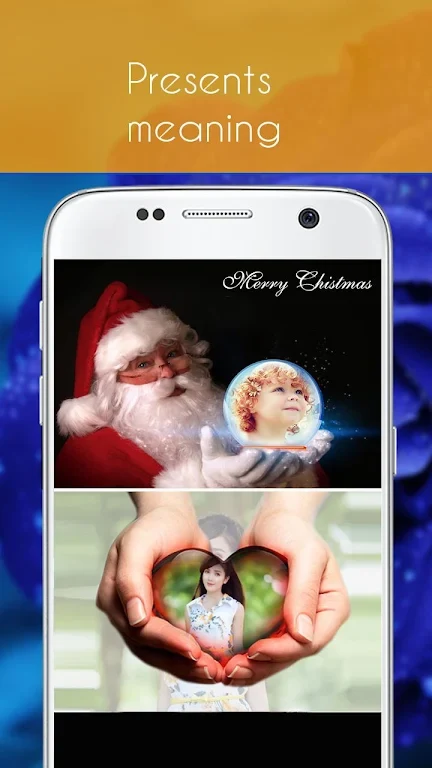
The library includes text effects for birthday wishes, birthday cakes, birthday frames, and birthday cake collages, along with love frames and love cards. It also contains crystal ball effects, galaxy text effects, artistic text graffiti, and lead paint effects intended to turn photos into artworks.
Ephoto 360 also provides an online calligraphy tool with feng shui calligraphy and calligraphy couplets. Its artistic frame library includes a range of frame effects and is described as receiving continuous updates. The listed themed content includes 2018 Christmas frames and effects, 2018 Christmas cards, New Year frames, and 2018 New Year cards.
Can you adjust photos beyond applying a template?
Yes. The editor supports brightness, contrast, saturation, and sharpness adjustments, as well as cropping and zooming to focus on particular details. You can also doodle on photos, write with different fonts and colors, insert stickers, add overlays, and adjust focus.
A sticker manager is included for items such as 2018 World Cup stickers, temporary tattoos, and face stickers. The app also lists tools for creating game covers, including LOL-related cover and avatar editing options. These features allow a selected photo to be changed with both basic corrections and decorative elements.
What can you create with the template library?
The templates cover several occasions and creative purposes, including greeting cards, birthday messages on virtual cakes, love-themed images, and artwork made from photos. Picture-in-picture effects, borders, filters, stickers, and text formatting provide additional ways to shape the final composition.
Once an image is finished, the source describes sharing it with friends through social platforms. Installation instructions state that a downloaded Ephoto 360 APK can be installed without an internet or Wi-Fi connection: open the installer, complete the installation process, wait for it to finish on the Android device, and then open the app.
Who may find Ephoto 360 useful?
Ephoto 360 may suit Android users who want a straightforward, tab-organized editor for combining photos with themed effects and decorative content. It is particularly relevant for people making greeting cards, birthday images, love cards, artistic edits, game-related graphics, or social-ready compositions without limiting themselves to basic filters alone.