

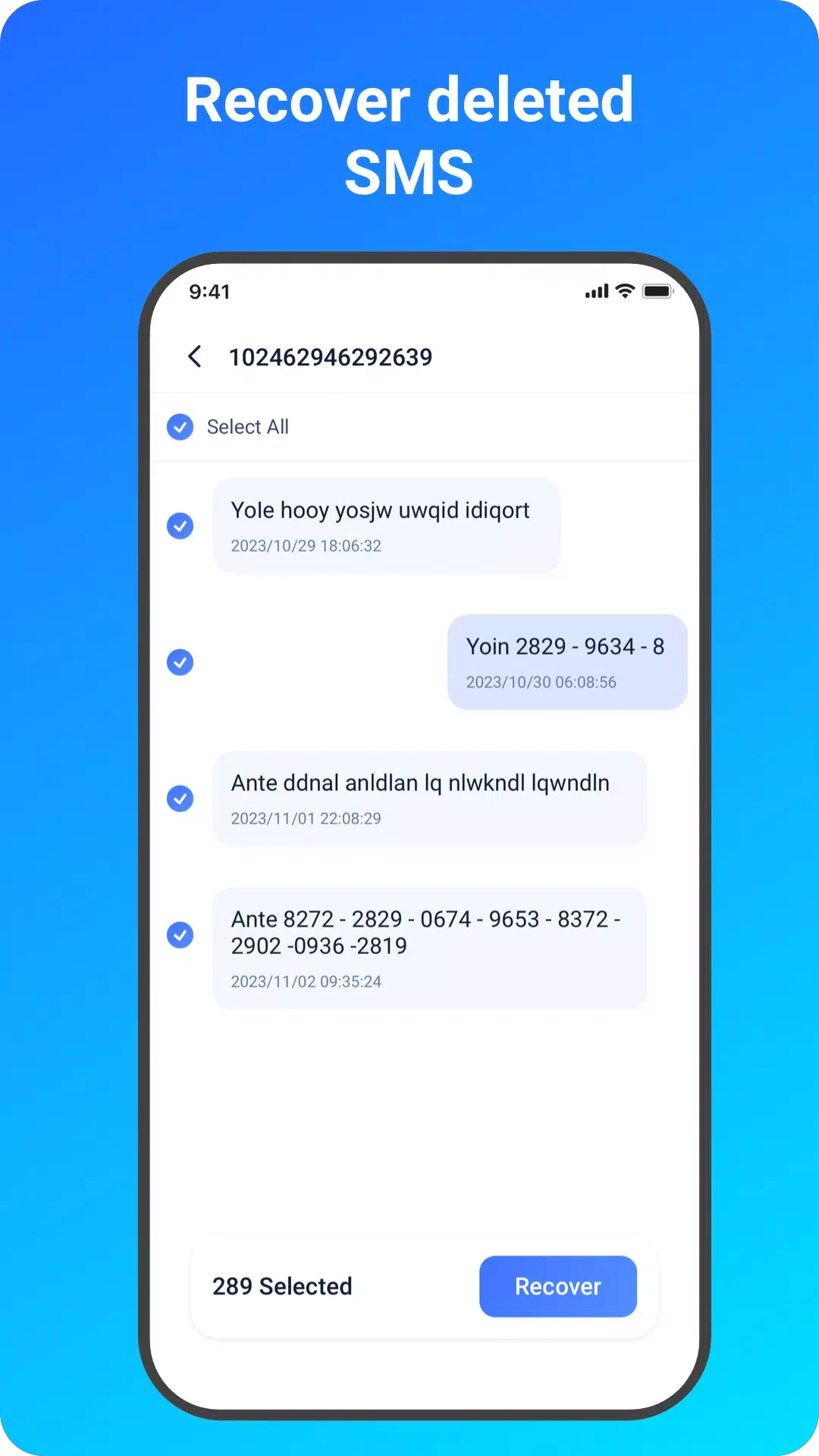
EaseUS MobiSaver Premium is designed for situations where deleted photos, videos, contacts, messages, call logs, or other files need to be located on an Android device. The app provides separate recovery modes, scans available storage for recoverable items, displays results for review, and lets users select individual files or groups before tapping Recover.
Choosing a recovery task
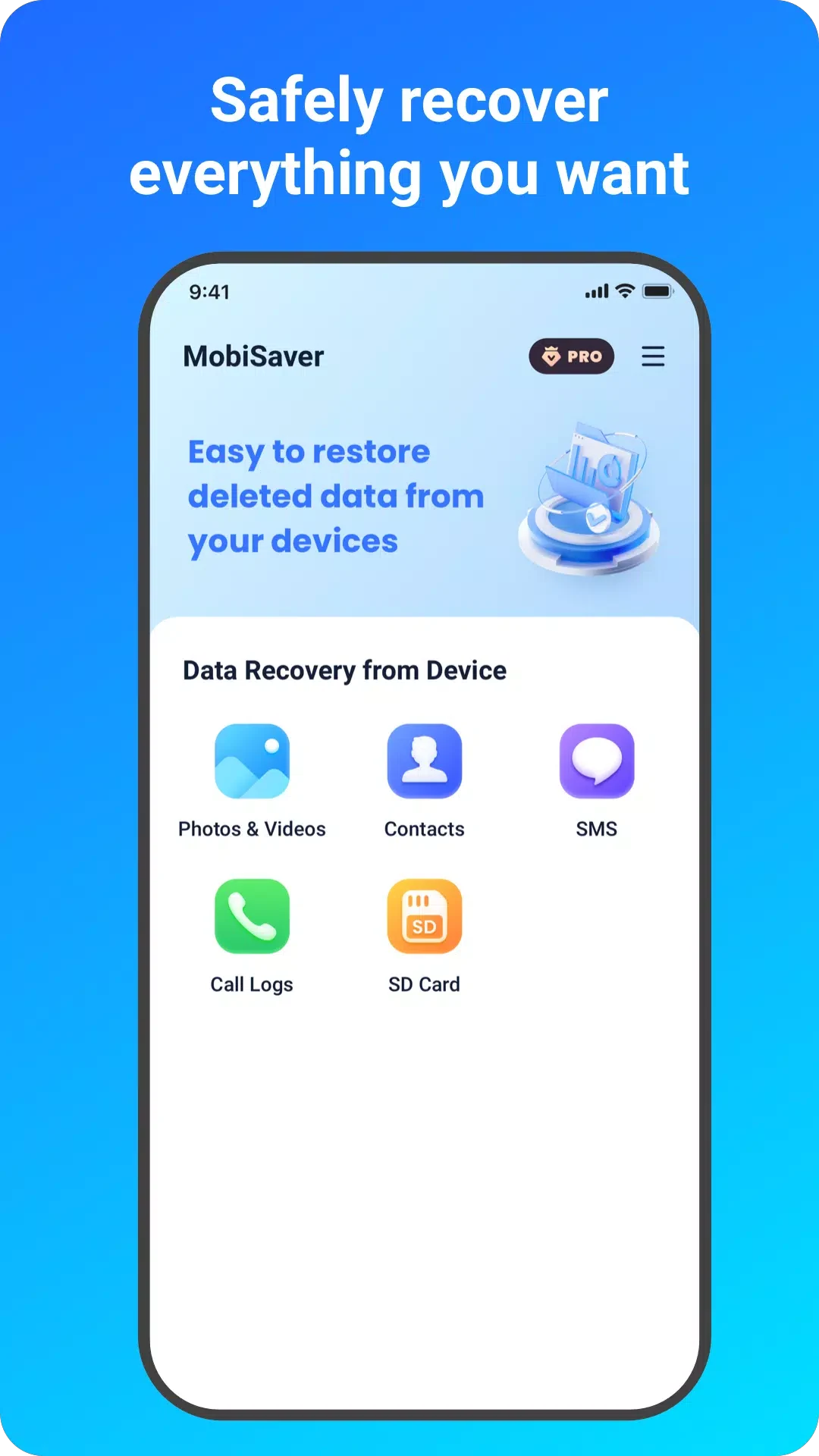
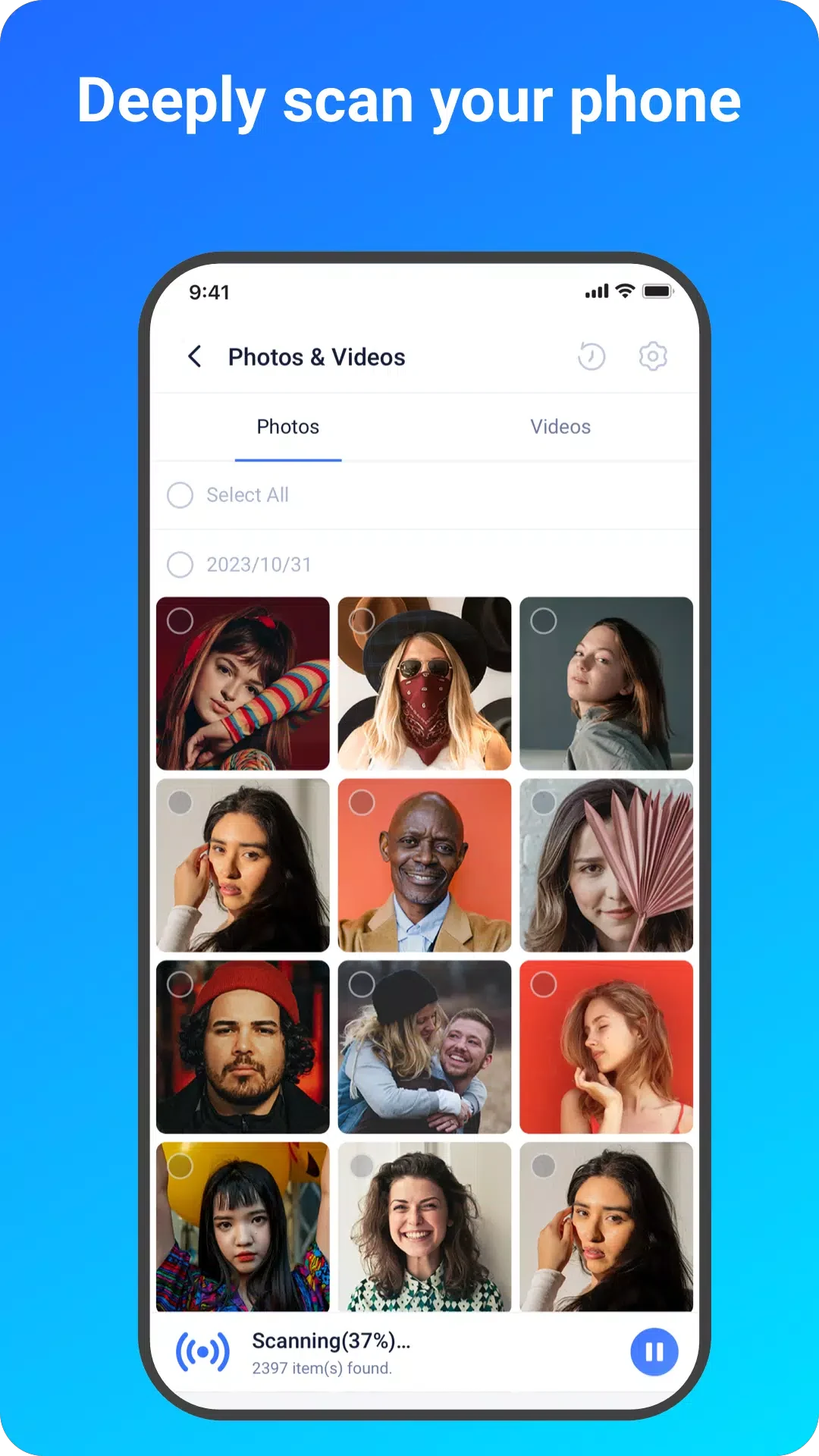
The recovery process begins by selecting the type of data to look for. The documented modes include Photo & Video, SMS, Contacts, Call Logs, and SD Card. This gives the scan a defined purpose instead of requiring users to work through one undifferentiated list. The app is described as scanning for deleted photos, videos, and contacts in a few minutes, although the time needed can vary with the amount of data being scanned.
EaseUS MobiSaver Premium can work with both internal device storage and an Android SD card. The SD card mode is intended for cases where the files being sought are stored on removable storage, while the other recovery options address supported data on the device. The source also describes a backup function for regularly backing up important information and files, providing a separate way to prepare data for easier recovery.
Reviewing scan results before recovery
Found files are listed during the scanning process and can be previewed as the results appear. Photos and pictures are presented with thumbnails, file formats, and file sizes, which helps identify a particular image among the scanned entries. Videos and other supported files can likewise be assessed through the information shown in the results.
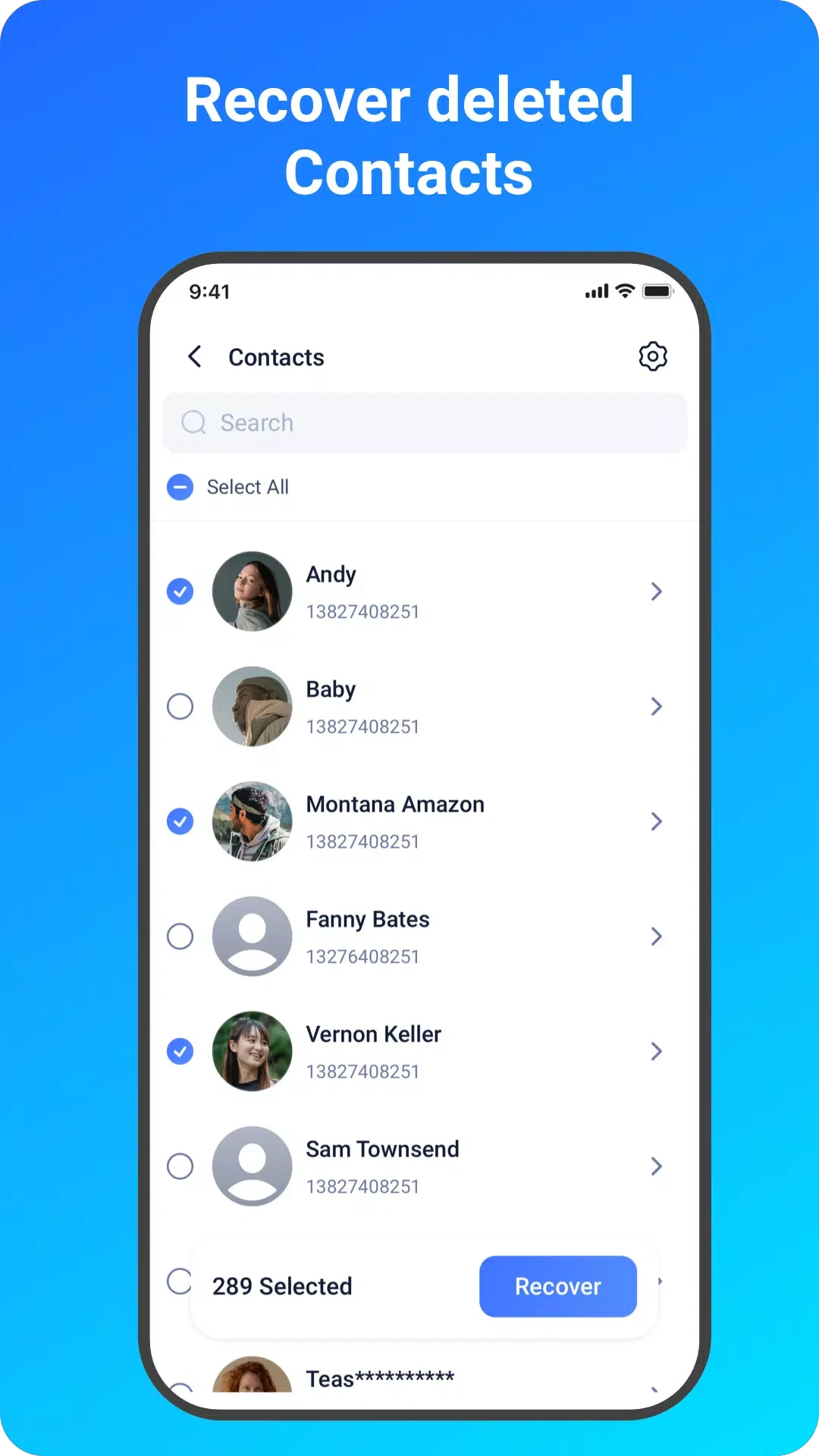
Contacts are displayed with the exact person name and phone number supplied in the scan results. This detail is useful when several deleted contacts appear together and the required entry must be distinguished before recovery. The interface is described as straightforward, with the recovered-data list providing a way to navigate through identified items rather than recovering everything without selection.
Finding specific files with filters
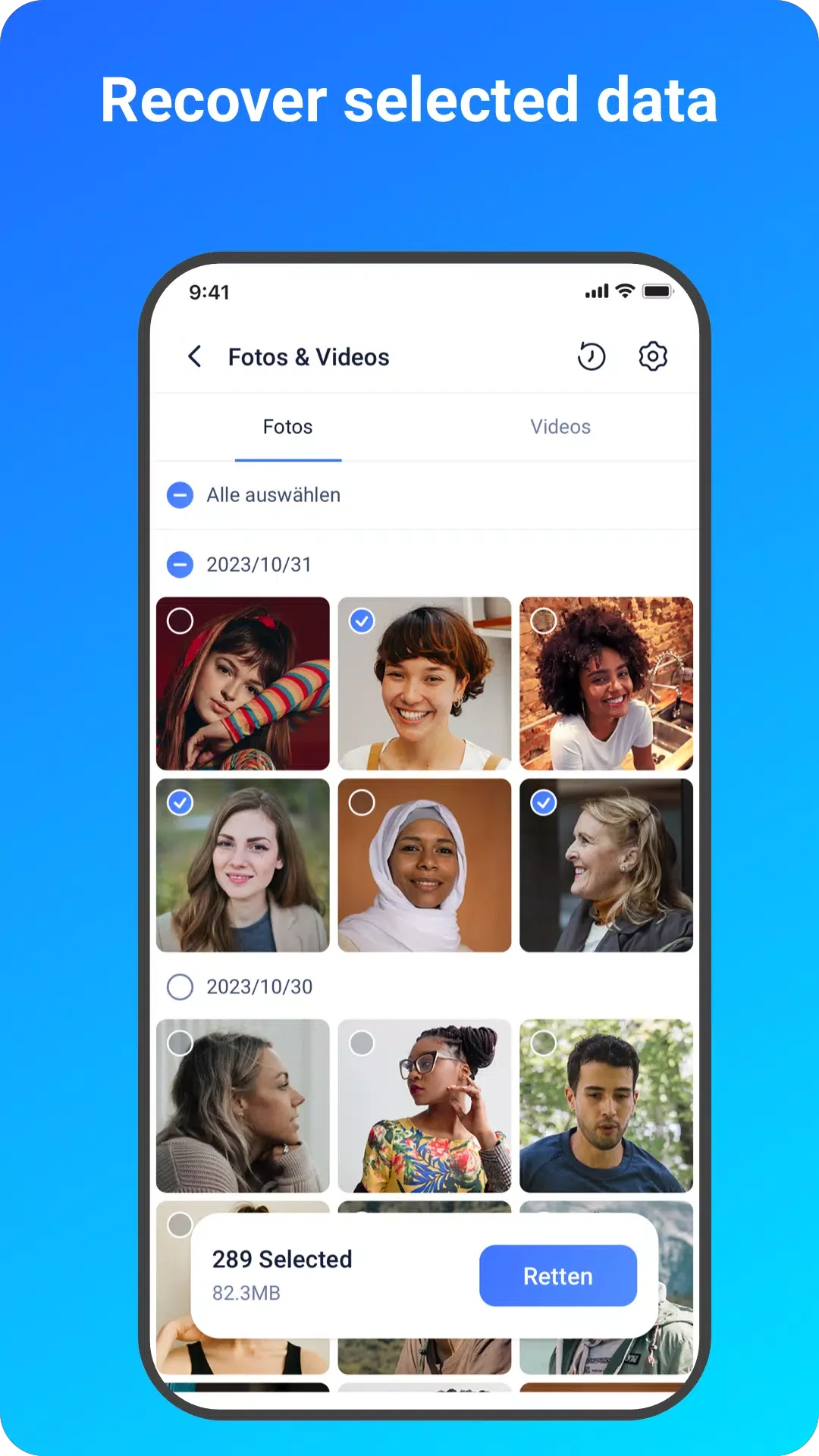
Large scan results can be narrowed with filters available during or after scanning. For pictures and videos, the documented filter choices are file size, file type, and date. These controls allow users to focus on a particular format, limit results to a suitable size range, or look around a relevant date when searching for an item.
Filtering is part of the review stage, so users can scan first and then refine the displayed results before choosing what to recover. The same controls can also be used while the scan is in progress according to the supplied instructions. This keeps the selection process centered on the files that match the chosen criteria.
Selecting files to recover
After reviewing or filtering the results, users choose the files they want to restore and tap the Recovery option. The recovery function supports both individual files and groups of files, allowing a single contact, image, or video to be selected when only one item is needed, or multiple entries to be handled together.
The app also provides root-permission support on rooted smartphones. Allowing root access is presented as an optional way to expand the app’s recovery capabilities, so its availability depends on whether the Android phone has been rooted. The source does not state that root access is required for every recovery mode.
Other access and purchase details
The supplied information states that the app includes advertisements and in-app purchases. It also describes premium access as something that can be unlocked through payment. No specific price or purchase limit is provided, so those details are not defined here.