

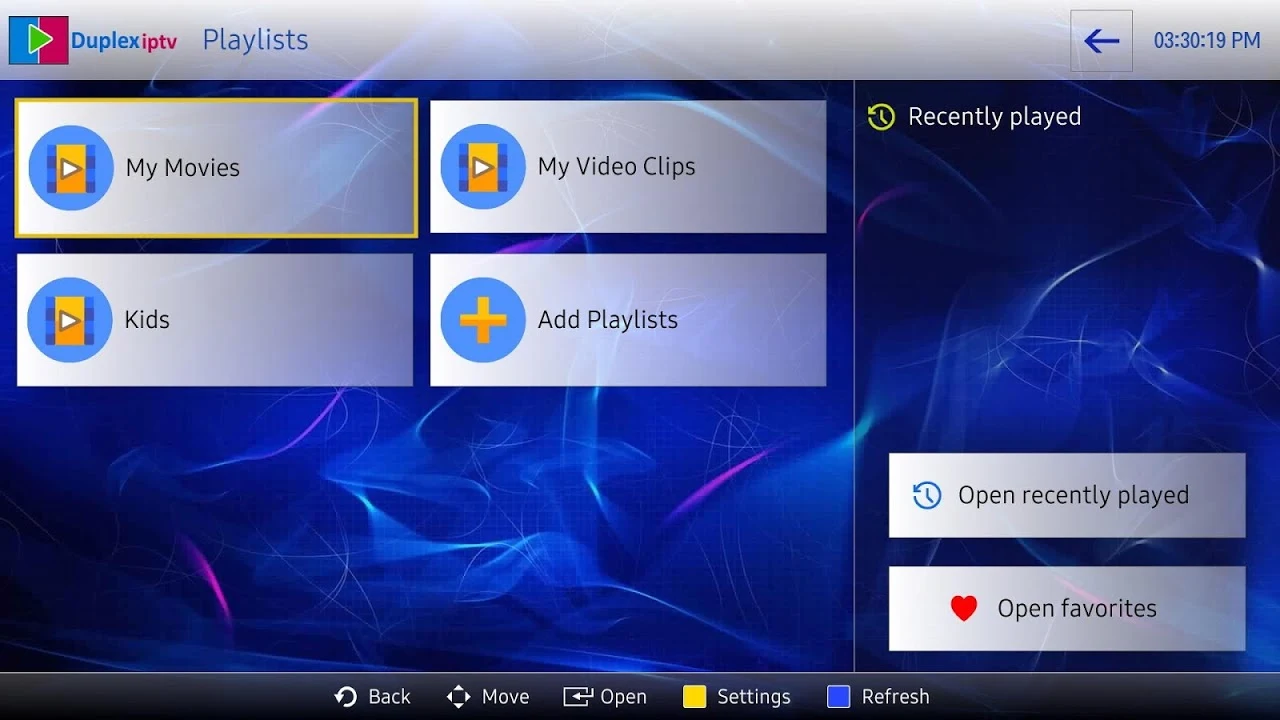
DuplexPlay functions as a comprehensive video player utility that helps users manage and organize their media content. The application presents a clear and intuitive interface that simplifies navigation and gives users direct control over their viewing environment. Through its structured layout, individuals can handle media files, personalize playlists, and keep their preferred shows and videos sorted into designated groups for quick retrieval.
Playlist Management and Organization
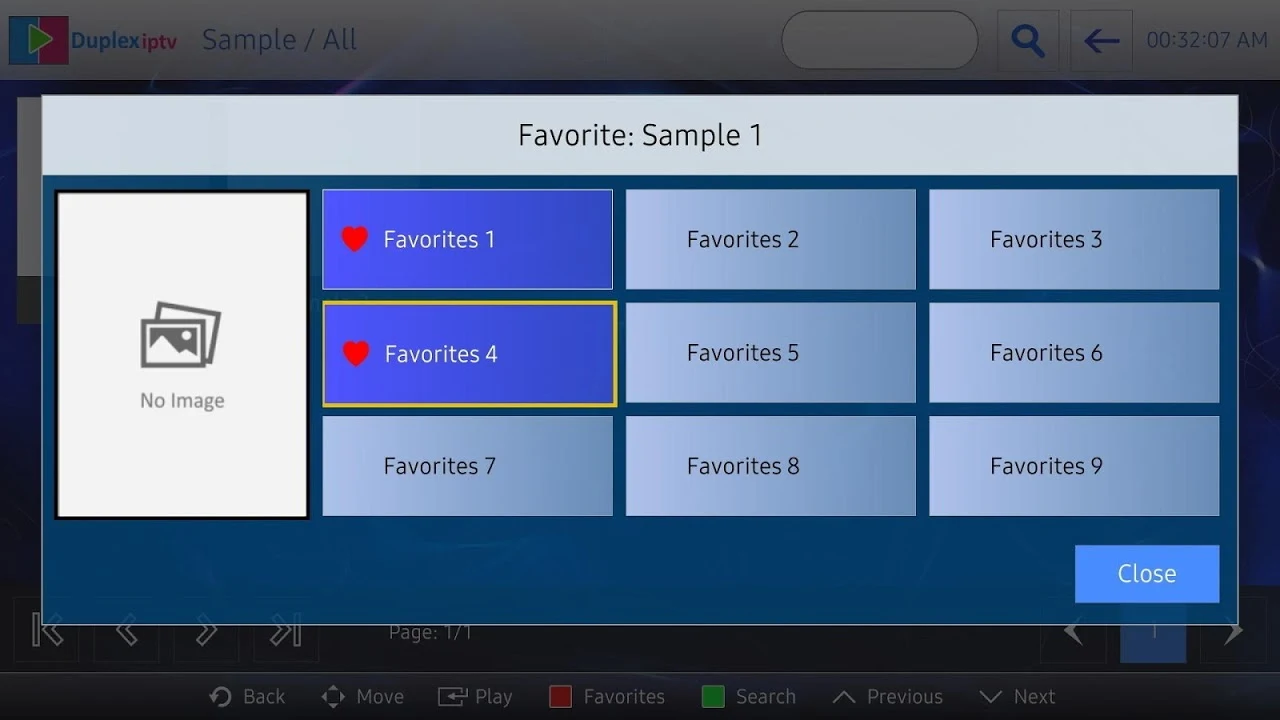
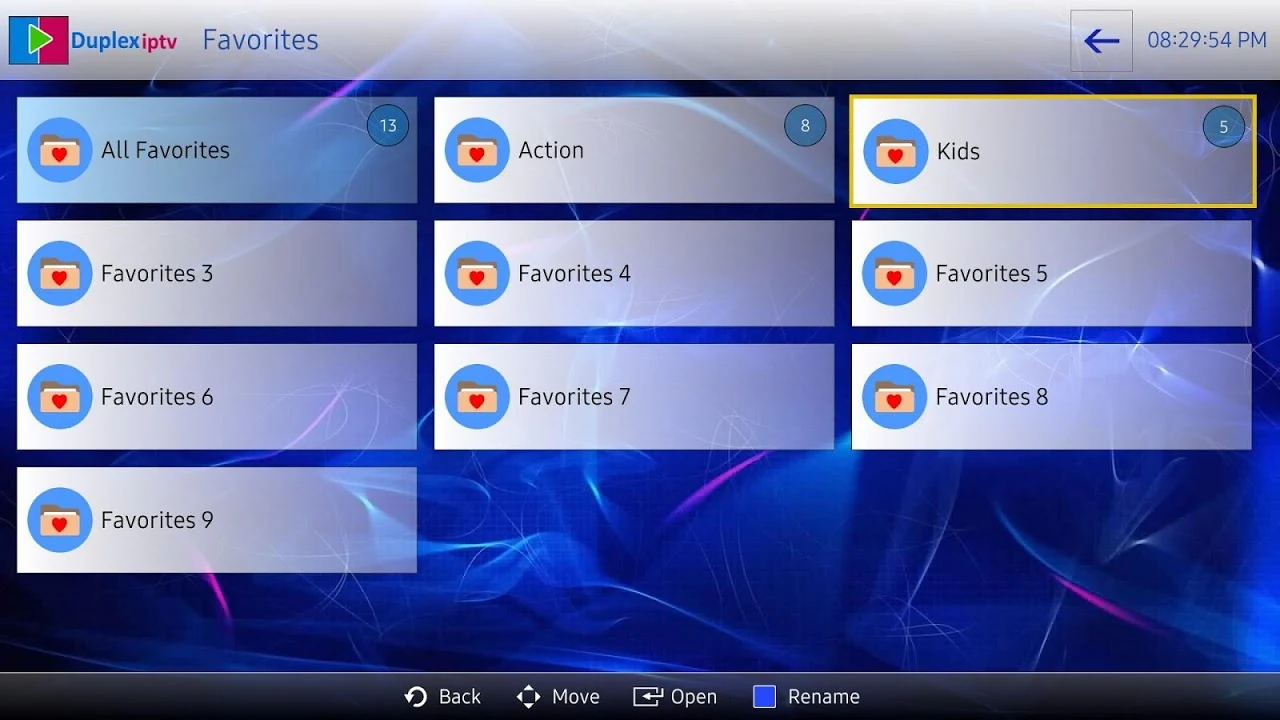
The application includes built-in tools for organizing extensive media collections. Users can embed groups directly into playlists and utilize a dedicated search function to locate specific items quickly within large lists. Additionally, the software supports custom favorites, allowing individuals to designate frequently watched content in one centralized location for faster access during daily media sessions.
Playback Controls and Navigation
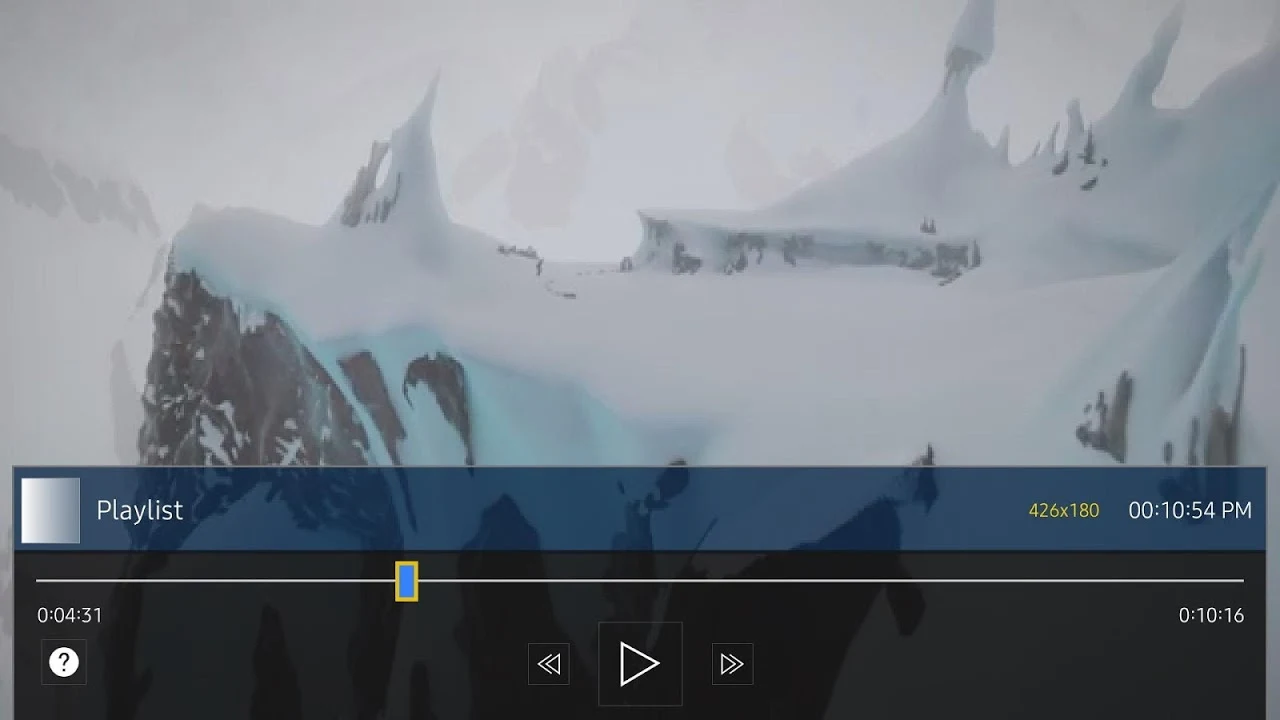
DuplexPlay provides practical playback utilities designed to support continuous viewing. The application saves recent playlists and automatically records the last viewed position, enabling viewers to resume playback precisely from where they left off rather than starting over. For targeted navigation, users can utilize a time slider to drag and jump to any desired location within a video file.
Audio Tracks and Subtitle Customization
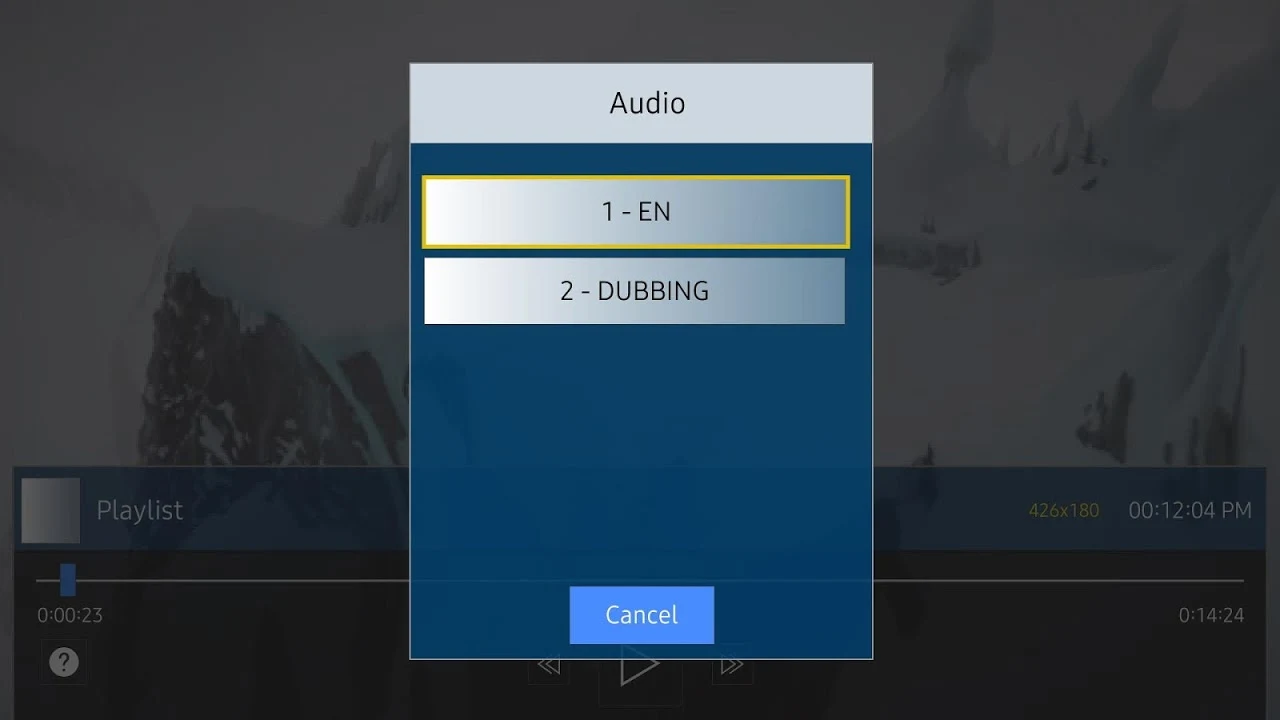
To accommodate diverse media preferences and multilingual requirements, the utility supports the selection of different audio tracks and embedded subtitles. Viewers can switch between available audio streams and subtitle options directly through the interface to match their viewing needs.
Account and Network Requirements
Operating the application involves configuring personal account information or server addresses, particularly when connecting to IPTV services or streaming online content. Because the software relies heavily on network connectivity, stable internet speeds are necessary to ensure uninterrupted playback and avoid delays or loading errors during video viewing.