

Overview
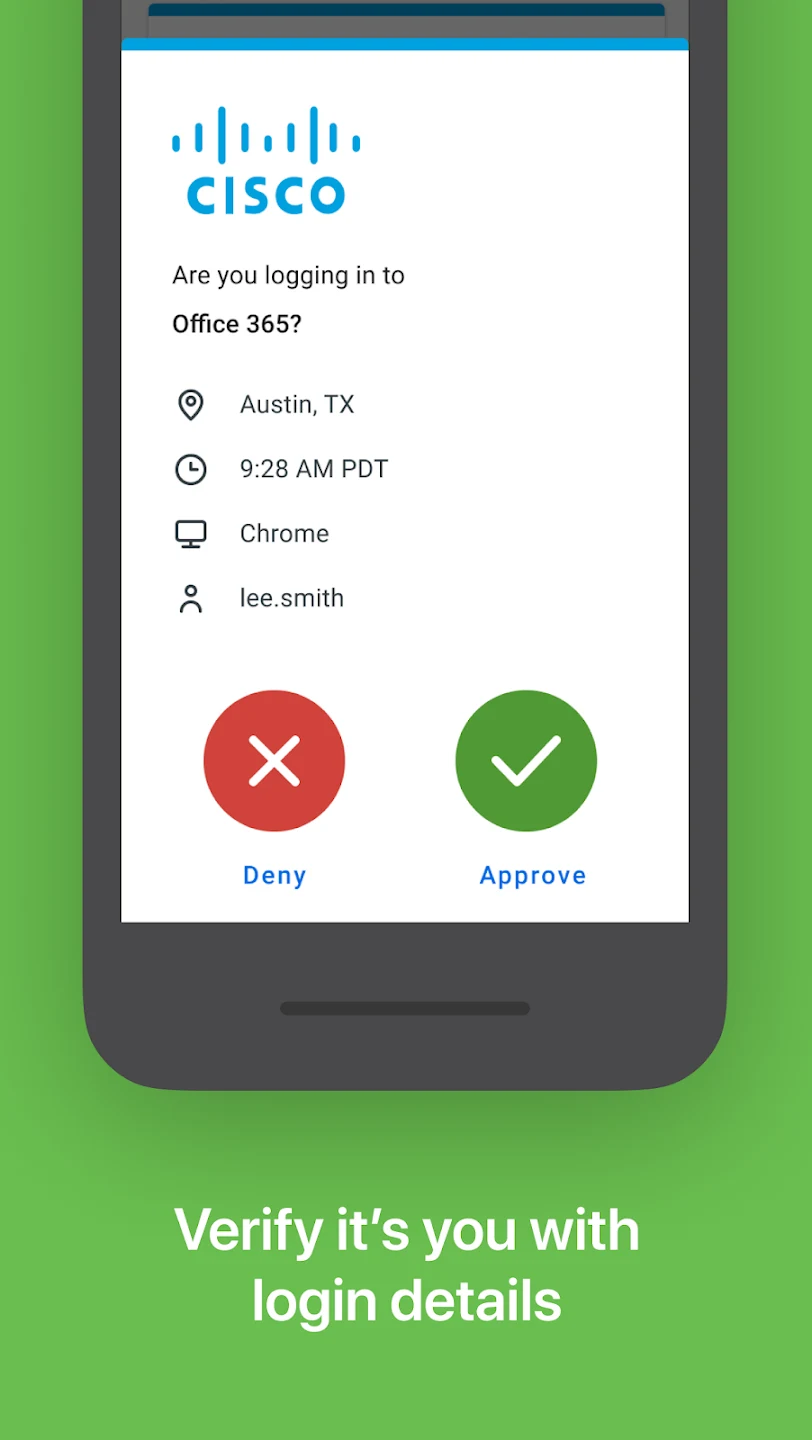
Duo Mobile is an identity verification software designed to help users protect important account information and privacy data. Developed by Duo Security LLC, now part of Cisco, the app generates different verification codes based on time to form a two-factor authentication system, strengthening account security across a wide variety of devices and applications. When unauthorized users attempt to log in, the software allows you to grant or deny permission via message notifications or by entering verification codes. With its strong device compatibility and free, ad-free environment, it provides a reliable layer of protection for personal and organizational accounts alike.
What You Can Do
⭐ Implement comprehensive security for your accounts by adding a robust two-factor authentication step whenever a login attempt is detected, reducing the risk of unauthorized access across supported apps and services.
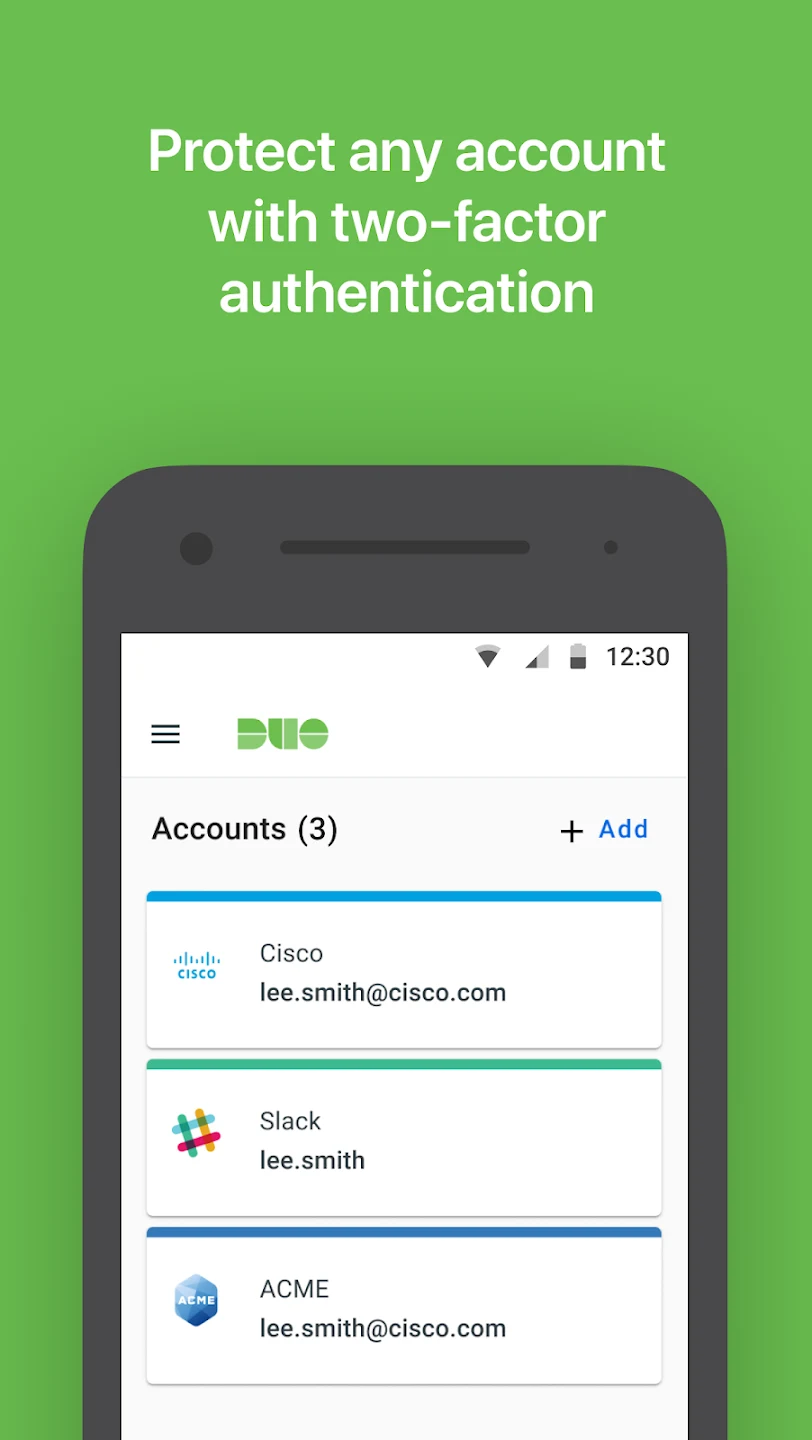
⭐ Set up accounts quickly and easily using a clean, minimalist interface that appeals to both tech-savvy individuals and beginners by simply scanning a QR code provided by the service you wish to secure.
⭐ Manage multiple logins efficiently by organizing and naming your added accounts, generating time-based one-time passwords (TOTP), or utilizing secure push notifications to approve or deny login attempts with a single tap.
⭐ Handle device management and backups by synchronizing accounts with paired devices or linking encrypted backups to a Google Account, allowing you to restore data if your phone is lost or replaced.
Using the App
The application streamlines your daily authentication workflow by delivering quick pings and codes straight to your device. You can interact with notifications directly from your notification bar without needing to fully open the app, ensuring minimal interruption to whatever task you are handling. Whether you are connecting via cellular data, Wi-Fi, or working from deep basements, the app maintains consistent operation. Accounts can be arranged and renamed for clear visual tracking, and the software also features support for Wear OS to expand usability across different form factors.
Why It May Appeal
✅ The app is completely free and refreshingly ad-free, offering dependable security features without financial or visual clutter.
✅ It operates efficiently in various network conditions, including cellular networks, Wi-Fi connections, and low-signal environments like basements.
✅ Built-in cloud backup tools help facilitate smooth transfers when moving from an old phone to a new device under supported conditions.
Things to Consider
❎ The backup and restore process is not as seamless or full-featured compared to certain other authentication applications on the market.
❎ Users have noted a desire for a wider variety of custom icons to distinguish different linked apps and services visually.
Developer
Duo Mobile is developed by Duo Security LLC, which is now a part of Cisco. The development team focuses on delivering identity verification and access security solutions for mobile platforms, including regular updates and responsiveness to user support inquiries.