

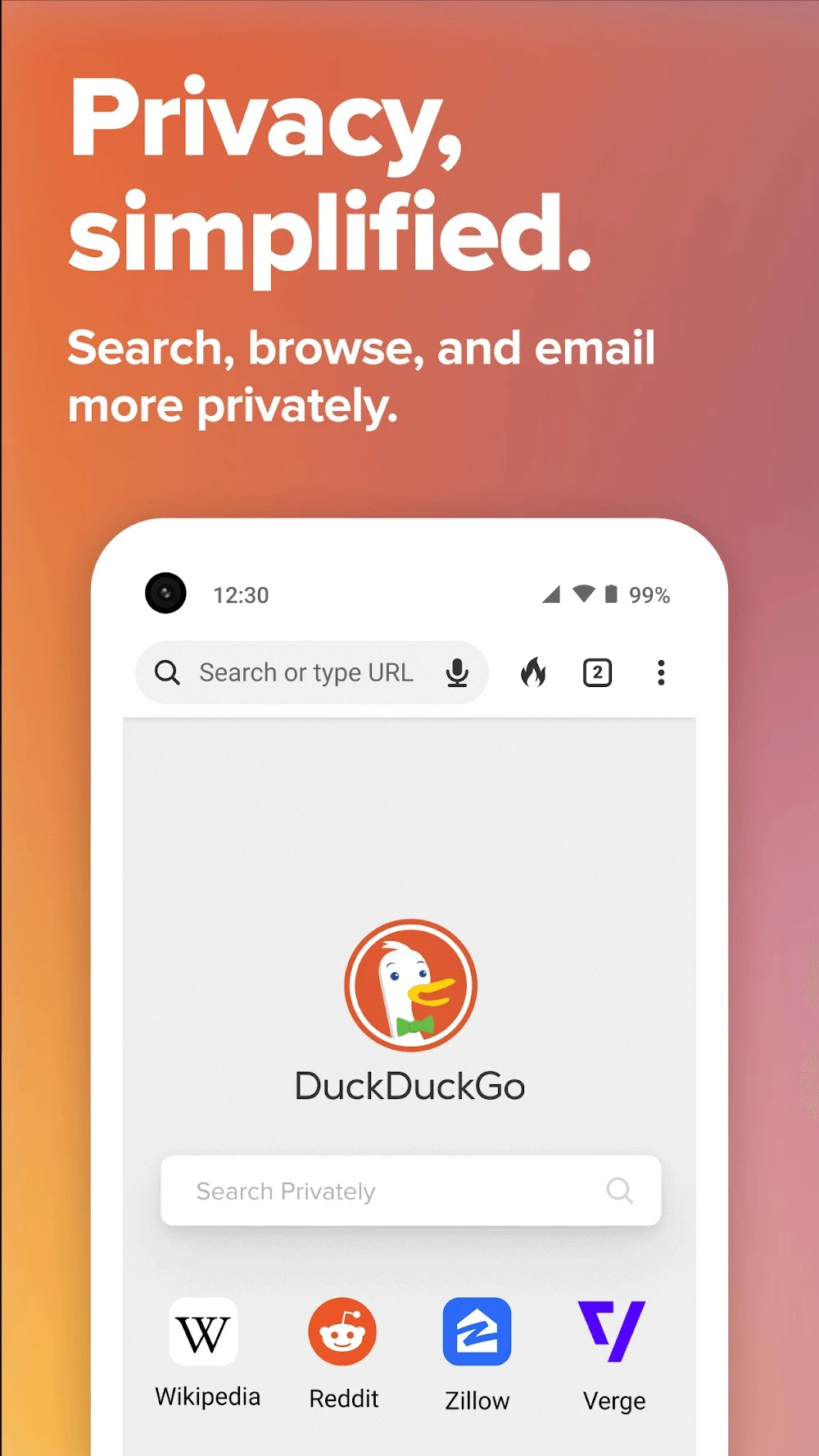
Duck Duck Go is an Android browser centered on privacy. According to the source, its main purpose is to keep web browsing, searching and email activity shielded from third-party tracking, which matters when you want to use the internet without your activity being followed from site to site. The source also describes a private search engine, automatic HTTPS upgrading and a single-tap way to clear browsing data.
Browsing without third-party trackers
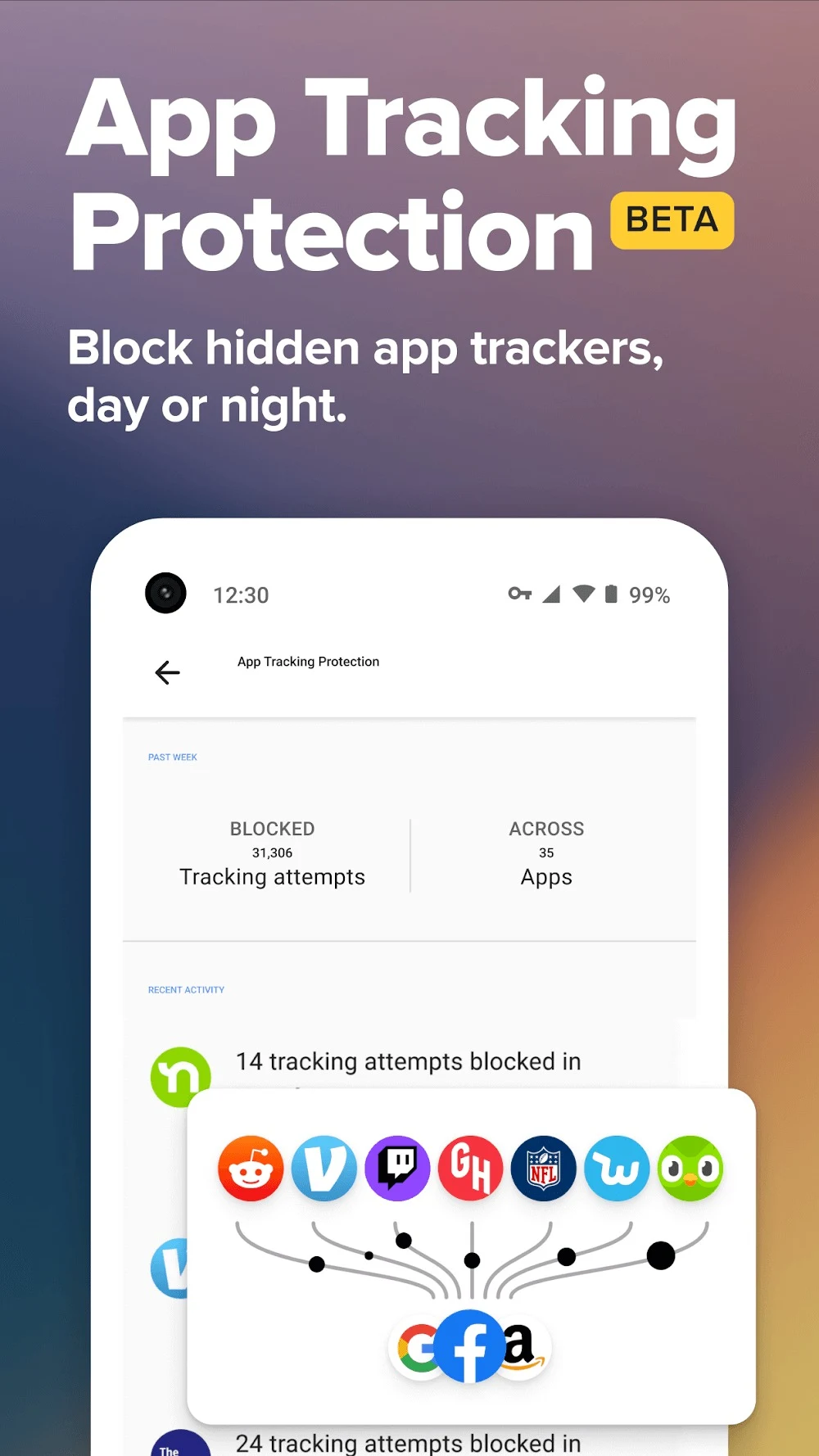
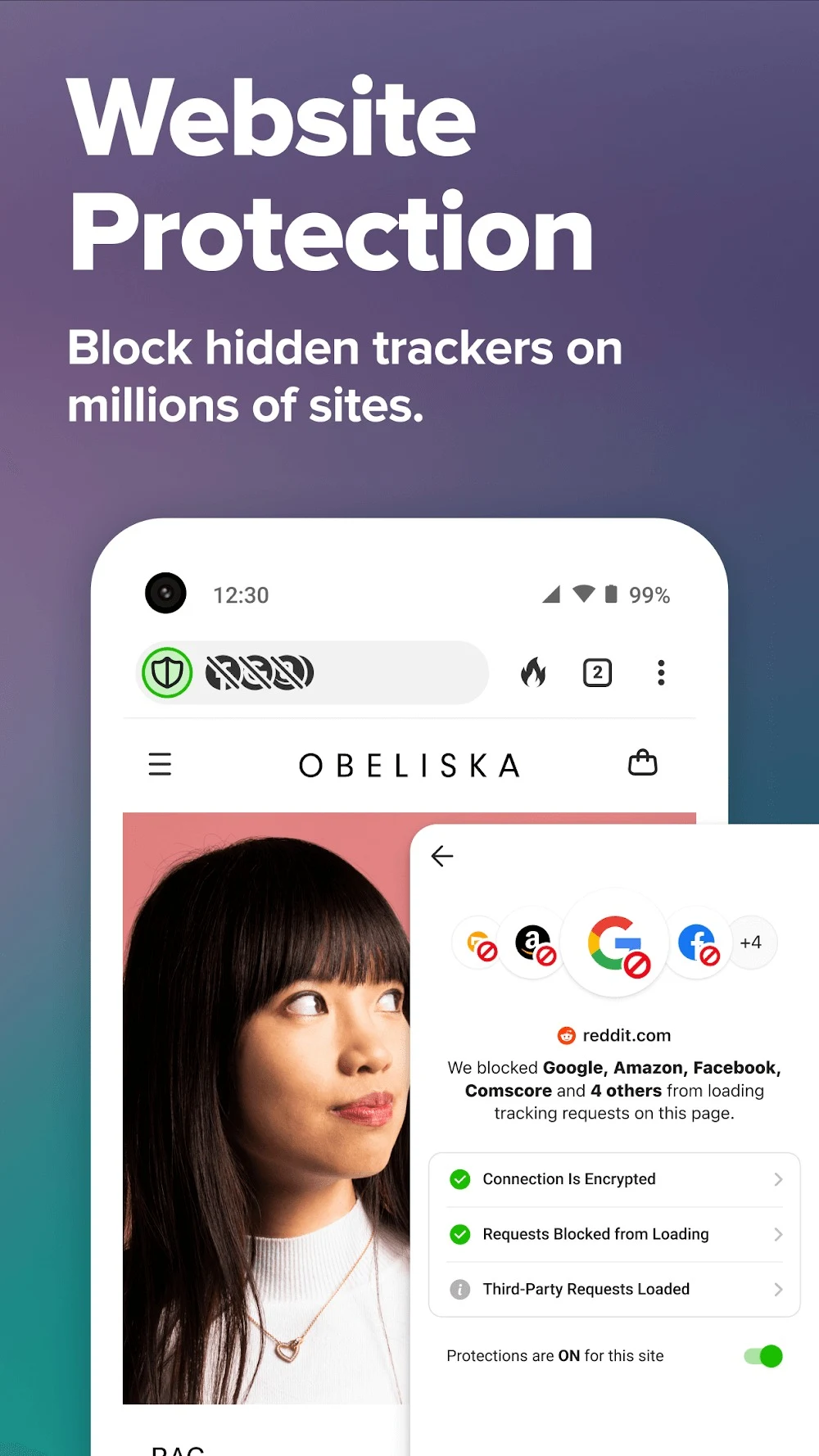
The source says the browser prevents most third-party trackers from loading, so data collection is meant to be stopped before it starts. It also describes blocking tracking ads and cookie pop-ups, which the source links to fewer unwanted interruptions and shorter loading times. The app sends a global privacy control signal to websites, asking them not to sell or share user data. A tip in the source also recommends enabling tracking protection so that app trackers in other apps are blocked.
The source includes a user comment stating that the browser does not have an ad blocker. Because the description and that comment disagree about advertising, anyone who depends on ad blocking should check the current behavior of the app directly before relying on it.
Searching privately and choosing a search engine
The description says Duck Duck Go's search engine does not log search history or tie queries to your identity. The source states that searches are anonymous and that history is not stored, and it says this applies whether you use the latest version or an older build. Users can also choose from different search engines and find content by entering keywords.
Private browsing mode is described as automatically deleting browsing history and not storing browsing history, cookies or search history. The source presents it as a way to search the web without being tracked and to keep search history confidential.
Clearing browsing data with one tap
The Fire Button is described as clearing all tabs, cookies and browsing history with a single tap. The source presents it for people who want to remove their traces quickly without digging through settings. The source does not explain whether the button offers options beyond this single action, so this profile limits its description to what is stated.
Secure connections and email protection
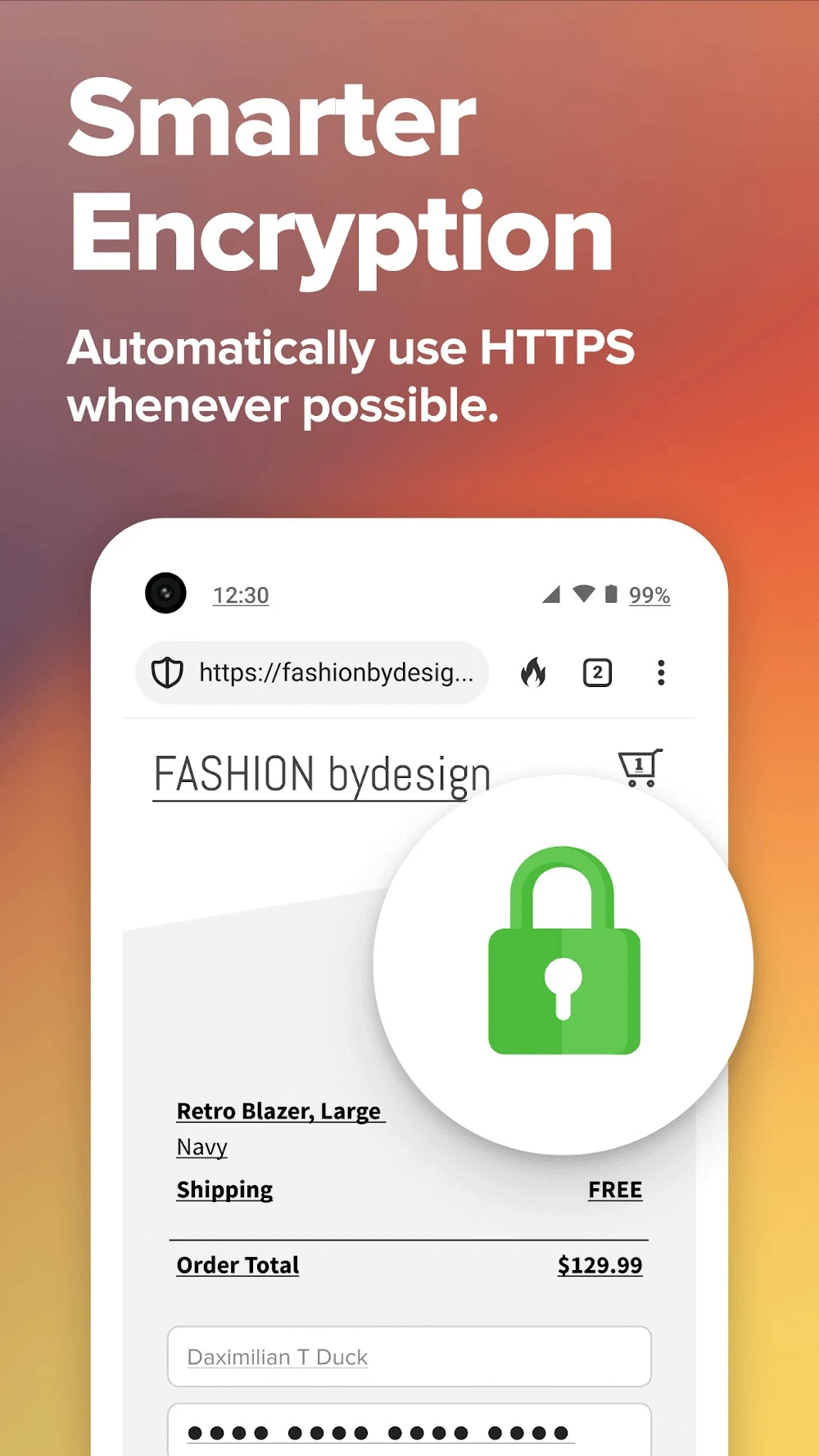
Whenever possible, the browser automatically redirects websites to their HTTPS versions. The source says this encrypts data in transit and shields it from parties such as hackers or internet providers. A related tip recommends keeping the encrypted connection feature active to protect data from unauthorized access.
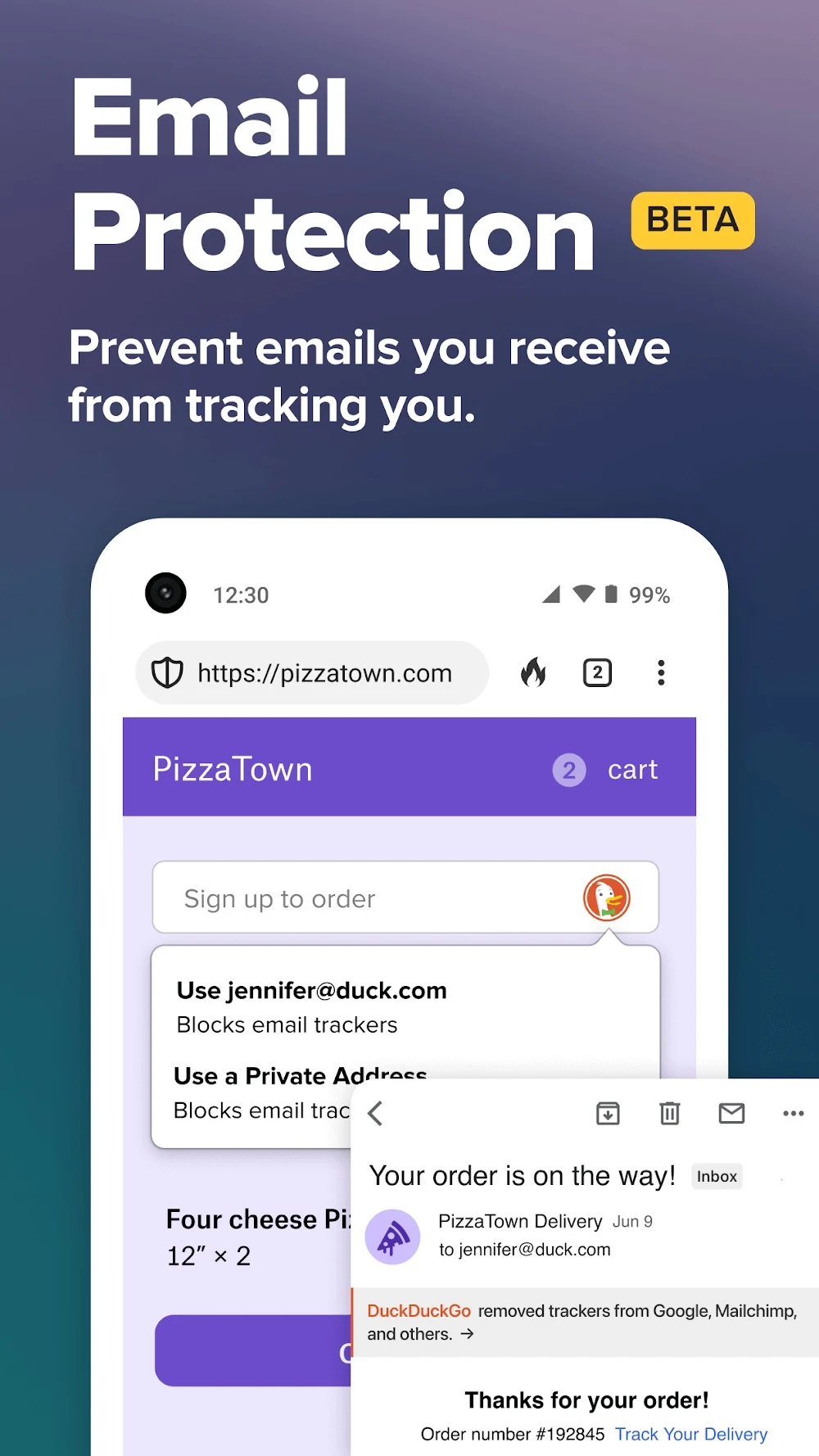
For email, the source describes Email Protection, which the source labels as beta. Users can create @duck.com email addresses that forward mail to their inbox while stripping out hidden trackers. According to the source, this keeps email marketers from knowing when, where and how you read your messages. The source also says the feature can block most email trackers and hide your email address from spammers.
Bookmarks, settings and platforms
Frequently visited sites can be saved as bookmarks for quicker access. The source says this helps you navigate faster without compromising privacy protection. Users can sync bookmarks across devices by signing in with a DuckDuckGo account. The source also says the app can be customized to suit individual privacy preferences and mentions a night mode intended to protect users' eyesight, without giving further detail.
The source states that the app is available for both iOS and Android devices and that it is free to download and use without costs. It also says the app is continuously updated with new features and tools, and a tip advises keeping it updated to receive the newest features and security enhancements.
Points to verify
Some details in the source do not agree with each other. One tip refers to version 205.0, which does not match the version number in the listing data, so this profile does not identify which build is current. Some passages also mention modified builds said to add controls, automation or advanced settings. This profile does not verify those builds, so the features described here reflect the source's general description of the app.