

Overview
DU Speed Booster & Cleaner brings storage cleanup and app management together in a utility for Android phones and tablets. It can scan for items such as cached data and leftover files, while its app tools show installed apps and their storage use. From there, users can remove apps they no longer need and, where supported, move apps or files to an SD card. The app also includes a game booster, permission review, and SMS and call blocking. Its tools are aimed at people who want to inspect and manage device resources without navigating each task separately.
The supplied listing specifies Android 4.0 or later. It also describes multilingual support, which may help users who prefer to use the app in a language other than English.
What You Can Do
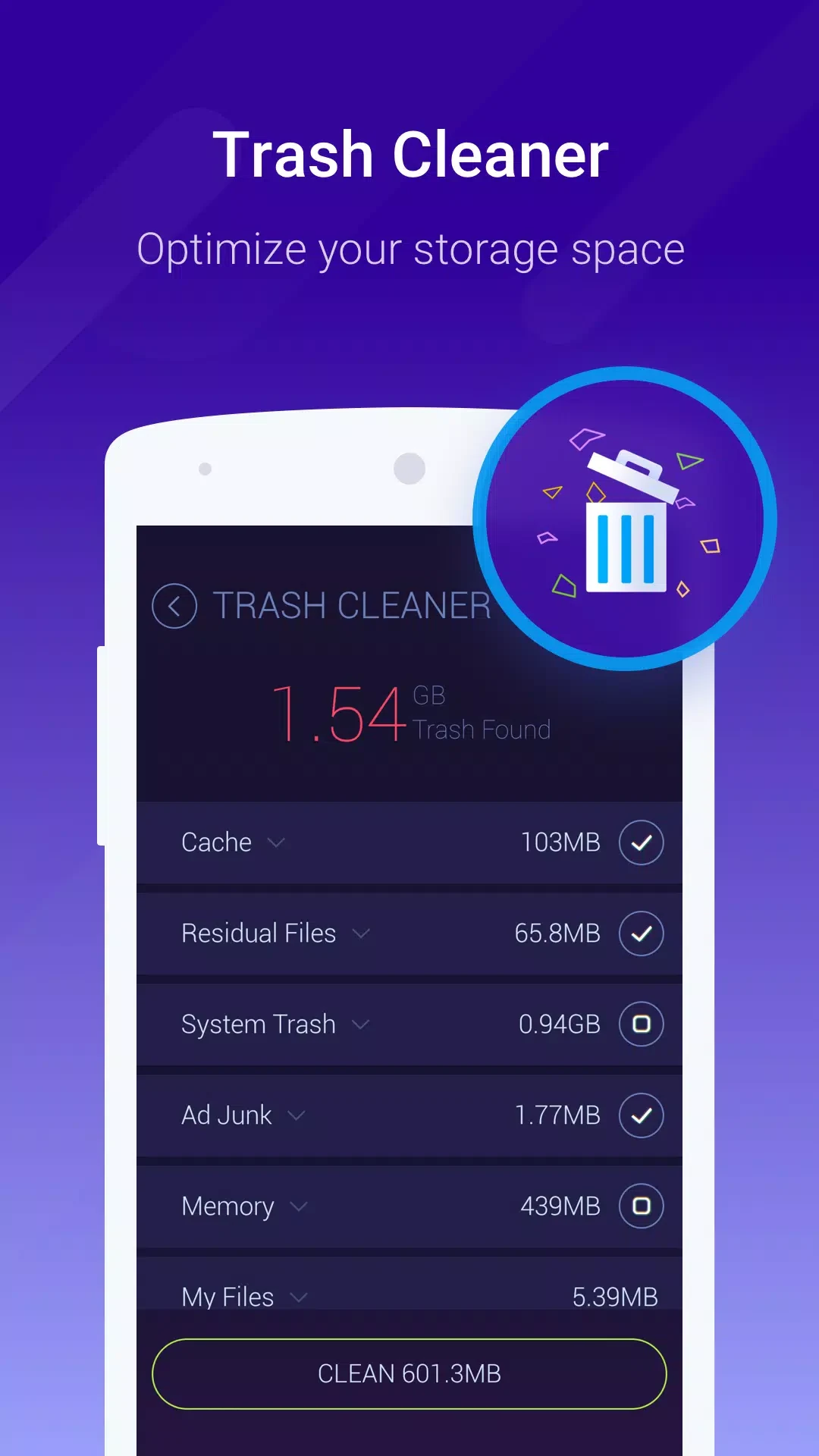
⭐ Scan for unnecessary files, including application and browser cache data, temporary files, and residual files left after uninstalling apps. The cleaner can also manage cache and files on the phone and SD card.
⭐ Review installed apps and how much space they use with the application manager. The listing describes batch installation and uninstall management, checking for residual files, and moving apps between phone storage and an SD card when possible.
⭐ Find APK installation packages with the APK manager and choose which ones to remove. If you want to keep packages for later use, the listing says they can be backed up to an SD card or transferred to a computer.
⭐ Use the Game Booster to identify games automatically or select them manually. The source says it focuses system resources on game operation and is intended to support smoother play and frame rates; these are described aims, not guaranteed results.
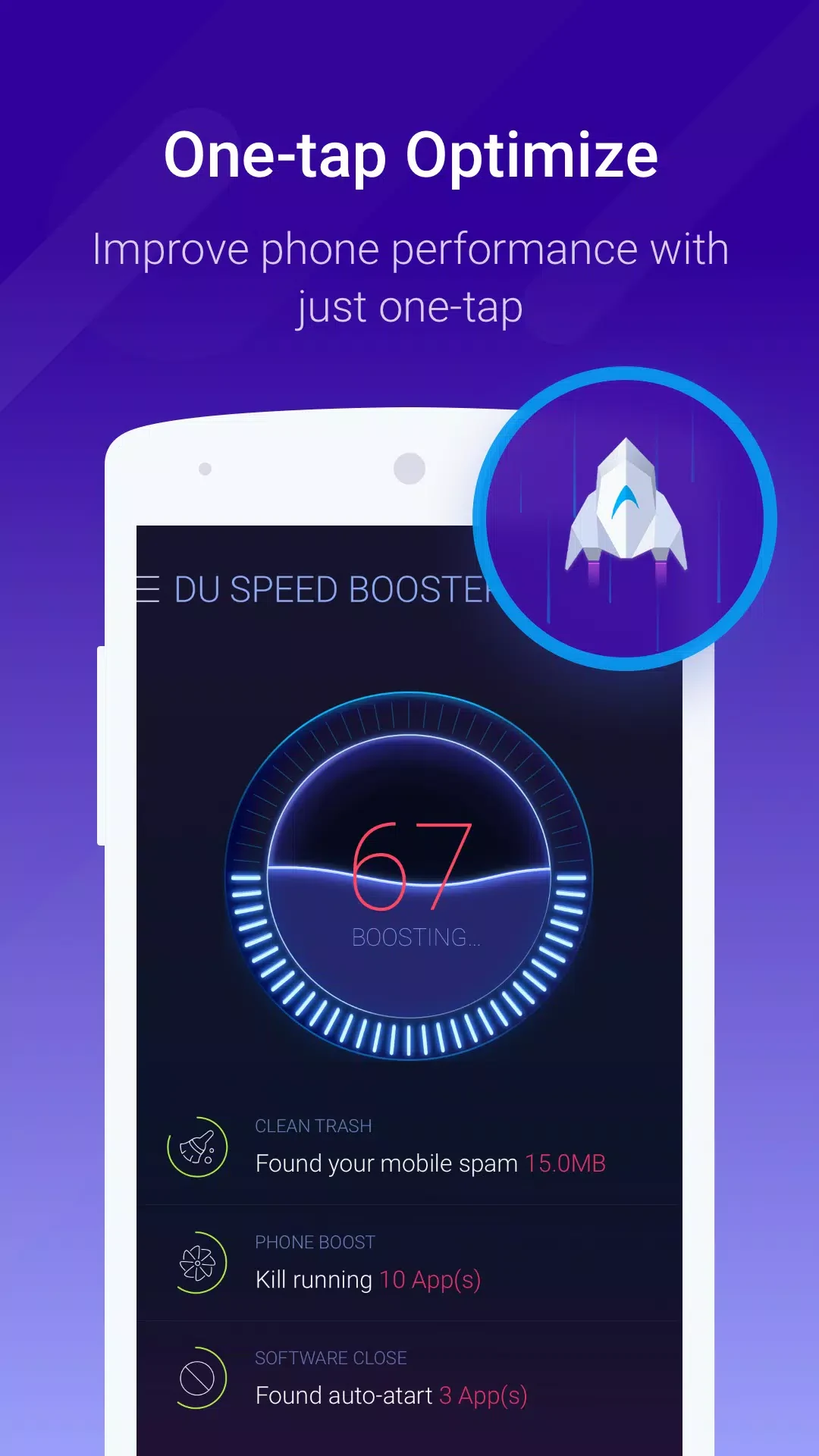
⭐ Run a speed diagnosis and acceleration using the Optimize button or a home-screen widget. Other listed controls include managing background processes and freezing unwanted apps. Disabling auto-start apps is specified for rooted devices only.
⭐ Review permissions requested by installed apps, including by permission category, and add numbers to a blacklist from SMS threads, the call log, contacts, or manual entry. The source says calls and SMS from listed numbers are blocked automatically.
Using the App
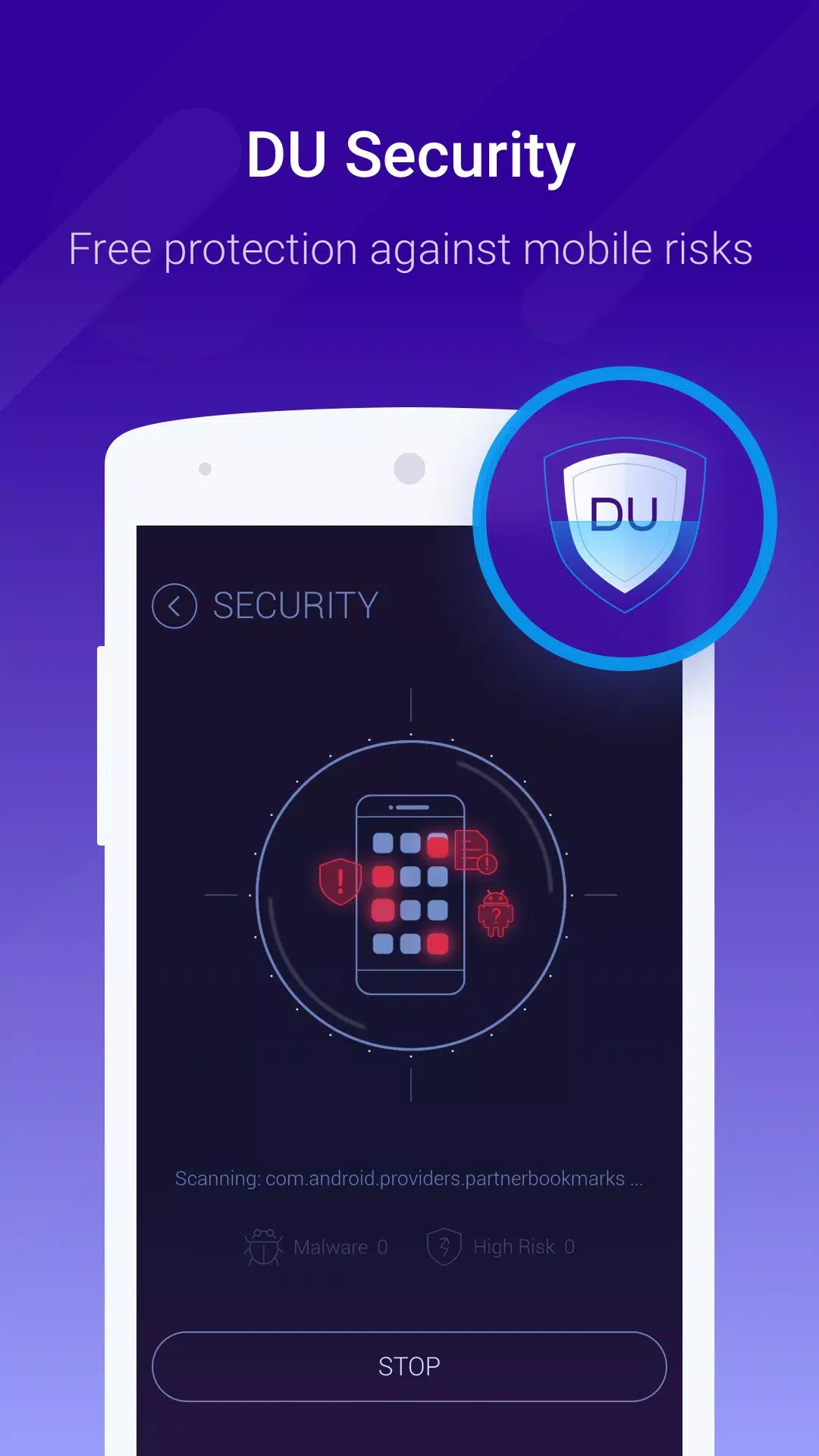
The tools provide several ways to approach routine maintenance: run the one-touch Optimize action or use the cleaner to inspect unwanted data, then check app storage and decide what to uninstall or move. The APK manager offers a separate choice about keeping or removing installation packages, rather than treating those files as ordinary cache. Widgets provide another route to the speed action from the home screen. The listing also identifies an integrated antivirus engine, but does not explain its controls or scanning behavior. It makes no specific claim about offline operation.
Why It May Appeal
✅ Cleanup, app storage management, and APK handling are grouped with game and communication tools, so users can find several types of device-management options in one app.
✅ The app manager and permission review give users ways to inspect installed apps, their storage use, and their requested permissions before deciding what to keep or remove.
Things to Consider
❎ Disabling auto-start apps is limited to rooted devices according to the listing; that control is not presented as available on every phone.
❎ The source notes that the app requires many permissions during installation. Review the requested permissions and the app’s functions before deciding whether to proceed.
❎ The listing says a battery saver is not integrated. Although it mentions longer battery life among its changelog labels, it does not describe a dedicated battery-saving tool.
Version Information
The supplied version is 4.2.5. The accompanying changelog uses broad labels about device speed, performance, battery life, device condition, and Game Booster, without giving specific change details.