


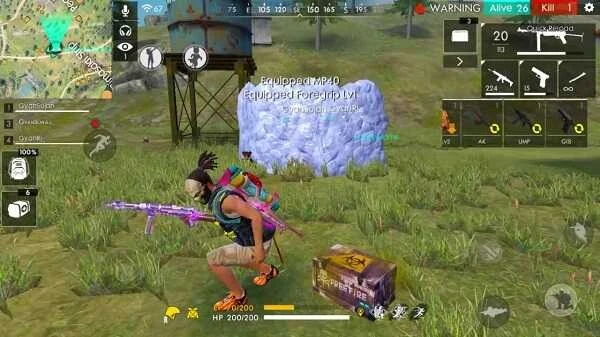
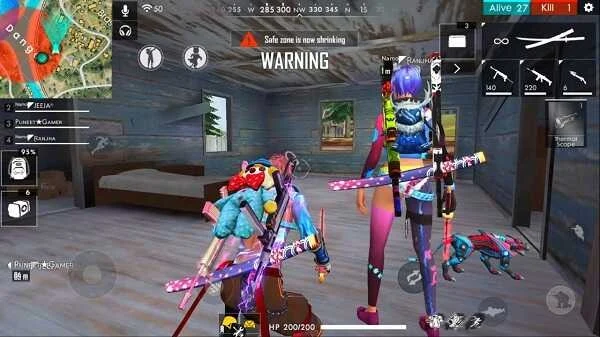
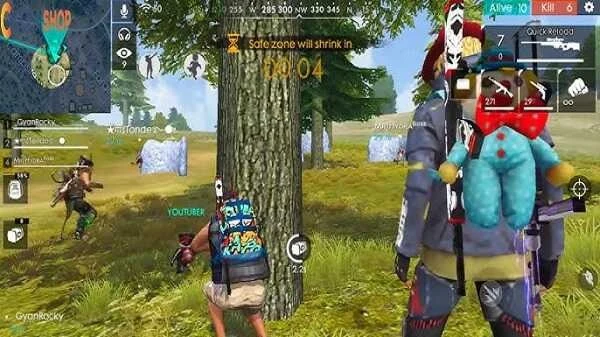
Drag Headshot Panel is an Android game assistant tool that lets players adjust sensitivity settings through a straightforward interface. It addresses the common issue of inconsistent touch response in mobile games by allowing incremental changes to sensitivity levels, which can lead to more stable aiming and reduced input delay in supported FPS titles. The clearest supported benefit is its optimization for low-end devices, where it helps maintain smoother operation without added lag while users test settings in everyday games or drawing applications. Performance still depends on the specific device and individual gaming style, and the app requires installation from unknown sources.
How does sensitivity adjustment work in practice?
The app supplies simple controls for making small sensitivity changes in steps rather than large shifts. Users can experiment within the interface until the touch behavior feels consistent with their preferences, though locating the right combination often takes several trials. This process connects directly to improved aiming accuracy in FPS mobile games by stabilizing drag movements and optimizing input response for more predictable results during fast action.
Which devices and activities benefit most from the tool?
Optimization for low-end Android hardware means the utility runs with reduced lag on older or basic phones while still supporting adjustments for FPS games that demand steady shooting control. It also applies to drawing applications and general touch tasks, where finer sensitivity tuning can make routine interactions feel more natural. Anyone seeking greater command over mobile touch input, including gamers and artists, can use the same core settings to match real-world use cases.
What practical steps help achieve reliable results?
Testing occurs best inside the games or apps used most often so that changes reflect actual conditions rather than abstract values. Small incremental adjustments avoid overshooting the ideal level, and keeping notes of working combinations allows quick return to effective setups for different tasks. These steps tie into the app's easy configuration while highlighting that results vary with device capability and playstyle.
Are there any documented limitations or risks?
The source notes a risk of account bans when the tool is used in online games, and installation requires enabling unknown sources on the device. No guarantees exist for universal compatibility or performance, and users must grant necessary permissions after setup before the sensitivity features become active.