




Dolphine vpn is designed for people who want to reach online content that is restricted where they live. According to its listing, the app connects users to servers in several countries so they can access websites and apps that are blocked locally, including social media platforms, streaming services, and news sites.
Connection and privacy
The listing says the app encrypts the internet connection and routes data through a secure tunnel, which is intended to keep browsing sessions private from people who might monitor network activity. The developer presents this as a way to protect personal information while browsing. These are the developer's own descriptions, so users who need specific security guarantees should review them independently.
Server network and choosing a location
The app uses servers in multiple countries. The listing recommends selecting a server close to your physical location, since this may reduce latency and help online activities run more smoothly. Users can switch between servers, which makes it possible to try different locations if one does not perform well.
Setup and everyday controls
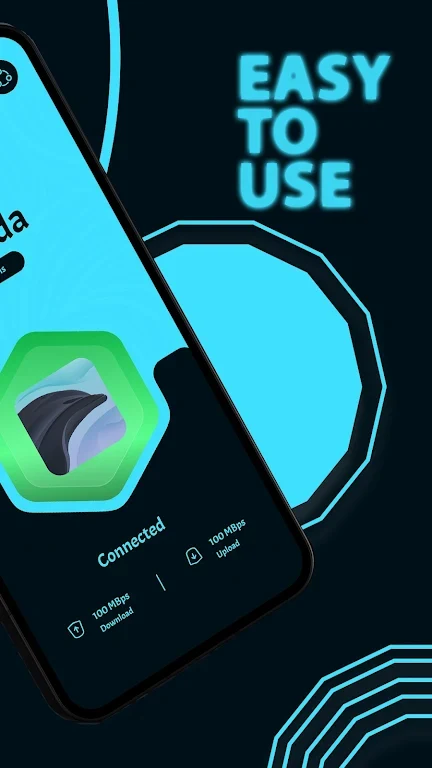
The listing describes a simple, intuitive interface. Users can pick a VPN server and turn the connection on or off from the main screen. The developer states that setup is straightforward, though actual ease of use will depend on each person's experience with VPN apps.
Automatic connection and split-tunneling
Automatic connection is described as an option that starts a VPN connection when the device starts, so the VPN does not have to be activated manually each time. Split-tunneling is the second control worth noting. It lets users decide which apps or websites use the VPN and which bypass it, which allows other apps or devices to keep their normal connection.
Listing details
The app is listed under the Tools category with developer name Cofe App Sw and version 29.0. The supplied listing does not clearly state a minimum Android version, so check the store page for compatibility details before installing.