

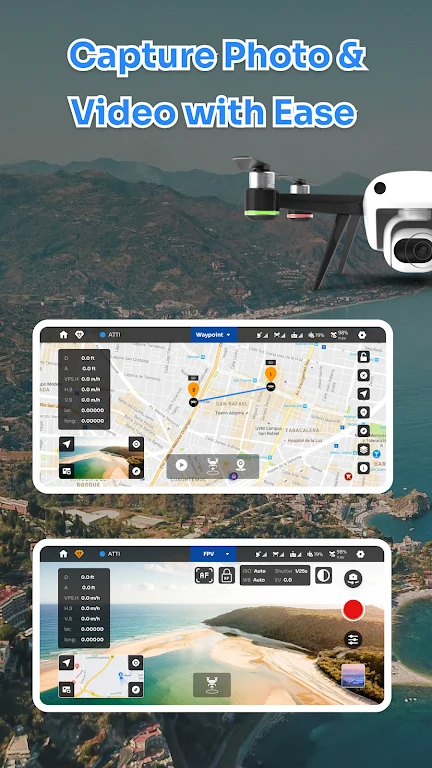
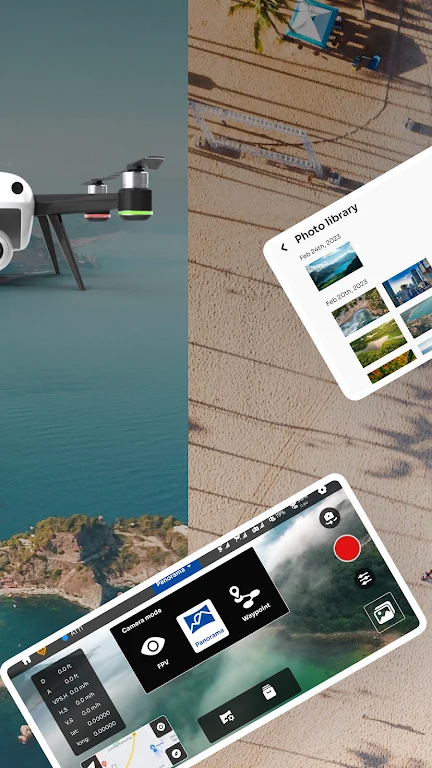
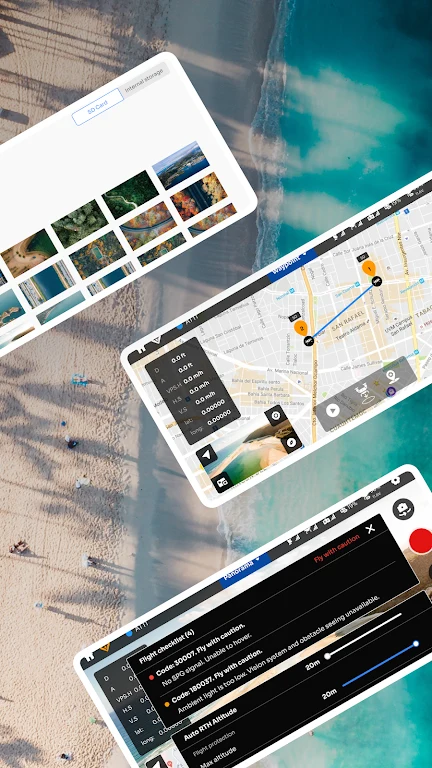
D.J.I Fly Go 4 For D.J.I Drone helps pilots control supported DJI drone functions while viewing near real-time high-definition footage on an Android device. That combination is useful when aerial photography requires both live framing and quick access to camera controls. The app also brings flight information, footage management, editing, and sharing into the same interface, so users can move from capturing a scene to preparing a finished video without relying on separate transmission or editing software.
Live view and camera control
The app provides near real-time HD image transfer, allowing the pilot to see the drone’s view while operating it. Camera settings can be adjusted from the application, and the source describes detailed manual controls for more precise adjustments. An intelligent flight mode is also included for smoother shooting. Together, these tools support a workflow in which users can monitor the scene, change camera preferences, and capture aerial material from one control screen.
Flight information during operation
Near real-time flight data recording gives users access to important information displayed in the interface, including altitude, speed, and battery status. These details can help pilots follow the flight as it happens and plan their operation around the available information. The app also includes preference settings, allowing users to adjust aspects of its functionality to suit their flying style and requirements.
Editing, downloads, and sharing
After footage has been captured, the updated playback interface and more user-friendly editor provide tools for preparing videos. The editor includes additional templates and music, while the download function lets users save finished work directly to a mobile device. This creates a straightforward path from aerial recording to sharing with friends, family, or social audiences without requiring an extra transfer method. Built-in sharing support complements the editing workflow.
Live streaming and supported devices
Integrated live streaming allows drone footage to be broadcast in real time, which can support personal viewing or professional presentation. The listed Android device support includes selected Samsung Galaxy, HUAWEI, Xiaomi, Redmi, Honor, OPPO, VIVO, iQOO, OnePlus, and Pixel models, such as the Galaxy S25 Ultra, HUAWEI Mate 70 Pro, Xiaomi 15 Pro, Pixel 9 Pro, and OnePlus Nord CE 3. The source also describes the app as optimized for DJI products including the Phantom 4, Mavic Pro, Phantom 4 Pro, and Inspire 2.
Practical limitations
Performance can vary with the capabilities of the Android device, and stability may fluctuate after firmware updates. These factors are worth considering when evaluating how consistently the app will handle live viewing, flight information, and video work on a particular setup.