

DINO VPN helps you route internet traffic through a VPN connection and choose a server location for browsing or accessing online services. That can be useful when you want your connection to use a different IP address or need to reach content that varies by region. The app provides a quick way to connect, along with a way to check your IP address. Its additional controls let you decide what happens if the VPN disconnects and which traffic should use the VPN in the first place.
Connecting and choosing a location
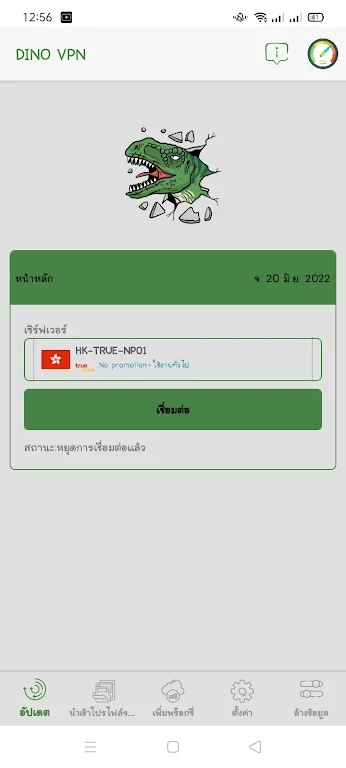
The app offers a one-click connection to its VPN servers and describes its connections as having no time limit. Its server network spans multiple locations worldwide, so you can select a location rather than relying on a single server. A different location may help with access to a website or service that is unavailable in your region, although access depends on the service involved.
If connection speed matters more than location, the source recommends choosing a nearby server. A shorter distance may reduce latency, but the best choice will depend on the connection and the task. The app also describes its bandwidth as unlimited, which is relevant for activities such as streaming, gaming, and large downloads.
IP address and connection protection
DINO VPN includes an IP check so you can see the address associated with your connection. It is designed to conceal your true IP address while connected to a VPN server and says it uses encryption to protect traffic. These functions are relevant to browsing or using online services when you do not want to connect directly through your usual IP address.
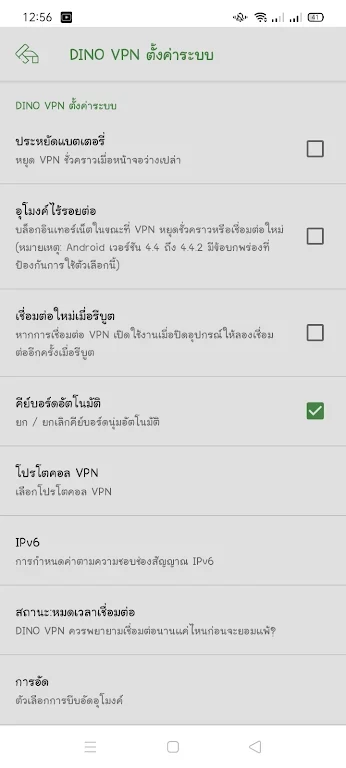
A kill switch is available in the settings. When enabled, it blocks internet access if the VPN connection drops. This addresses the gap between a disconnection and a new VPN connection; it does not keep the VPN connected during an interruption.
Choosing which traffic uses the VPN
Split tunneling lets you send selected traffic through the VPN while other traffic bypasses it. This can be useful when you need a local website or service to use your regular connection but want other activity routed through a chosen VPN server. Traffic set to bypass the VPN does not receive the VPN connection’s IP-address concealment or encryption, so the choice of what to route matters.