
Digital Clock lets you personalize an on-screen clock and use it as a live wallpaper or widget. It addresses the need for a clock display that can be adjusted to suit your preferences, with options for its size, font, and colors. The display can include the date, day, month, and seconds, and you can add a label. You can also choose colors for the text, second hand, date, and background, bringing those settings together in a clock design that fits your chosen use.
What can the clock display?
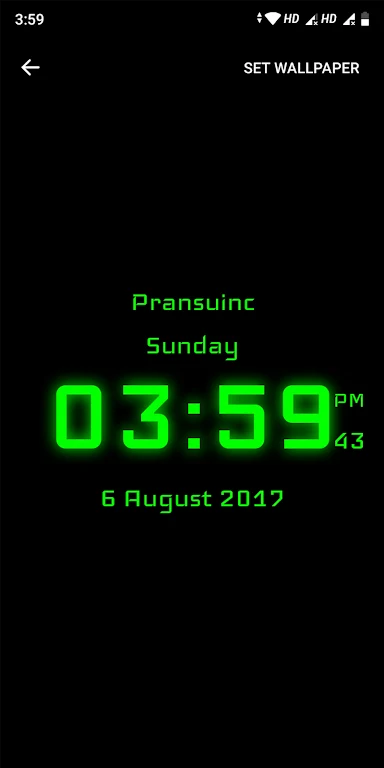
Along with the time, the app can display the date, day, month, and seconds. A label can be added to personalize the clock. These options let you decide which calendar details appear alongside the time.
How can I customize its appearance?
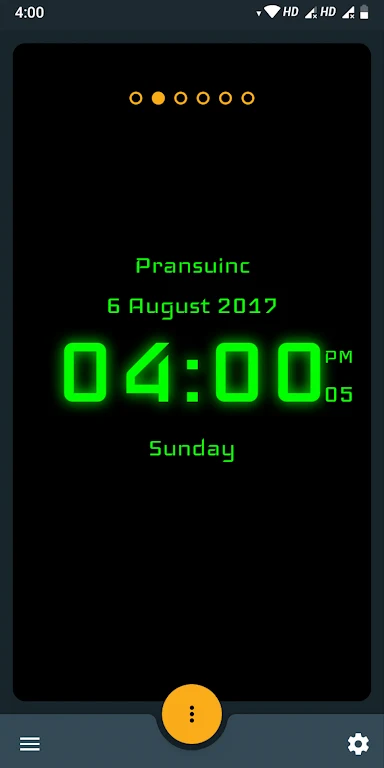
You can set the clock size to small, normal, or large. The app also allows changes to the font and to the colors of the text, second hand, date, and background, so several parts of the display can be tailored rather than using one fixed style.
Can I use it as a wallpaper or widget?
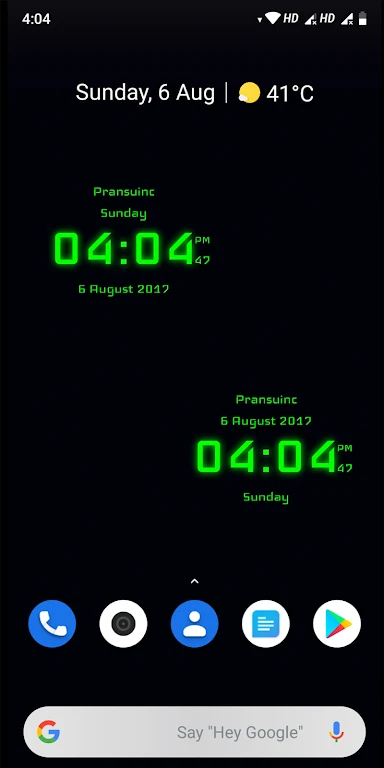
The clock can be set as a live wallpaper or used as a widget. A live wallpaper places the clock on the device wallpaper, while the widget option provides another way to use the clock on the device. The source describes both options but does not specify widget setup details.
Who may find these options useful?
Digital Clock may suit someone who wants to adjust the look and size of a clock display and choose which date information accompanies it. The ability to add a label and select between live wallpaper and widget use may also matter to users who want the clock presented in a particular way.