

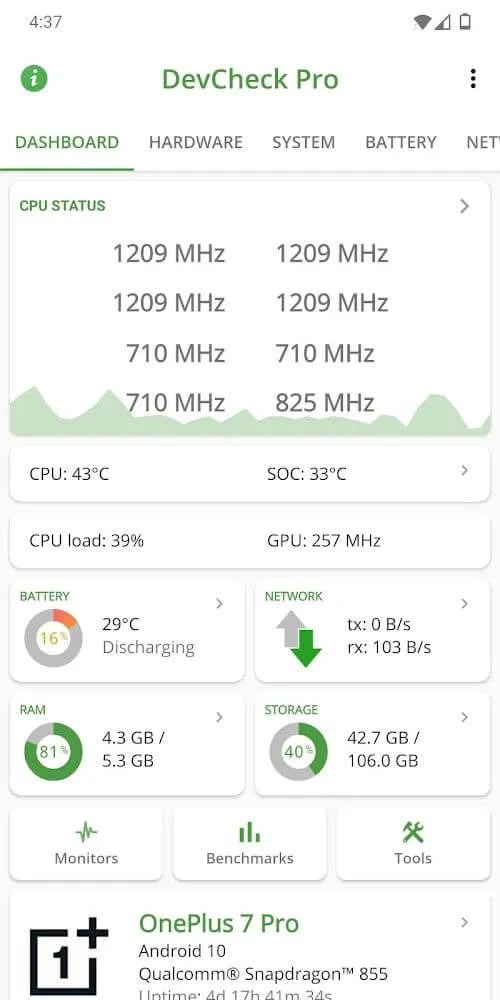
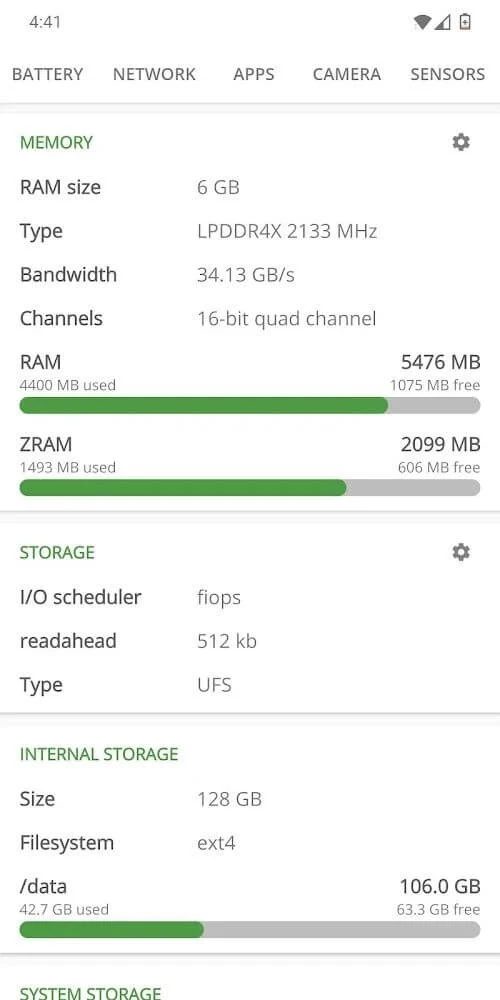
DevCheck Mod is an Android tool for reading detailed phone information and monitoring selected performance data in real time. It brings hardware specifications, system details, battery measurements, network information, camera data, app activity, and live performance indicators into one place. The source describes it as useful for people examining their own device, checking charging behavior, reviewing specifications, or observing performance while using apps and games.
What hardware information can it show?
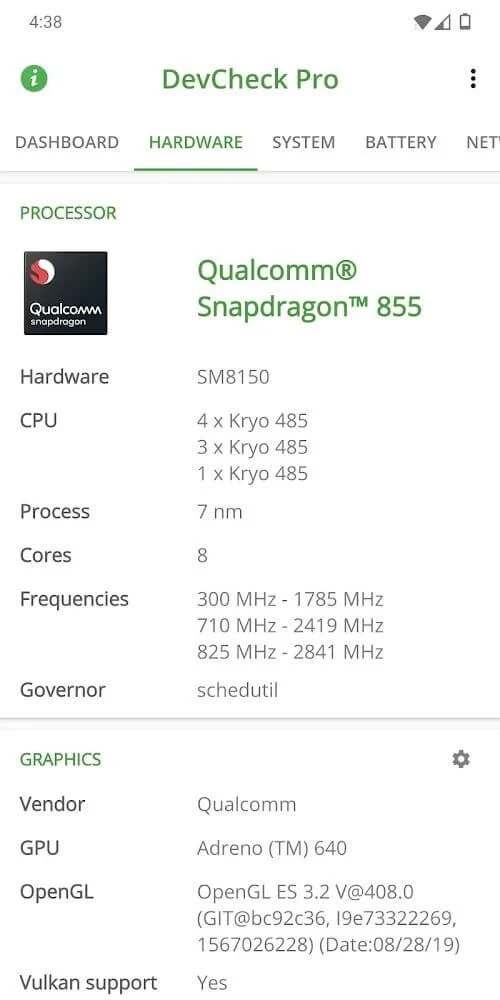
The Hardware section is designed to expose technical information about the phone’s main components. The listed areas include the system-on-chip, CPU, GPU, RAM, storage, Bluetooth hardware, and other available components. Depending on the device data exposed to the application, users can view model names and numbers, manufacturers, architectures, core information, and the current status of hardware items.
The description also mentions NPU details and screen refresh rate information, along with processor specifications. This makes the tool relevant when a user needs more detail than a basic device settings page provides. The source specifically refers to use with handsets such as newer RedMagic and Samsung phones, but it does not provide a complete device compatibility list.
Which system details are available?
DevCheck Mod includes a System menu containing information about the Android installation and the device itself. Listed details include the device codename, brand, manufacturer, bootloader, serial number, Android version, security patch level, kernel model, and related system values. These details can help users identify the software and hardware configuration recorded by their phone without relying only on external specifications.
The application is also described as providing deeper technical parameters for the CPU, GPU, memory, and device storage. The information is presented as a detailed reference rather than only a short model summary, which can be useful when inspecting a phone’s configuration or comparing the specifications reported by the device with other documentation.
Can it monitor performance while the phone is being used?
The source describes real-time monitoring for CPU and GPU frequencies, memory use, screen refresh rate or FPS, battery temperature, and charging information. DevCheck Mod can also provide floating monitors that remain visible on the screen, allowing these values to be observed while another application or game is open. This is aimed at users who want live performance statistics rather than a reading taken only after an activity has finished.
Widgets are another listed way to view live data. The supplied information mentions home-screen widgets for CPU, GPU, and network usage. The description also refers to real-time alerts for issues such as battery drain or overheating, although the exact alert controls and thresholds are not specified.
What battery and charging information does it provide?
The battery area covers current capacity, temperature, health, voltage, battery technology, and power consumption. It also lists charge and discharge rates and real-time battery-cycle information. These readings can give users a more detailed view of how the battery is behaving than a single percentage indicator.
The charging tools are described as helping users check whether a fast or super-fast charger is delivering its advertised wattage. The source says the information may help distinguish a possible issue involving the cable, adapter, or phone. However, the application’s readings are presented as monitoring data; the source does not state that they independently certify a charger or diagnose every charging fault.
Does it include network and Wi-Fi details?
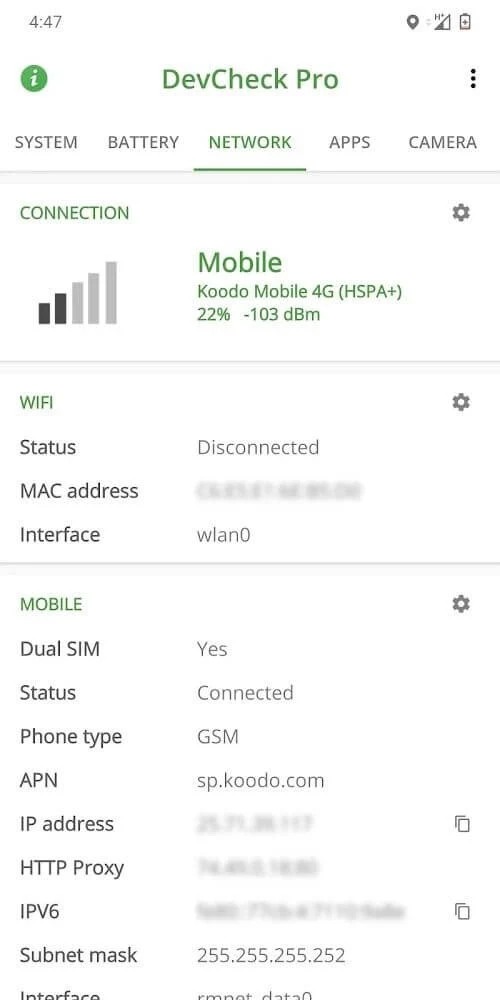
DevCheck Mod displays information about Wi-Fi and mobile connections, including signal strength, connection status, connection type, service-provider details, and IPv4 and IPv6 information. The description also mentions phone-number data and other cellular connection values. For Wi-Fi, it can show information about the wireless connection and nearby hotspots, although the Wi-Fi chipset manufacturer may not always be available.
This section is therefore suited to inspecting how the phone is connected and what network information the system exposes. The supplied material does not describe it as a replacement for a network service or as a tool that changes router or carrier settings.
Can it inspect cameras, sensors, and installed apps?
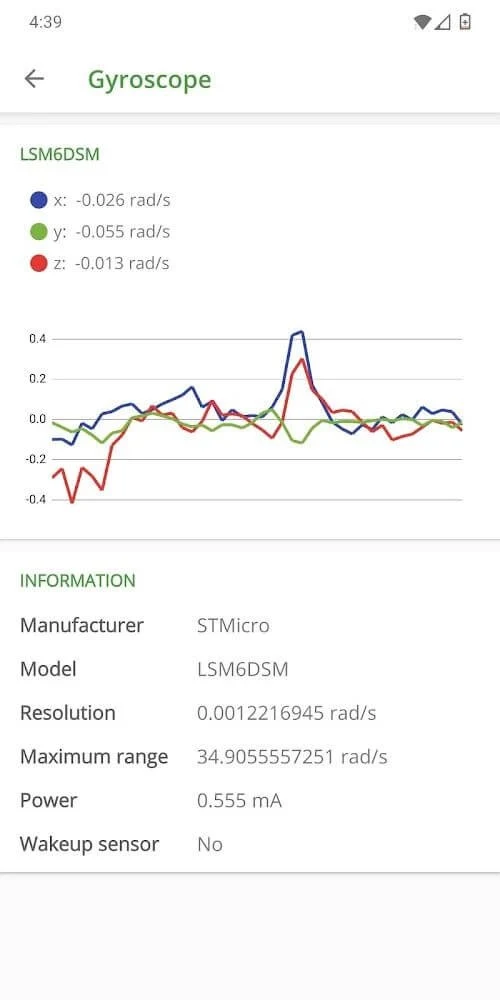
The camera information is described as reaching hardware-level specifications, including camera sensor details and internal device information. The source positions this as useful for buyers, testers, and refurbishers who need to inspect the camera hardware reported by a phone. Sensor data is also mentioned, with examples including GPS and the accelerometer.
The app section lists installed applications and indicates whether they are active or inactive. It can also show hardware consumption associated with individual apps, giving users a way to examine how applications operate and how they relate to system resource use. Additional testing functions are described for hardware such as internal memory and the camera, but the source does not specify a complete test list or a pass-and-fail standard.
What should users know about the documented requirements?
The supplied record identifies DevCheck Mod as an Android application and lists version 5.46. It does not state a minimum Android release, required permissions, supported chipsets, or a full compatibility matrix. Those requirements should therefore be checked separately for the particular phone before relying on a specific monitoring or diagnostic function.