

Designer Tools Pro is an Android app for checking screen layouts against design specifications. It helps designers and developers inspect alignment, spacing, colors, and how an interface compares with mockups, with the aim of catching layout issues during review. Users can adjust grid size and line color, control keyline visibility, and sample a screen pixel to see its hex code. The app also describes overlays for comparing interfaces with mockups or model images, making it relevant to people who want to review a design on screen rather than rely only on a static reference.
How can the grid overlay help with layout checks?
The grid overlay places a customizable grid over a design so users can examine alignment and spacing. Grid size and line color are adjustable, and keyline visibility can be changed, allowing the guide to suit different layouts and inspection needs. This can be useful when checking whether elements follow a chosen spacing pattern or when reviewing margins, columns, and other alignment details.
The app describes these controls as supporting pixel-level precision during layout creation and review. Rather than prescribing one grid setup, it lets users tailor the overlay to their design. The stated purpose is to make potential layout issues easier to spot while working on an interface.
What can you compare with the overlay tools?
Designer Tools Pro describes a mockup overlay for comparing a live app interface with a reference mockup. The overlay has adjustable opacity, so users can change how strongly the reference appears over the interface while checking whether the implementation matches the design. The app also describes arranging and stacking model images horizontally or vertically to review their compatibility with different interfaces.
A floating interface is intended to keep the tools accessible while a user continues working on a design. The source also describes real-time updates and preview options for viewing overlays on different device screens, supporting checks as adjustments are made. These functions focus on visual comparison; the source does not specify particular device models or formats.
How does the app help check colors and share design feedback?
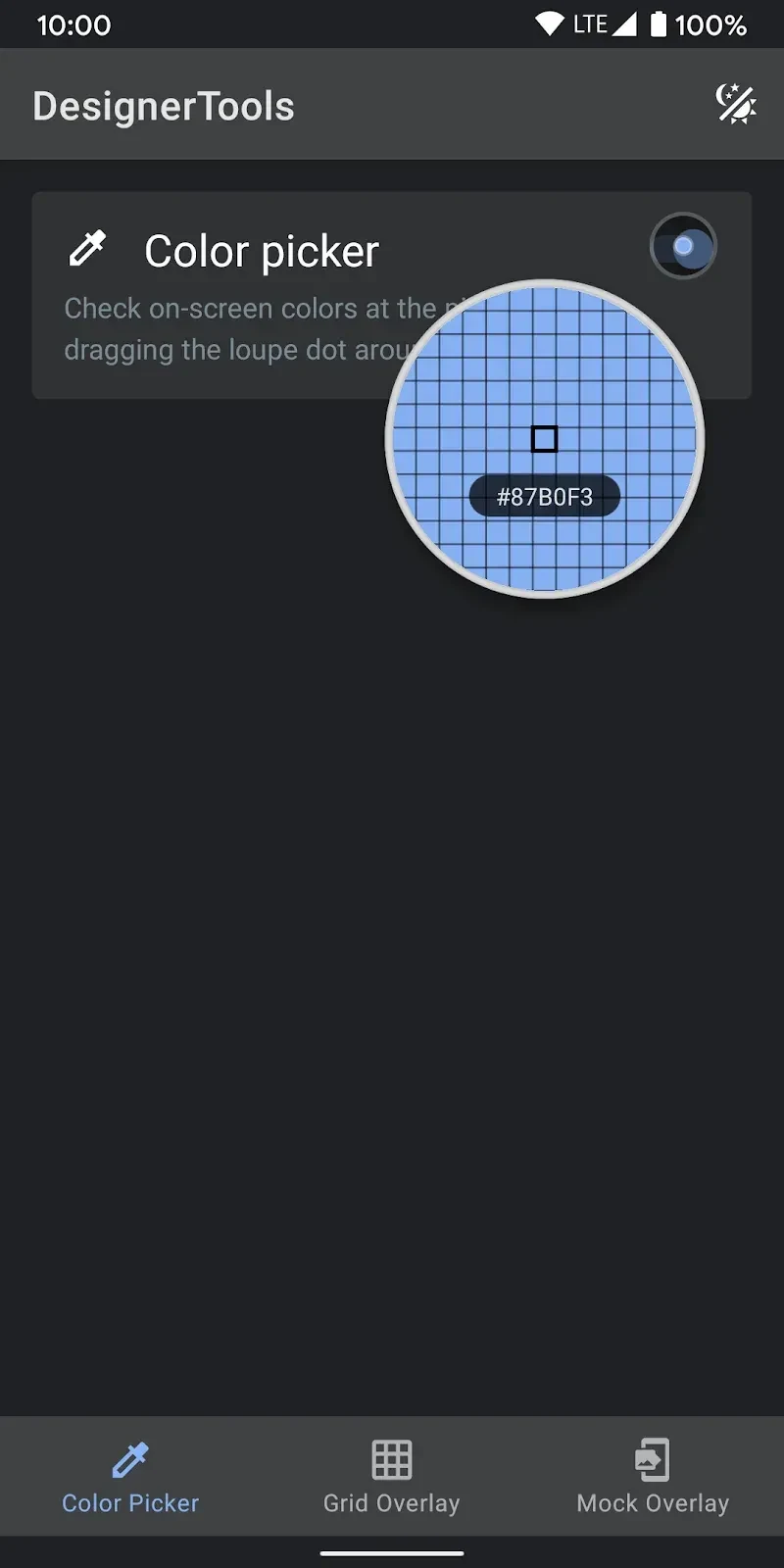
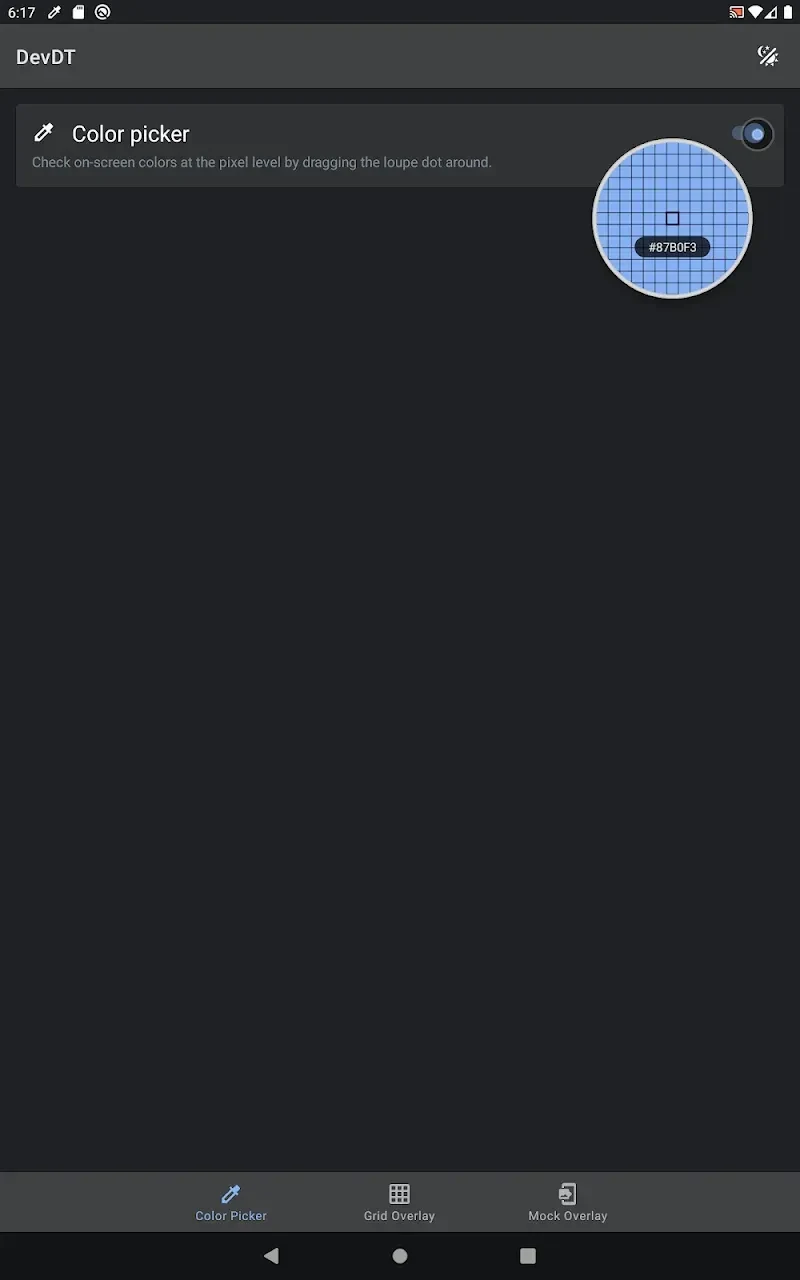
A loupe magnifier lets users select a pixel on the screen and view its hex color code. This can help when checking whether a color matches a design reference or keeping colors consistent across a project. The app also describes color management as a way to help users maintain consistent palettes.
Screenshot and annotation tools are described as supporting collaboration by letting users add annotations and comments directly to design files. The source also lists cross-device syncing, intended to keep work accessible and up to date across a user's devices. It does not explain the syncing setup or the annotation workflow in further detail.
Who may find Designer Tools Pro useful?
The app may suit Android users who regularly review interface spacing, compare an implementation with a mockup, or need to inspect screen colors. Its adjustable grid and overlay controls are relevant to layout checks, while pixel sampling and annotation address color review and design feedback. Users looking for these specific review tools may find the described functions pertinent to their workflow; the available information does not detail other capabilities or setup requirements.