
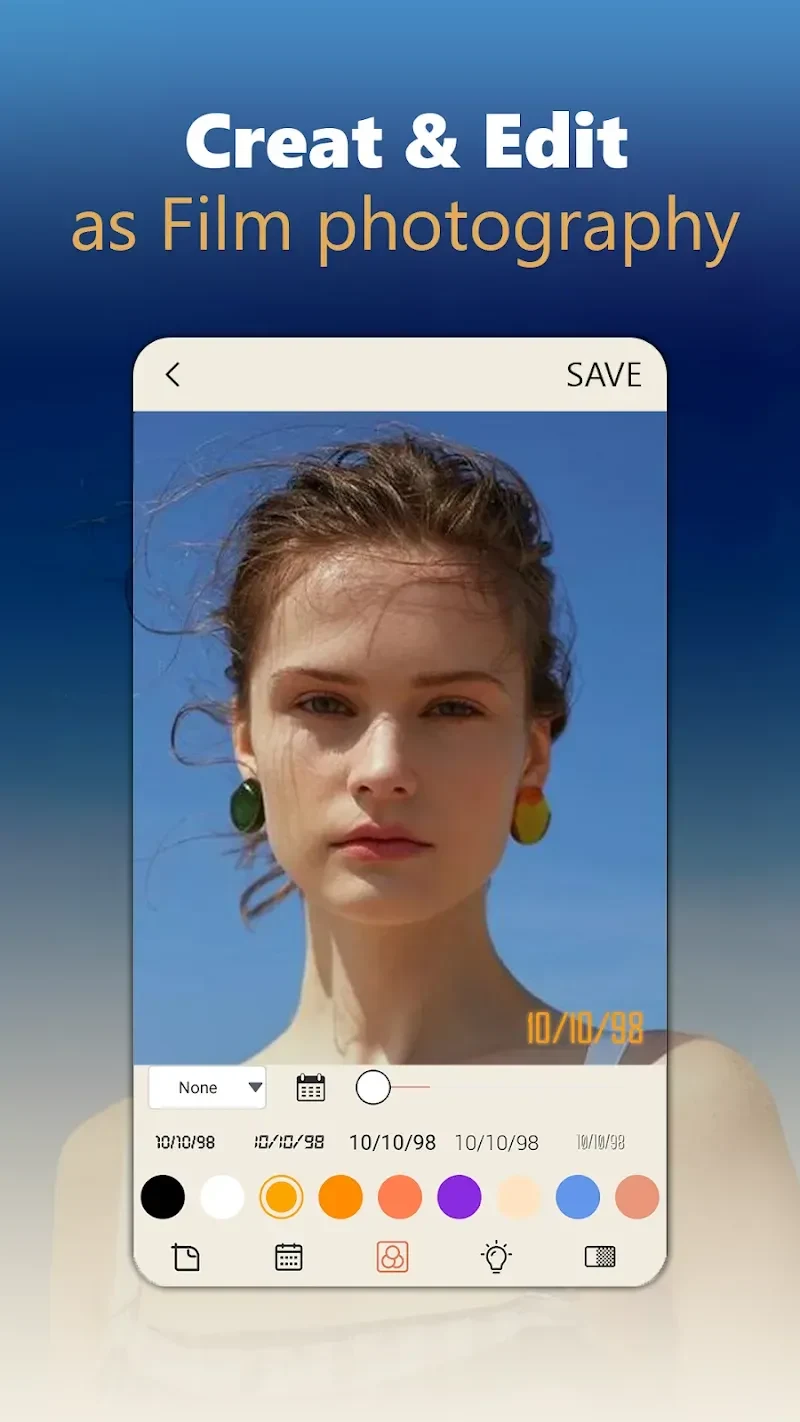
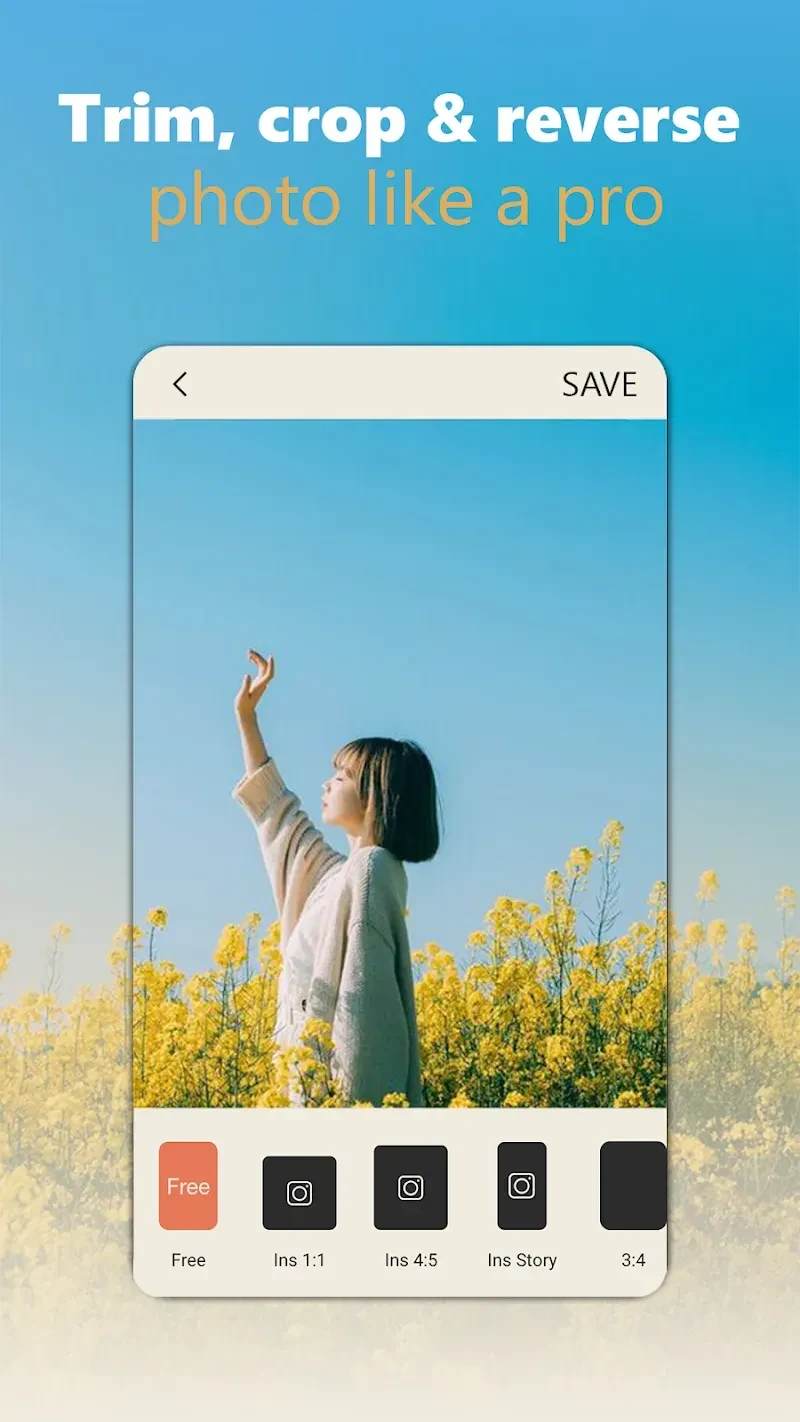
Dazz Cam helps you give photos a retro film appearance, drawing on styles associated with classic cameras and 1980s photography. You can apply filters and effects while taking pictures or import an existing image for editing, so the app can be used both at capture time and afterward. Adjustment controls for exposure, color temperature, tone, contrast, highlights, and shadows provide options beyond choosing a preset. Timers and time-lapse photography add hands-free and timed capture choices, which may be useful when taking a picture of yourself or setting up a shot.
Film looks and vintage textures
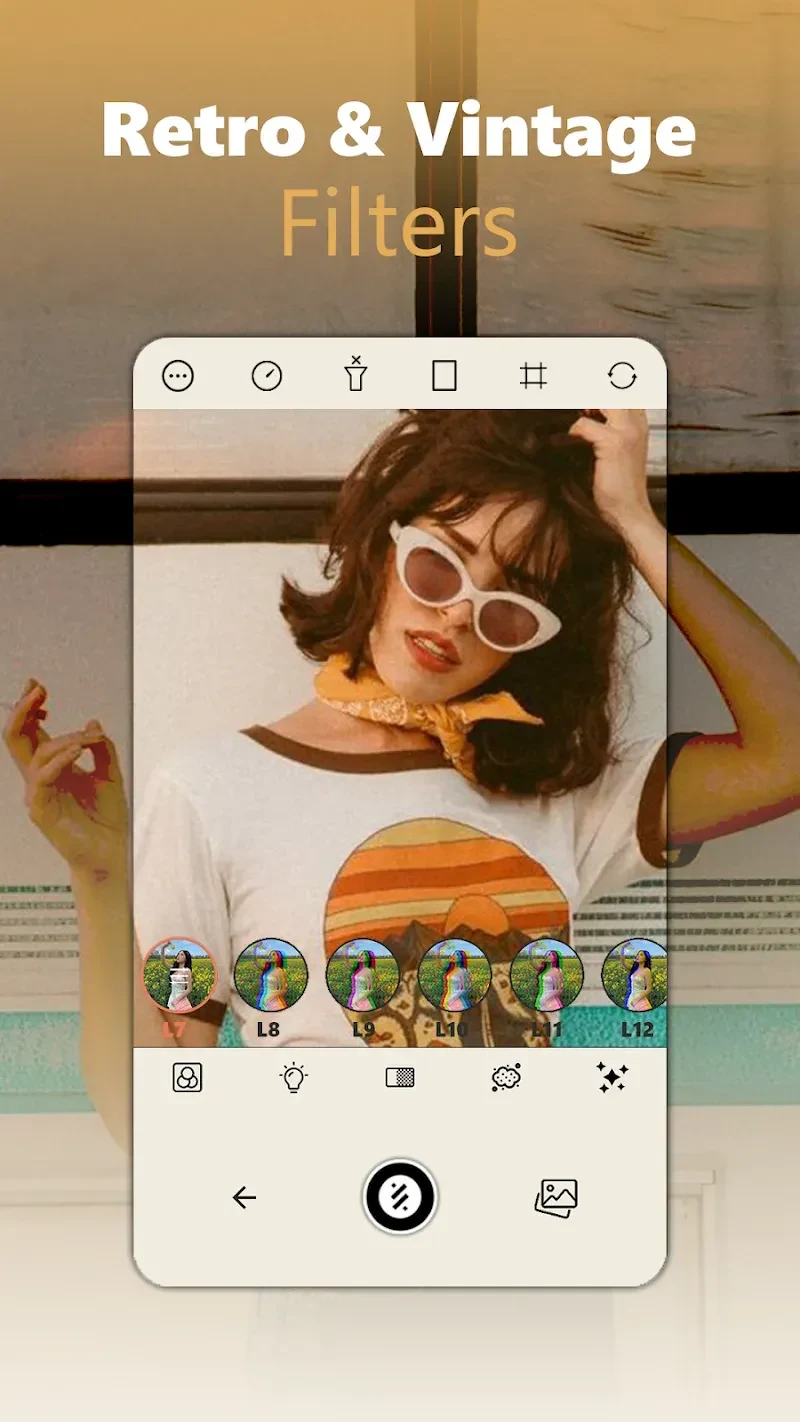
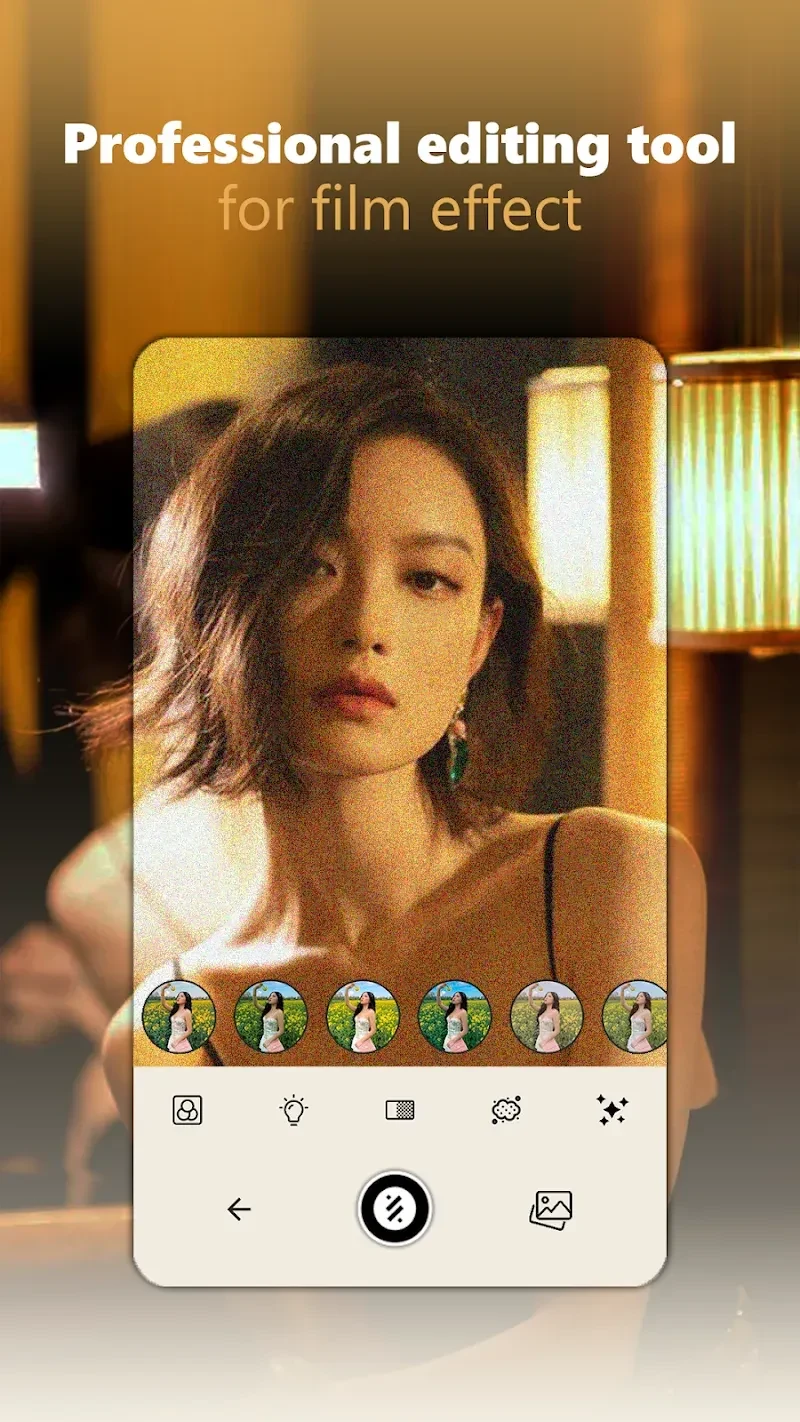
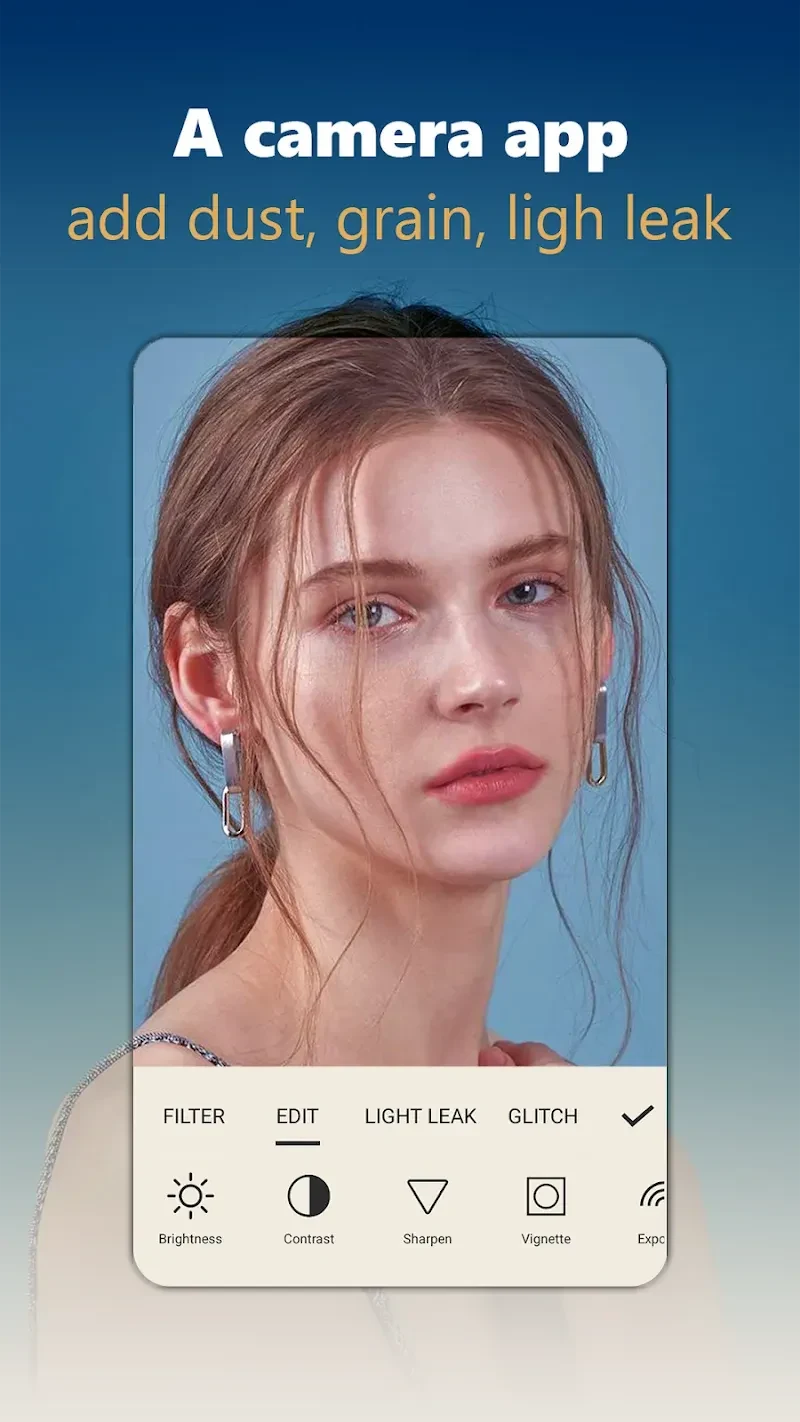
The app offers a collection of vintage filters and camera-inspired effects, including styles associated with lomography and Hipstamatic. Dust and grain effects can give images a more aged appearance, while light leaks add a softer, dreamlike look. Glitch effects and overlays provide other ways to change an image’s finish. These options let you choose between distinct retro treatments rather than relying only on a single overall filter. The source also describes more than 50 designs, including old-style frames for presenting photos, so you can pair an effect with a frame treatment.
Editing imported photos
Dazz Cam is not limited to pictures taken inside the app: existing photos can be imported for editing. Alongside its filters, it provides controls for exposure, color temperature, tone, contrast, highlights, and shadows. Those adjustments allow you to refine specific aspects of an image after choosing a look, such as changing its brightness or balancing its tones. The available options make the app relevant to someone who wants to experiment with a film-inspired treatment while retaining some control over the final image. The source describes the controls as precise, but does not specify numerical ranges or editing tools beyond those adjustments.
Timed and hands-free capture
For taking new pictures, the app includes a built-in timer that can trigger a photo after a chosen interval. This can help when you want to be in the picture yourself or need to position the phone before the shot. A separate time-lapse function lets you set a time for a photo to be taken, according to the supplied description. The app also has face recognition that focuses on a face during selfies. Together, these capture options address different setups: the timer supports hands-free shooting, face recognition helps focus a selfie, and the retro treatments can be applied as part of the camera experience.
AI artwork and sharing
An AI art generator is included for turning a described artwork or photo into an image with a painting-like appearance. This offers a different kind of result from the camera filters and film textures, which focus on giving photographs a vintage style. After making or editing an image, Dazz Cam provides a direct sharing tool, and the source says photos can be shared to social media. Vintage filters are accessible through the app interface when taking pictures or editing existing ones. A tutorial is also described as available for new users who want help navigating the features. The listing says the app is free to download and may include in-app purchases for additional features or filters.