

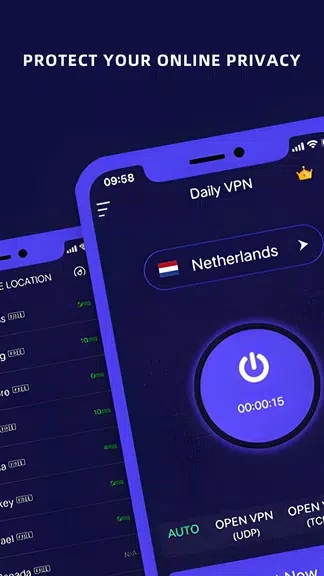
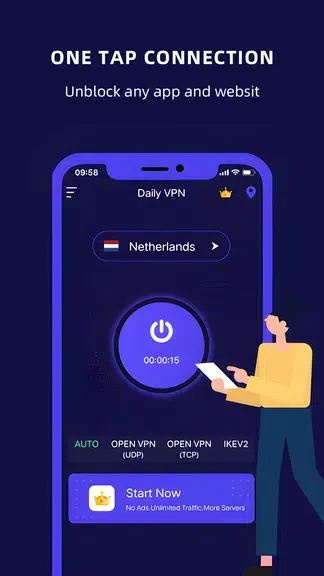
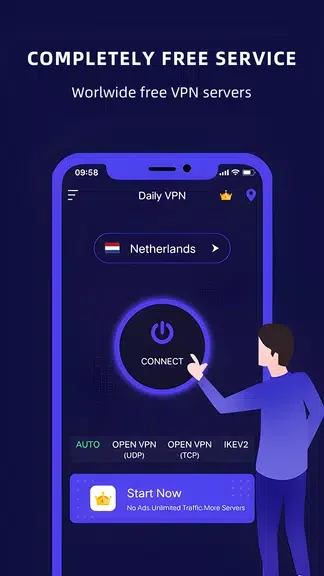
DailyVPN-Fast Stable Proxy is an Android VPN and proxy tool designed to help users connect to a VPN network without working through complicated setup screens. The app description presents a one-tap connection process, making its central task straightforward: choose how to connect, start the VPN service, and use the internet through the selected connection.
One-tap connection and server choices
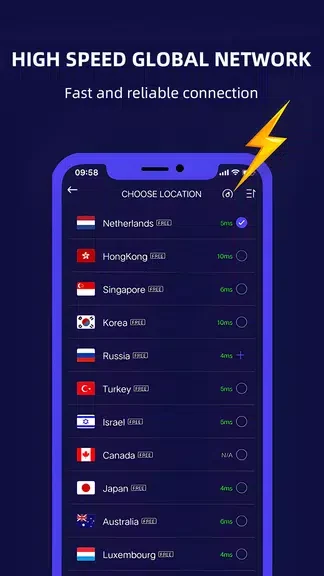
The app focuses on a simple connection experience for people who want fewer manual settings. Users can select a server location themselves when they need a connection associated with a particular region. The description also refers to a range of server locations, allowing the selected location to match the user's browsing requirements or access needs.
DailyVPN-Fast Stable Proxy includes a built-in speed test that can be used before connecting. This lets users compare available server performance and choose a location based on the result. The speed test and manual location controls work together: testing helps inform the choice, while location selection provides direct control over which server to use.
Privacy and access features
According to the supplied description, the app encrypts user data and masks the IP address while connected. These functions are intended to reduce exposure of browsing activity to third-party tracking. The app is also described as supporting access to geographically restricted websites, including content that may not be available in a user's country or may be affected by local censorship.
Automatic connection settings
An auto-connect option is available in the settings. When enabled, the app is described as connecting automatically when the user accesses the internet, reducing the need to start the VPN manually each time. Users who prefer direct control can instead use the one-tap connection process and choose a location as needed.
Practical use
A typical use of DailyVPN-Fast Stable Proxy can begin with a speed test, followed by selecting a suitable server location and starting the VPN connection. For regular use, auto-connect can be enabled in the settings. The app's tools therefore cover initial server selection, quick connection, automatic connection behavior, and privacy-related network functions in one interface.