

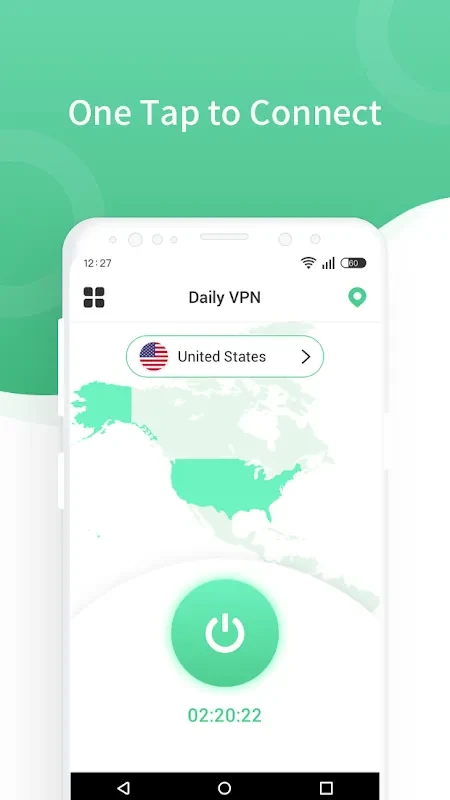
Daily VPN - Fast & Secure VPN is an Android VPN app for people who want to encrypt their internet connection while browsing, streaming, or downloading. Its listed uses include accessing region-restricted media and bypassing network blocks, alongside privacy features and optional content-blocking controls.
When browsing on a network with restrictions
For browsing when a network blocks particular sites, the app is presented as a way to route activity through a VPN connection and access those sites privately. The description says it encrypts data transmission with AES-256 encryption and includes DNS and IPv6 leak protection. These are stated protections for the connection, rather than a guarantee that all online activity is untraceable.
The listing also describes a no-log policy, saying that the service does not monitor or track users’ online activity through its servers. This is the provider’s stated policy. The app is intended for private browsing as well as access to sites affected by network blocks.
When streaming or downloading media
Daily VPN identifies streaming music and video, high-speed downloading, and accessing geo-blocked content as uses for its servers. The description also mentions torrenting. These functions may be relevant when a user wants to connect through a VPN while using those services; the listing does not specify particular streaming services or guarantee access to every region’s content.
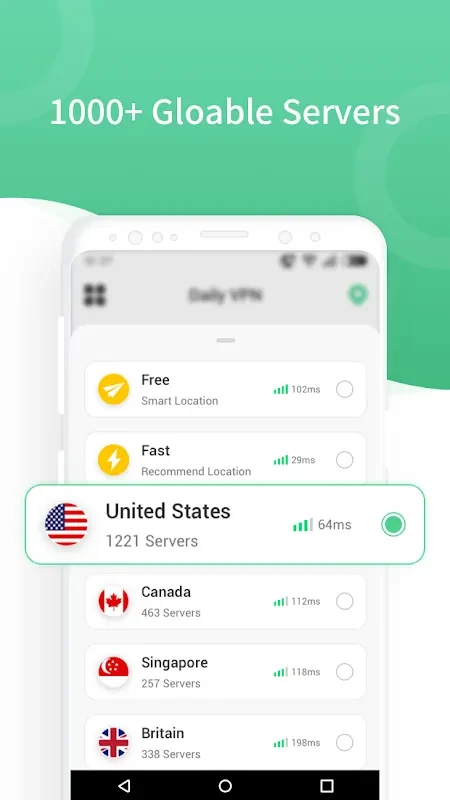
The app describes its servers as fast and stable and presents them for video, music, and online gaming. It also says users can choose server connections to access media from other locations. Actual streaming quality or availability is not specified, so the description’s performance claims should be understood as claims made by the listing.
When choosing what to block
An optional blocking feature lets users enable the ad blocker, select combinations of the listed blocking options, or leave them off. Those options cover ads, Trojan threats, spam, adult content, and phishing. This gives users a way to choose whether to use the described blocking controls alongside the VPN connection; the source does not detail how each category is detected or filtered.
When using more than one device
The description lists Android, iPhone, Mac, Windows, and routers among the platforms compatible with the service, and says the same account can be used on multiple devices. It specifically mentions phones, tablets, and computers when describing cross-device use. It does not provide setup steps or explain whether every blocking option is available on each platform.