

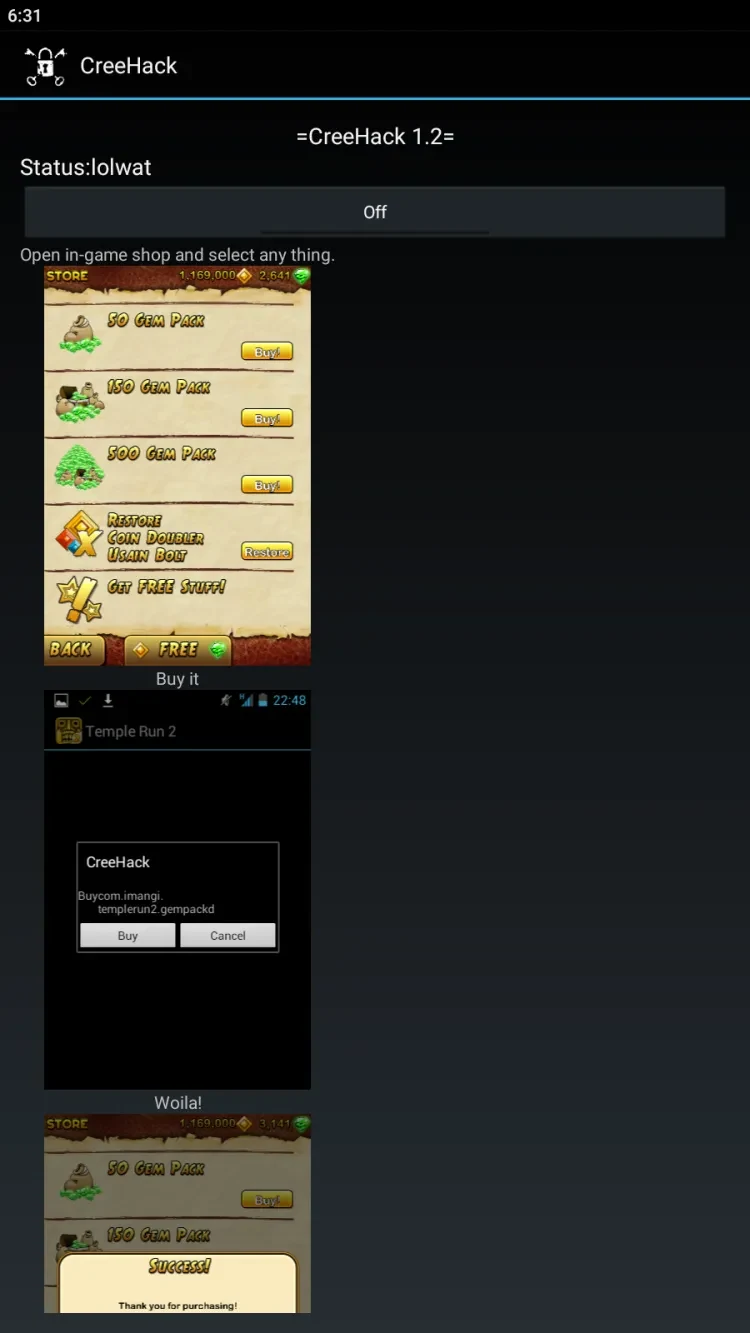
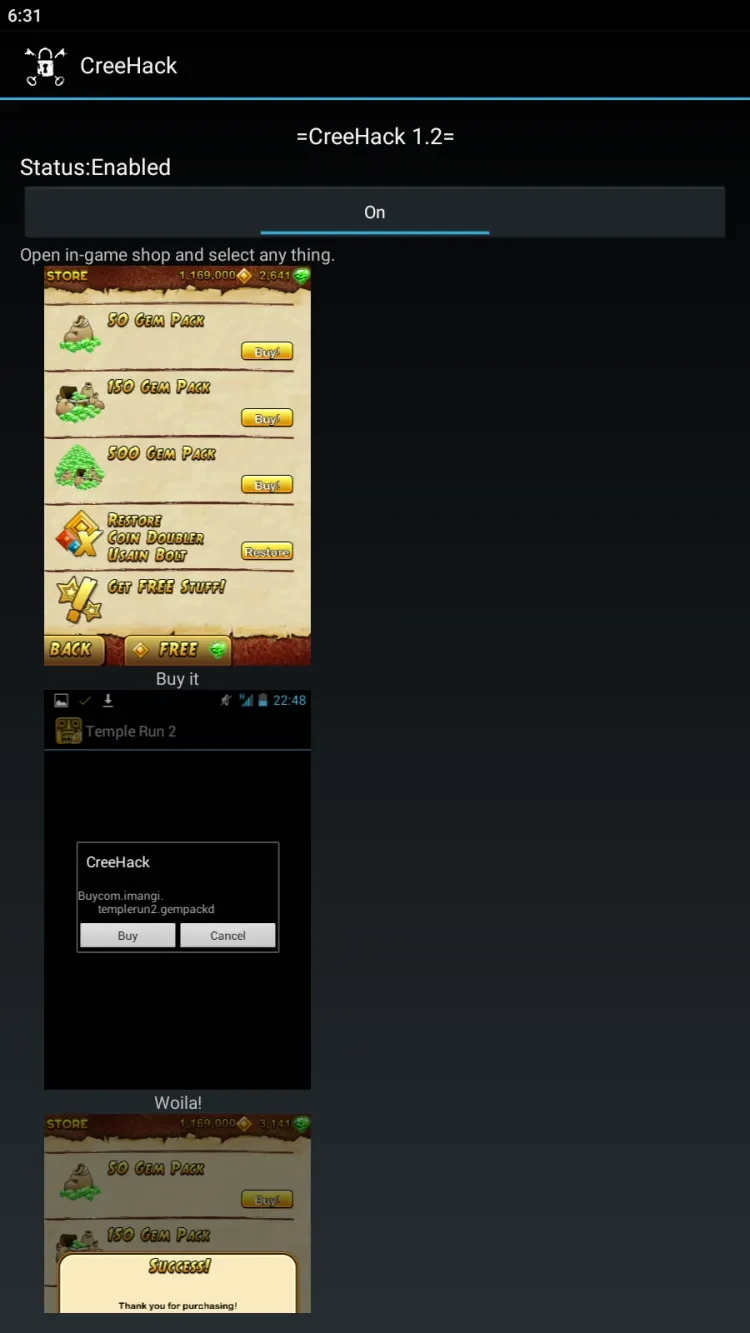
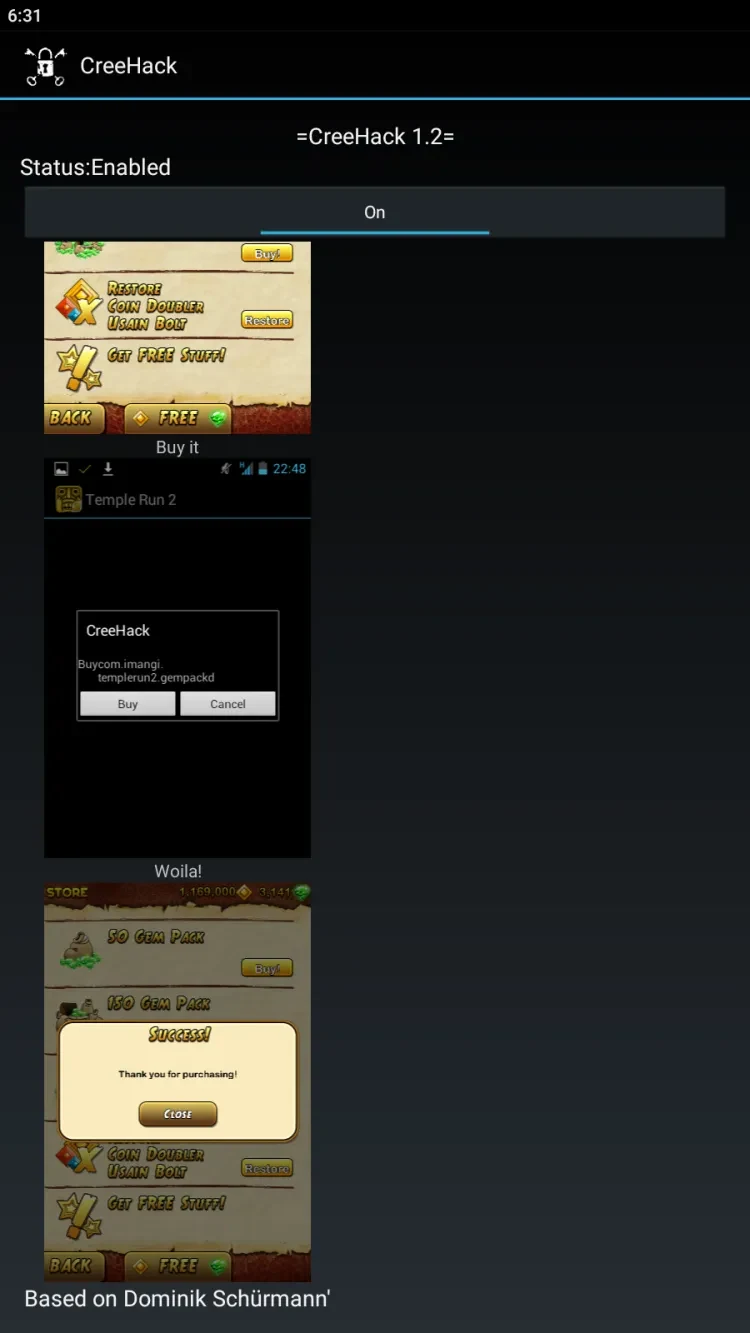
CreeHack is a game modification tool described as helping users access paid items and premium features in games and other apps. Its main purpose is to provide options such as in-game gems, coins, and other purchases without requiring a rooted Android device. The source describes it as free to use, lightweight, and designed with a straightforward interface. It also says the tool works with various games and applications, though it does not specify which ones, so compatibility may depend on the app a user wants to modify.
What can CreeHack change in games and apps?
The stated focus is access to premium game items and features, including gems and coins that can be used to complete game levels. The source also describes CreeHack as offering access to in-app purchases and as a way to modify supported games or apps. It does not provide a specific list of compatible titles or explain which features work in each one, so those details cannot be assumed for a particular game.
The description says users can edit games for additional options with a rooted file manager such as Root Explorer. That is presented as an optional route for further editing, not a requirement for CreeHack’s basic operation.
Does CreeHack require root access or extra plugins?
No root access is required for the app to function, according to the supplied information. CreeHack is also described as working without relying on other free plugins and without needing “freedom support.” These claims distinguish its stated setup from modifications that depend on root, but they do not establish compatibility with every device, app, or game.
The source characterizes CreeHack as free, with no in-app purchases or service charge, and says it takes up little storage space. These are descriptions of the tool itself; they do not confirm that every feature in a separate game or app will be available through it.
How is the APK installed?
The supplied instructions describe downloading the APK, enabling installation from unknown sources in Android settings, locating the downloaded file with a file manager, and tapping it to install. After installation, users can open CreeHack and follow its on-screen setup instructions. The source does not give device-specific menu directions, so the wording and location of the relevant setting may differ across Android versions or devices.
What should users consider before using it?
The source notes that using a tool like CreeHack may violate the terms of service of some apps or games and could lead to account restrictions. Whether this applies depends on the rules of the particular service. Users considering the app should check the relevant game or app terms and understand that the source does not identify supported titles or guarantee that purchase-related functions will work.
CreeHack may interest Android users looking for a non-root tool with a simple interface for attempting to modify supported games or apps. Its usefulness depends on compatibility with the specific title, which the available description does not document. The installation also involves allowing an APK from outside the usual app-installation flow, as outlined in the supplied instructions.