

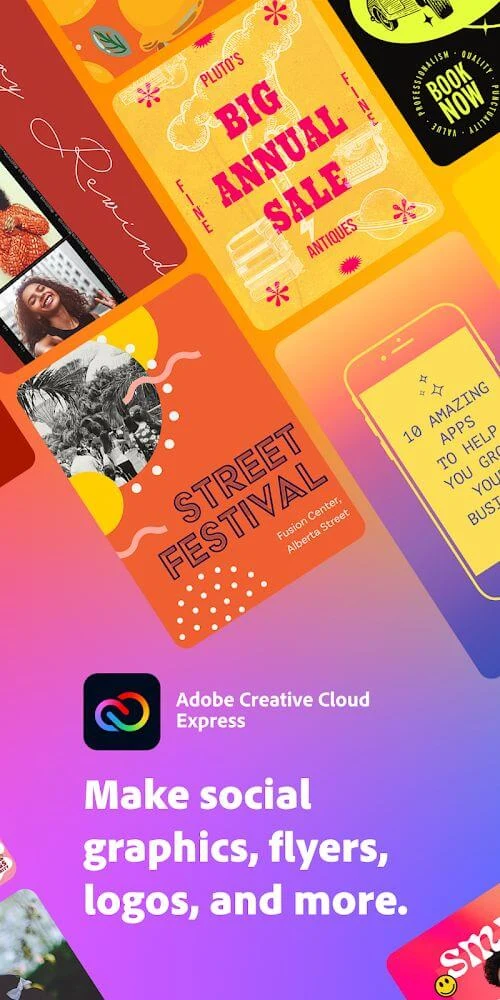
Creative Cloud Express: Design is a mobile design and video-editing app that helps users create visual content such as promotional videos, social posts, logos, flyers, banners, presentations, and collages. It combines templates, AI-assisted design generation, editing tools, media resources, and quick actions in one workspace.
What can the app create?
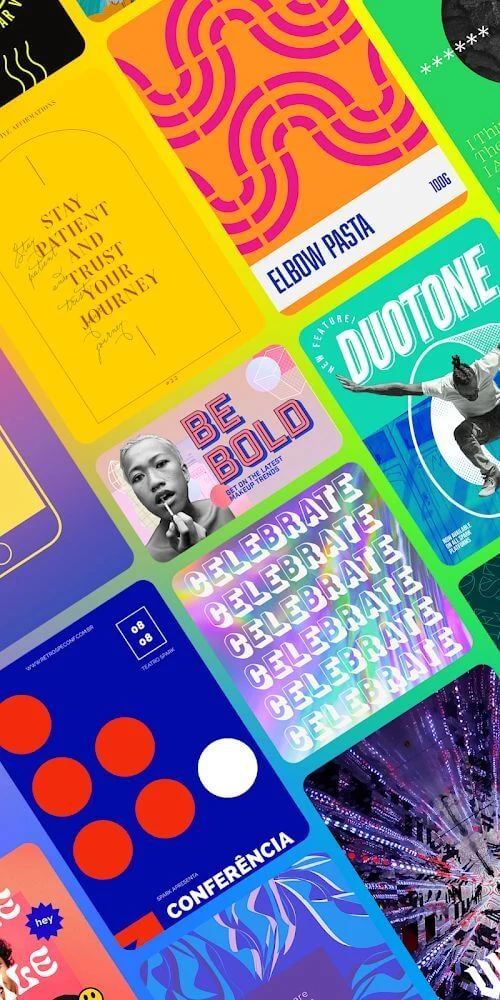
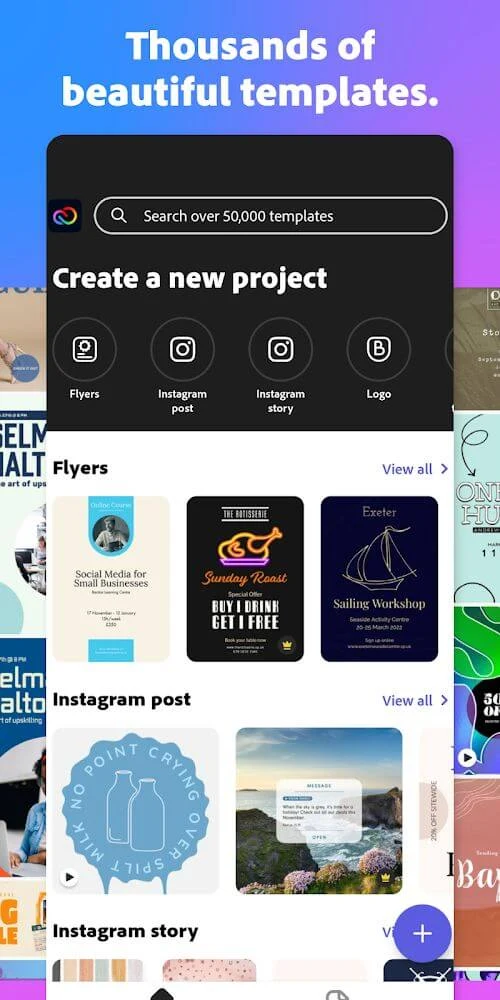
The app supports a broad range of visual projects. Users can work on logos, collages, flyers, posters, banners, invitations, business graphics, presentations, advertising creatives, and social media content. Its templates are organized around different purposes and platforms, including Stories, posts, and advertisements for Instagram, Facebook, Snapchat, Twitter, and Pinterest. This makes the app relevant to personal projects as well as brand-related content that needs a prepared visual format.
How does AI support the design process?
According to the supplied description, the app uses AI algorithms to analyze content and generate video designs based on a user's input and preferences. Its AI system also supports template editing, helping users adjust prepared designs without needing extensive design knowledge. The source presents this as a guided approach for both beginners and more experienced creators, while still allowing the resulting designs to be customized.
Which editing controls are available?
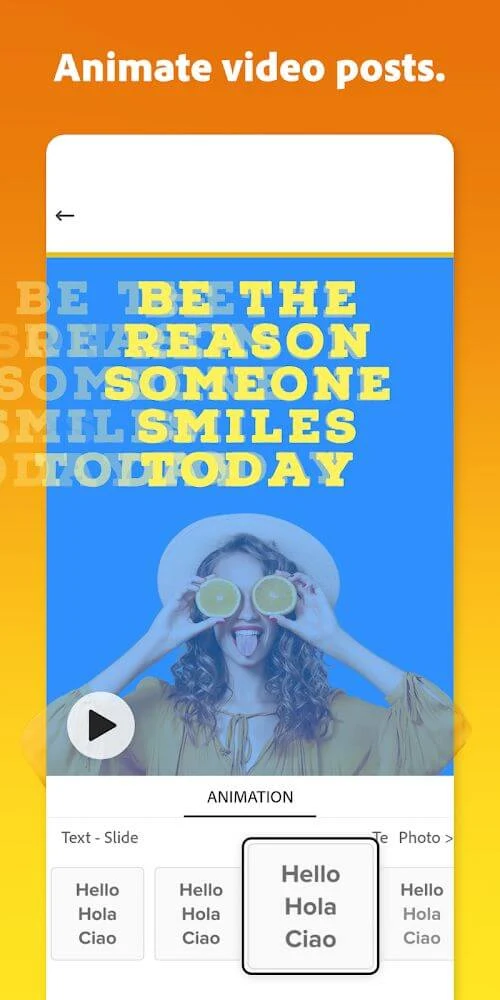
Creative Cloud Express: Design provides controls for adding text, changing visual layouts, applying effects and filters, and using textures and text effects. Users can customize photos and other visual elements for banners, flyers, and similar projects. Video-oriented tools include transitions, sound effects, animation options, and controls for animating video posts. These functions allow a template to be adapted rather than used as an unchanged preset.
What quick actions does it offer?
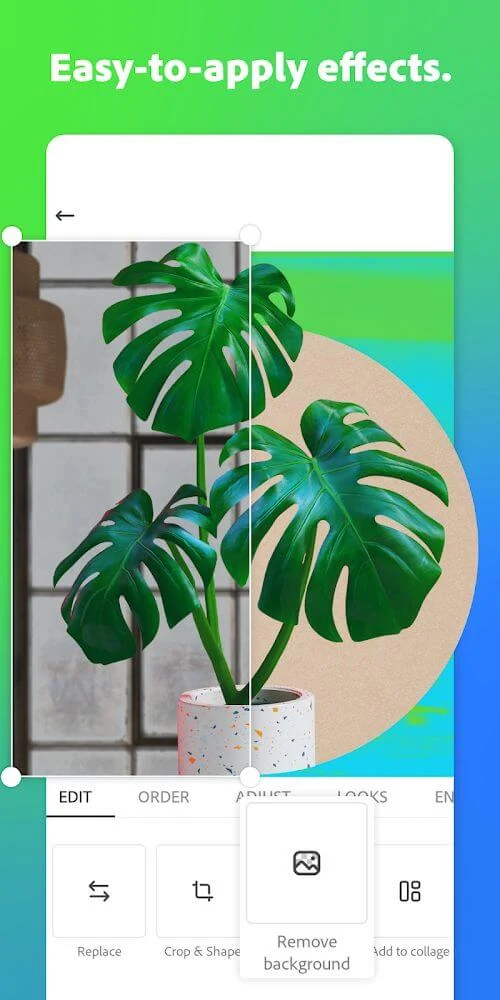
The app includes several actions intended to reduce repetitive design work. The supplied material identifies background removal for photos, resizing content, applying a brand to a design, sharing content to social media, and converting GIF files. It also describes guided tools and one-tap actions for some of these tasks. The available quick actions are aimed at common preparation steps, such as adjusting content for a destination or changing a file into another supported format.
Can users work with their own photos and branding?
Yes. The source states that users can integrate their photos into templates and customize design elements to suit a particular project. Branding tools can apply a brand to a design with one action, while editable layouts, text, effects, filters, and color treatments provide further control over the appearance. These options are useful when a prepared template needs to reflect a specific organization, campaign, or personal visual style.
What templates and design resources are included?
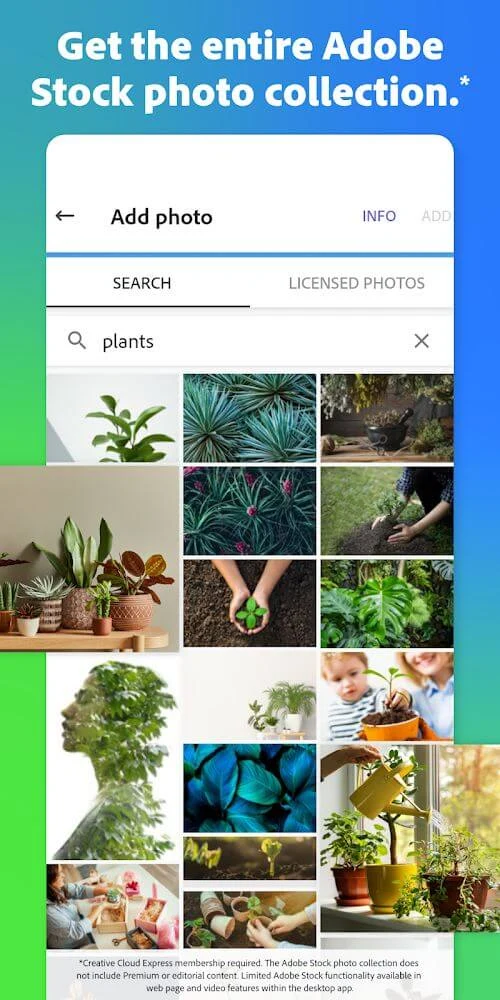
The app offers templates for logos, posters, flyers, banners, invitations, business graphics, presentations, collages, Stories, social posts, and advertisements. The description also refers to a large collection of images and Adobe Stock image resources that can be searched by keyword. A cloud library is described as containing photos, templates, animations, design filters, animated video posts, and layouts. The source says access to this wider cloud library is reserved for premium subscribers, so availability can depend on the user's subscription.
Is watermark removal available?
The supplied information says exported templates typically include a watermark and that a premium subscription can permanently remove it. This makes subscription status relevant for users who need exports without that mark. The description also states that some features and templates may require a subscription, so the full selection of resources is not presented as universally available without payment.
Can users share or develop ideas with a community?
The app description refers to an in-app community where users can share artwork and gather ideas for improving template designs. It also says that members can receive suggestions from experienced users. This community element is separate from the editing controls and is presented as a way to exchange creative input around completed or developing designs.
Is it suitable for someone without advanced design skills?
The source describes the app as user-friendly, with intuitive guided tools, editable templates, and AI-assisted design functions. Those features are intended to help beginners produce polished-looking visual content while retaining customization options for more experienced users. It does not remove the need to make creative decisions, but it provides prepared layouts and controls for users who do not want to build every design element from scratch.