

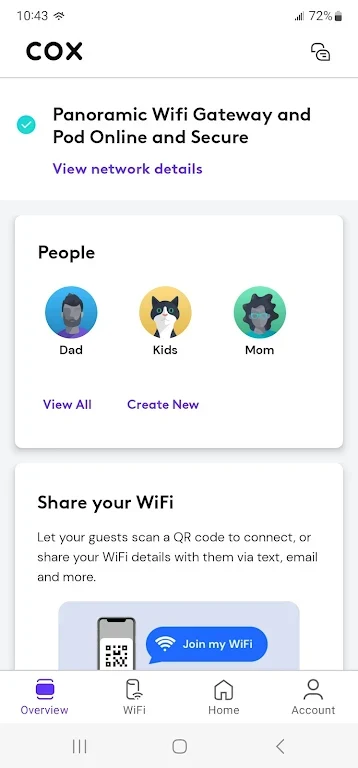
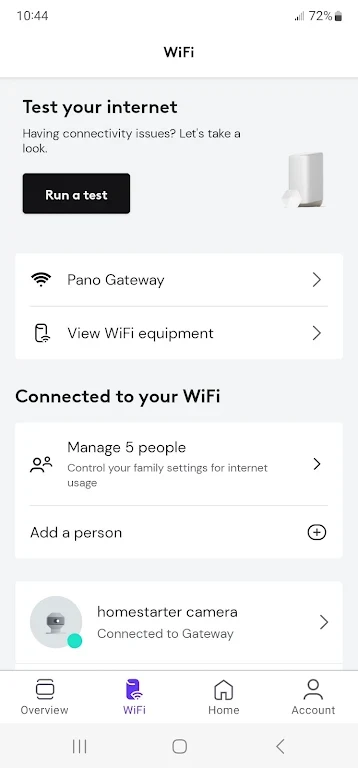
Cox Wifi, published by Cox Communications, Inc. in the Tools category, is an Android app for managing the wifi network in your home. Its description says it is built around Cox Panoramic Wifi and focuses on controlling devices, managing family internet access, and resolving network issues from your phone.
Pausing devices and checking bandwidth use
The description says you can pause individual devices, set device names, and monitor bandwidth usage. It states that these tools help you identify devices that take up a large share of your connection, which can be useful when a network feels slow and you want to see what is using it.
Setting bedtimes and limits for family members
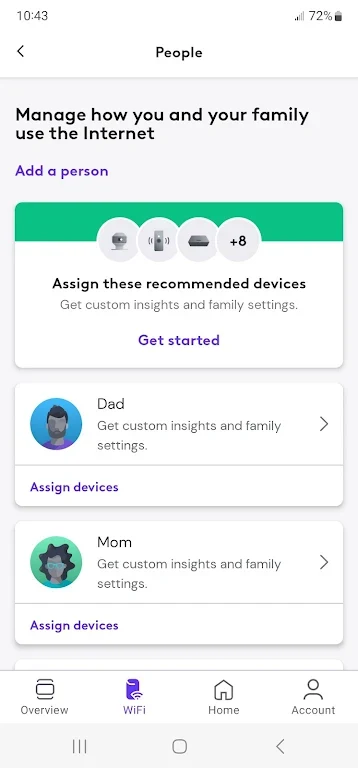
The app lets you create a profile for each family member and assign devices to those profiles. According to the description, this makes it possible to set individual bedtimes or limit internet access for specific users. The app can also pause the wifi connection for everyone at once, such as during dinner.
Changing the network name and password
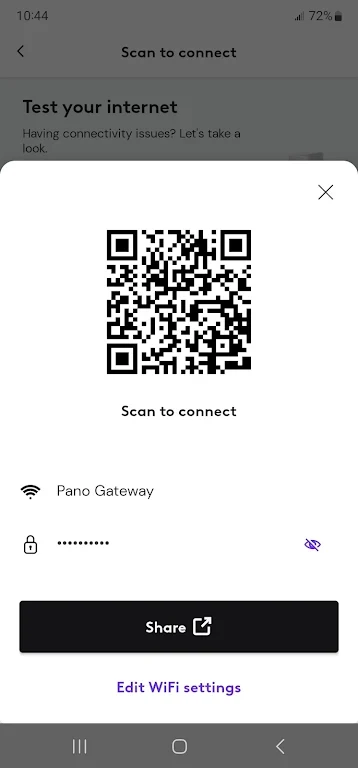
The description says you can manage your wifi network name and password in the app and adjust these settings to your preferences. Signing in uses your Cox Primary User ID and password, so the description does not indicate a separate password for the app.
Troubleshooting connection problems
The description presents the app's troubleshooting tools as a way to identify and resolve errors without contacting tech support. The source ties this to saving time and avoiding frustration, though it does not describe the specific steps the app walks you through.
Extending coverage with Panoramic Wifi Pods
The description notes that you can add Panoramic Wifi Pod extenders to address dead spots in your home. Pods depend on a compatible gateway, and the supported gateway models are listed in the FAQ below.
Security features for connected devices
The description states that the app offers advanced security features to protect connected devices. It does not list which specific protections are included, so the available security options are best confirmed within the app itself.