
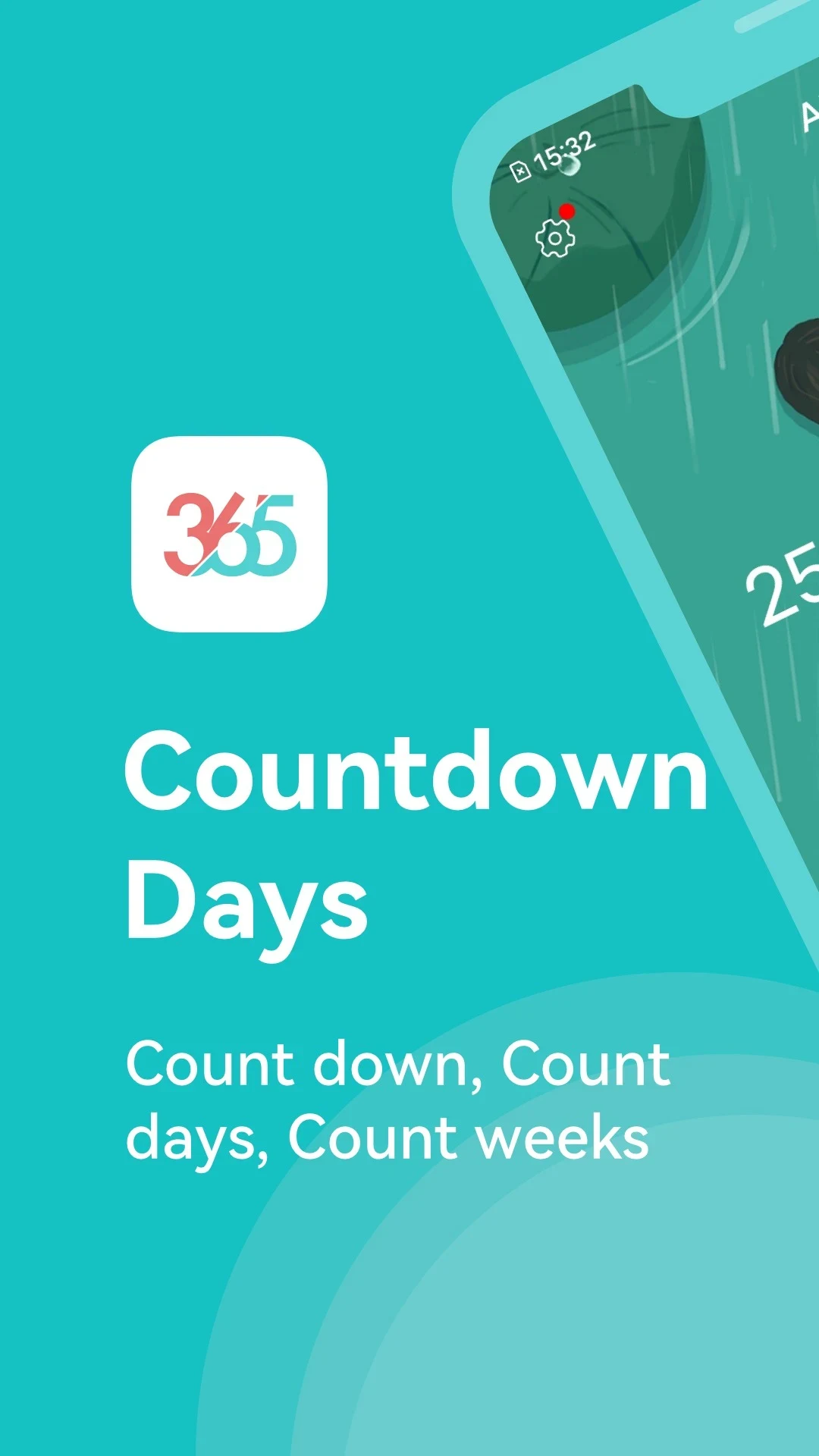
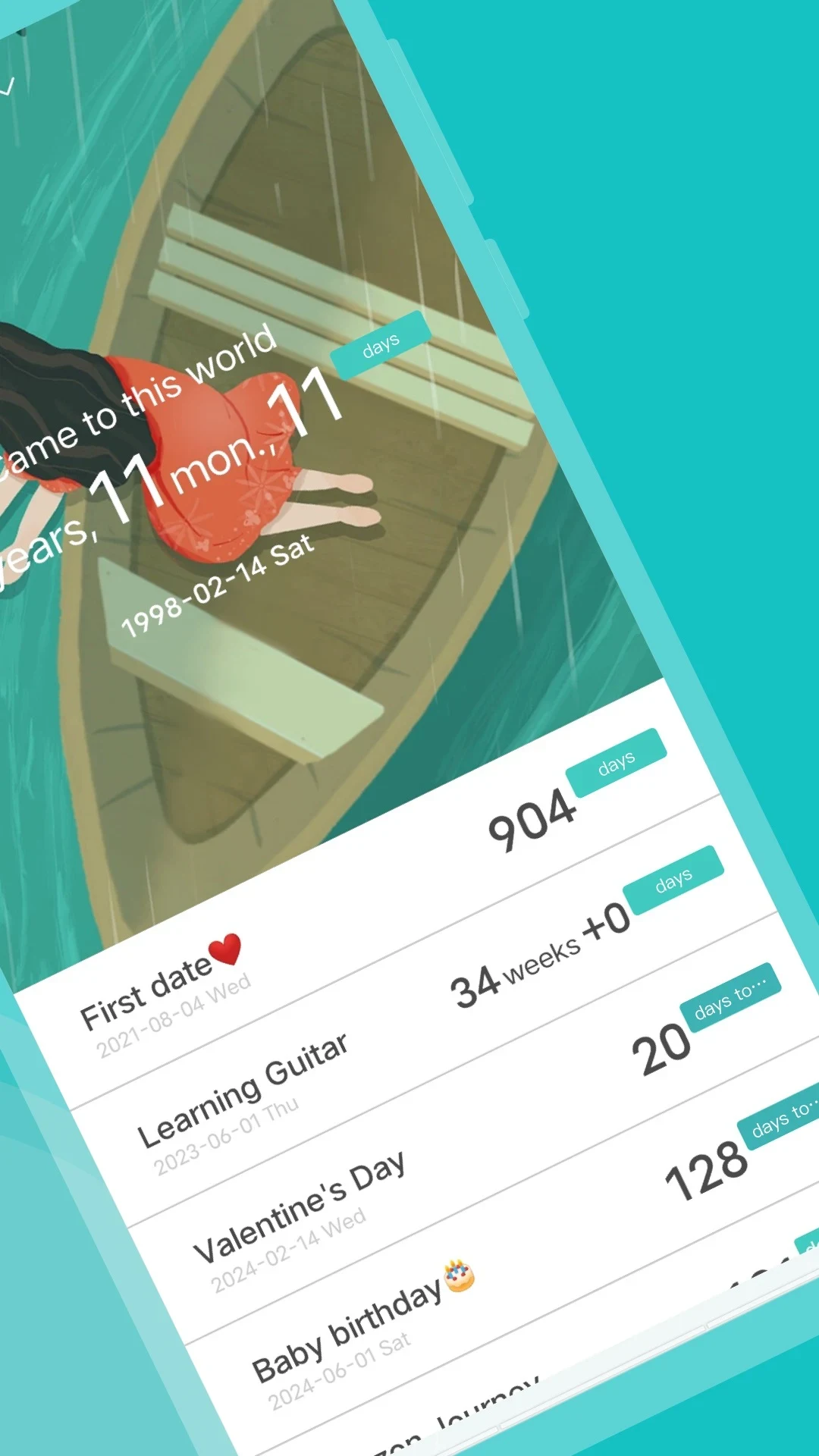
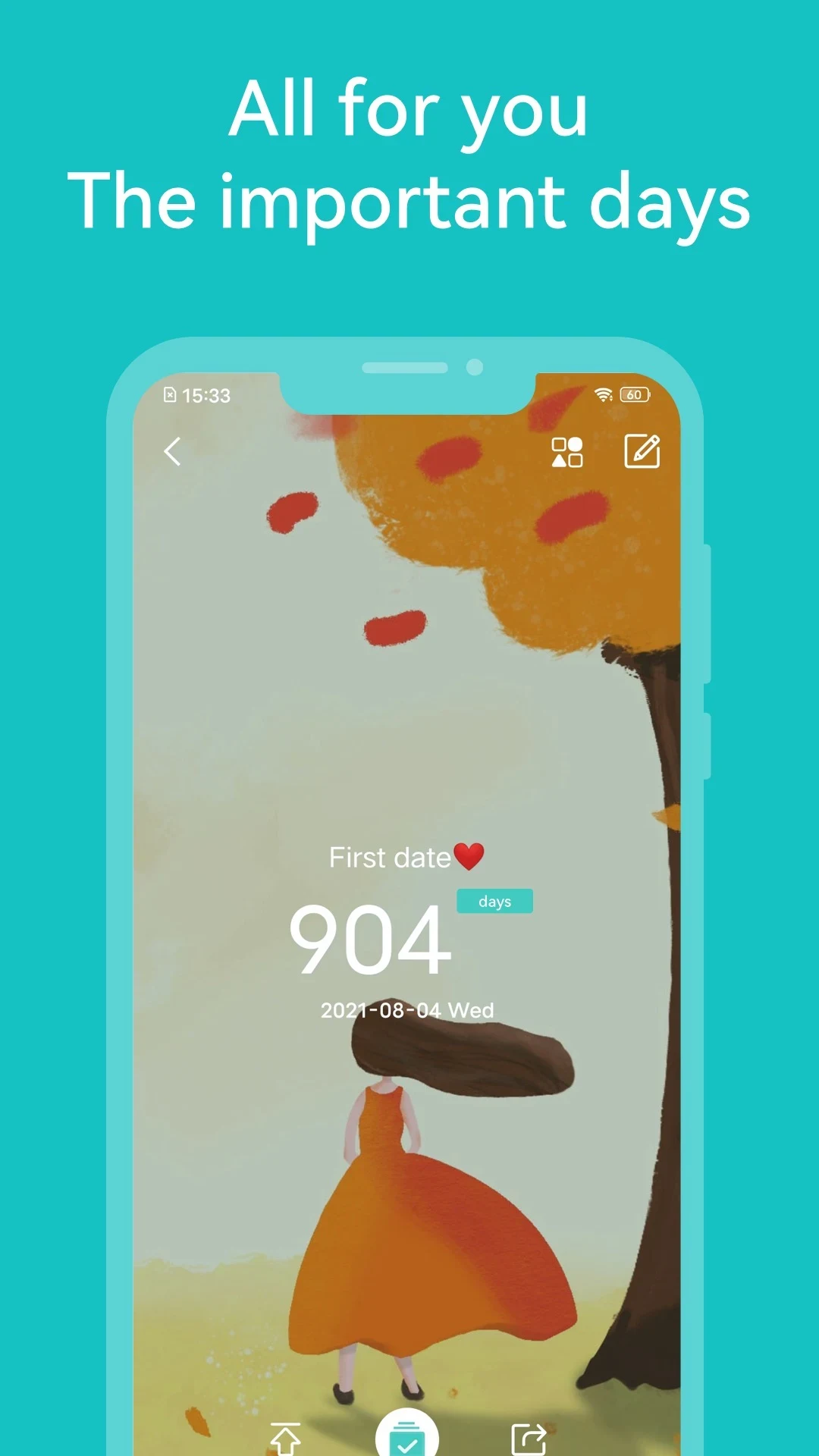
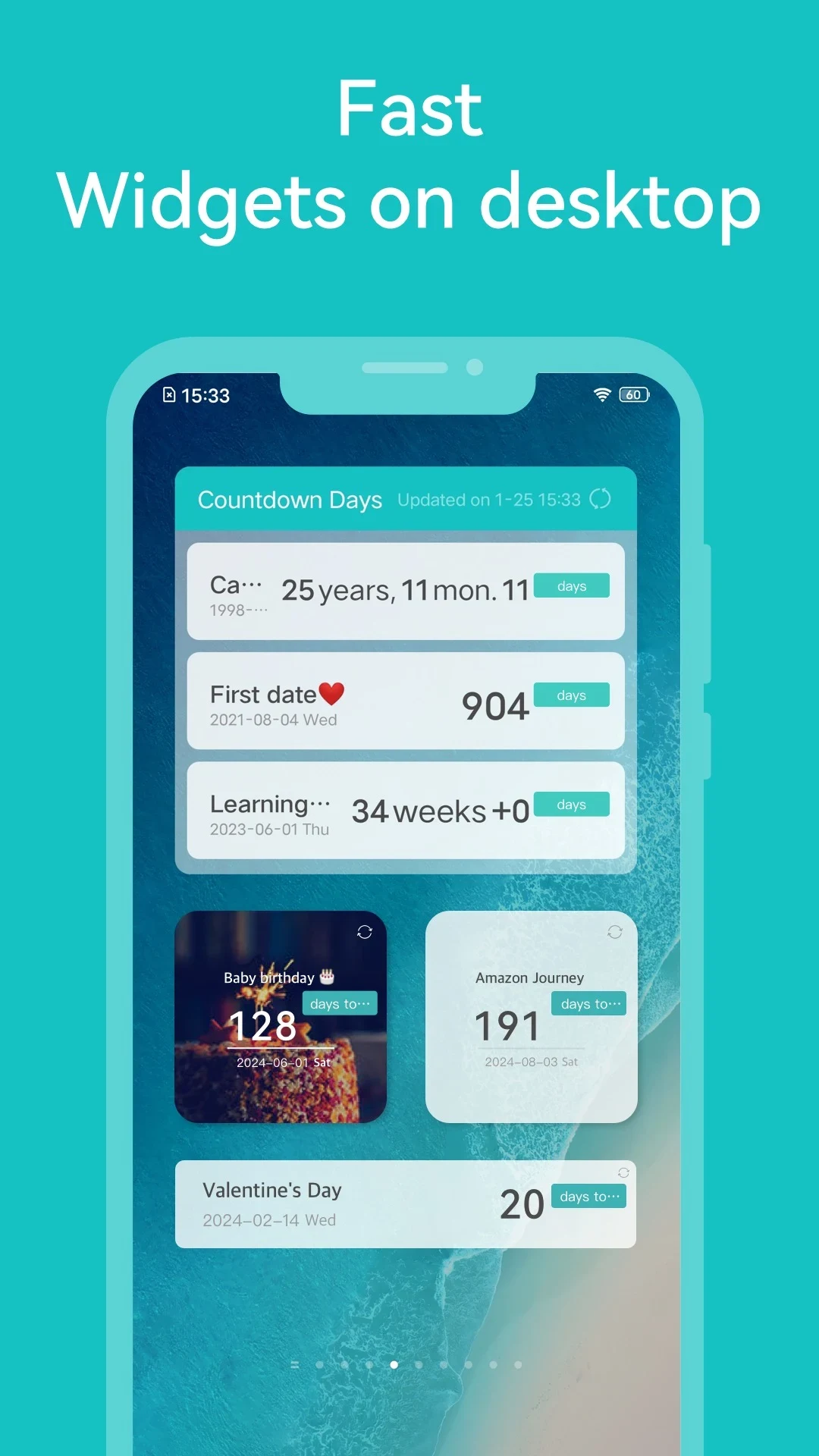
Countdown Days helps users keep track of upcoming events and deadlines while giving each occasion a more personal visual identity. Events can be paired with free illustrations or the user’s own photos, while backgrounds and color schemes provide additional ways to shape the timeline. The app is designed with straightforward controls that can suit people of different ages and levels of familiarity with digital tools. Its combination of visual customization and practical organization makes it relevant for personal occasions, everyday reminders, and work-related events.
Personalized event displays
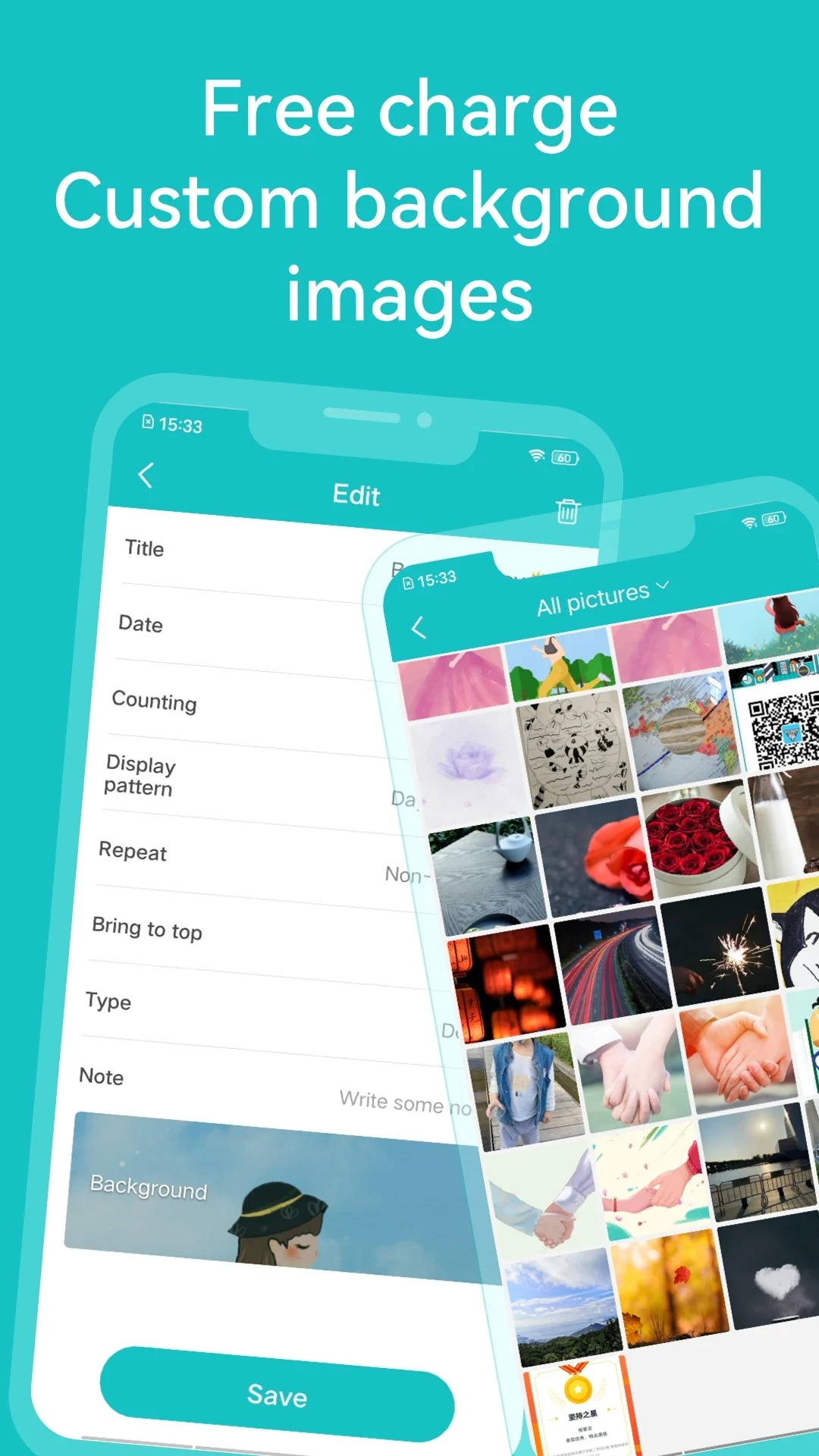
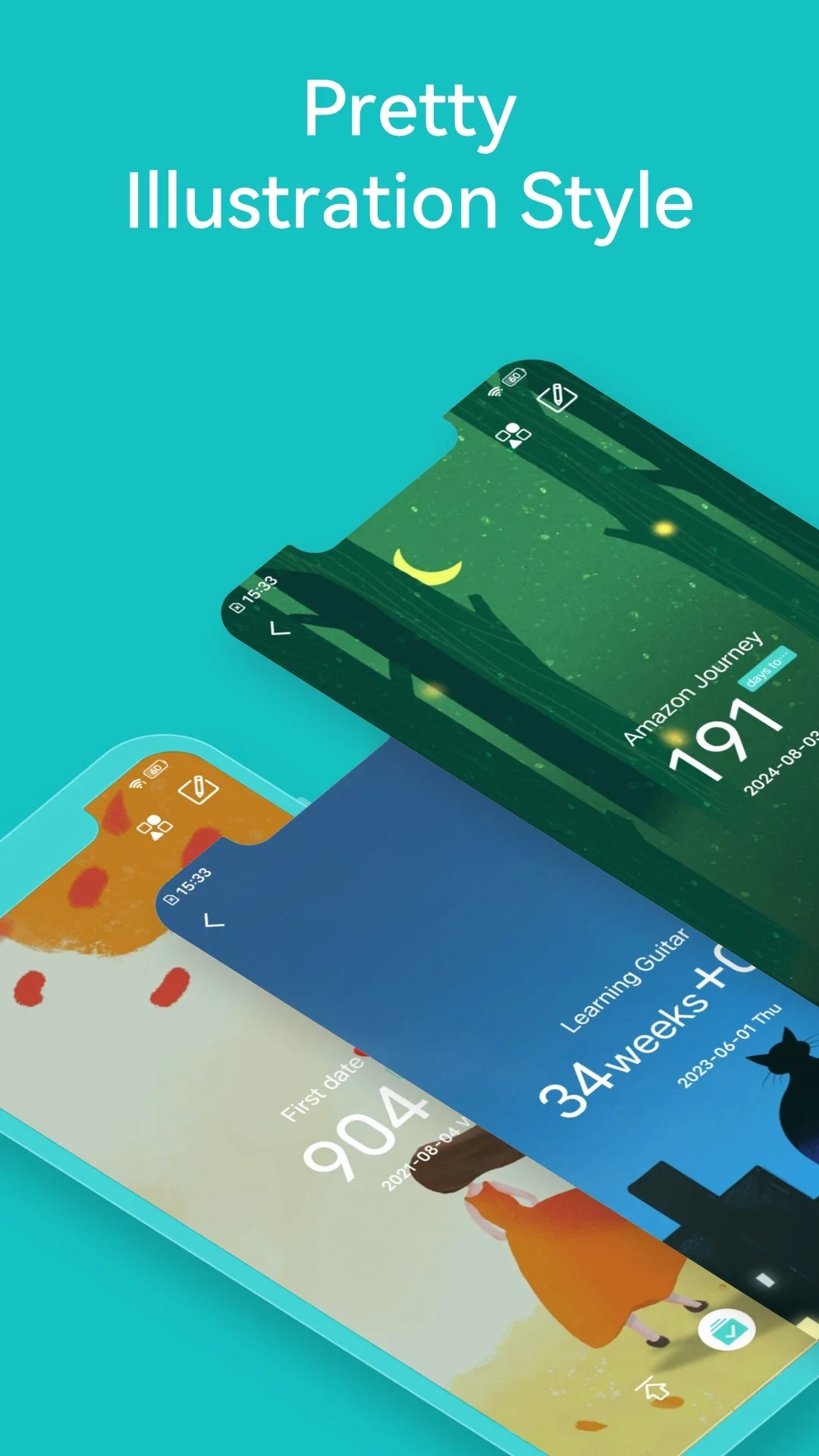
Each event can be given its own imagery, either by selecting from the available free illustrations or by uploading a personal photo. Users can also experiment with different backgrounds and color schemes to build a timeline that reflects their preferences rather than relying on a uniform display.
Tools for organizing events
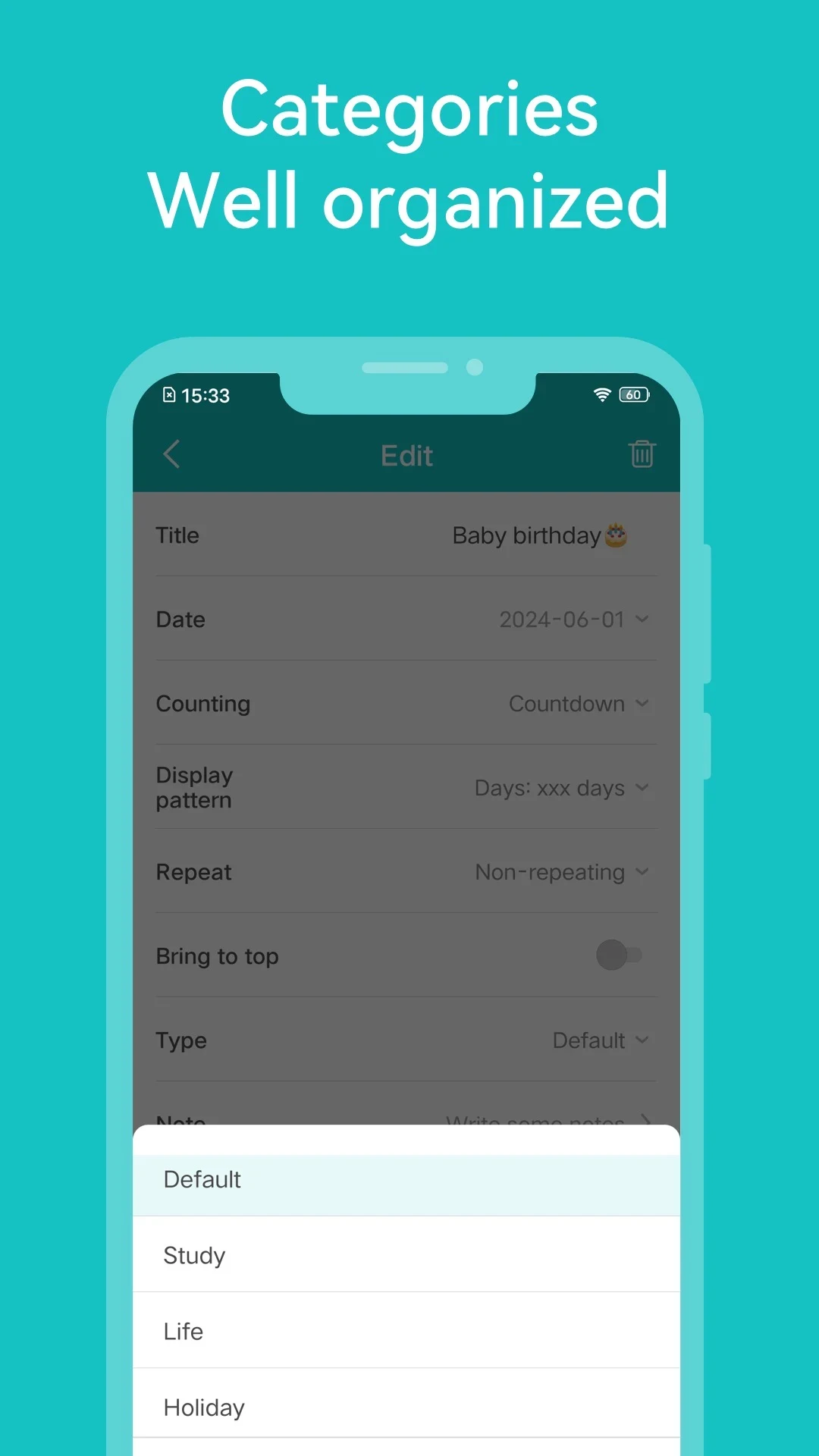
Customizable categories help separate different types of occasions, while the pinning feature can keep especially important events easy to find. Sorting provides another way to arrange the list, including prioritizing upcoming deadlines and events when planning requires a clearer order.
Past events and ongoing countdowns
The archive feature allows users to revisit past events, which can be useful for looking back on previous occasions and achievements. The source does not specify an explicit limit on the number of events, but recommends keeping ongoing countdowns manageable for optimal performance.
Suitable for personal and work use
Because Countdown Days combines categories and pinning with visual customization, it can be used for both personal occasions and professional events. Its intuitive interface and uncomplicated features are described as accessible to users ranging from tech-savvy adults to older people who may have less experience with digital tools.