
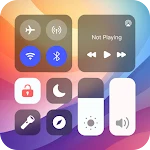
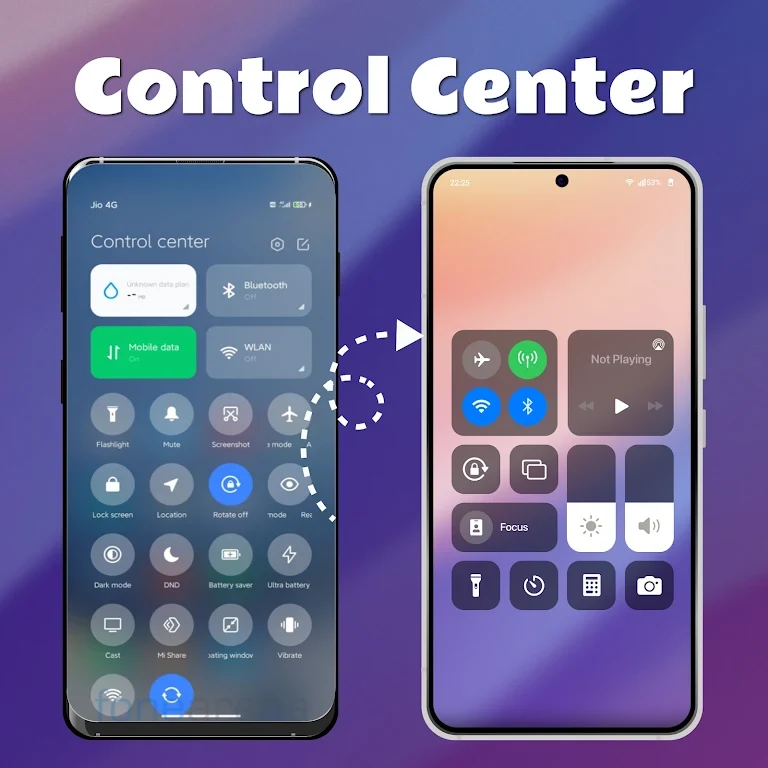
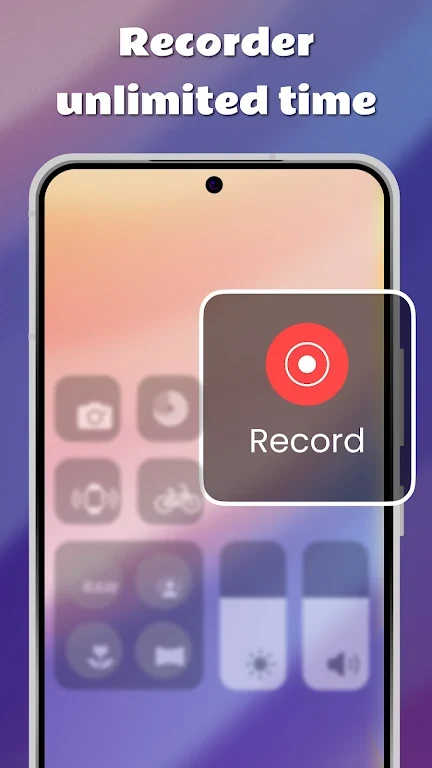
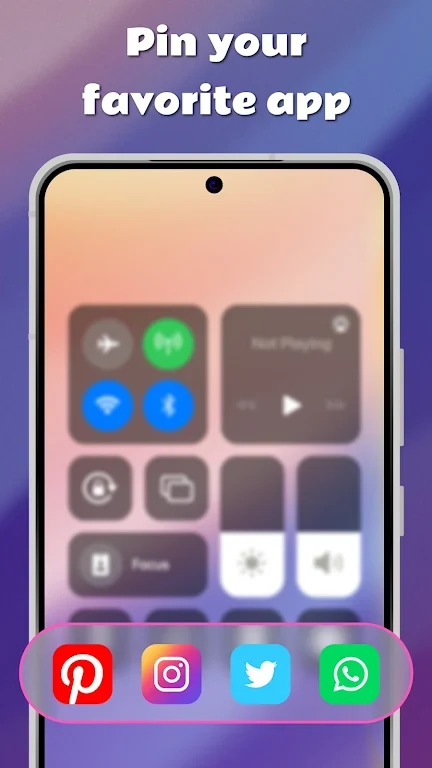
Control Center - iOS Style provides an iOS-inspired panel for accessing selected Android controls and settings in one place. It brings together quick toggles, shortcuts, brightness adjustment, notifications, and music playback controls, with options to rearrange items in the layout.
Quick controls and settings shortcuts
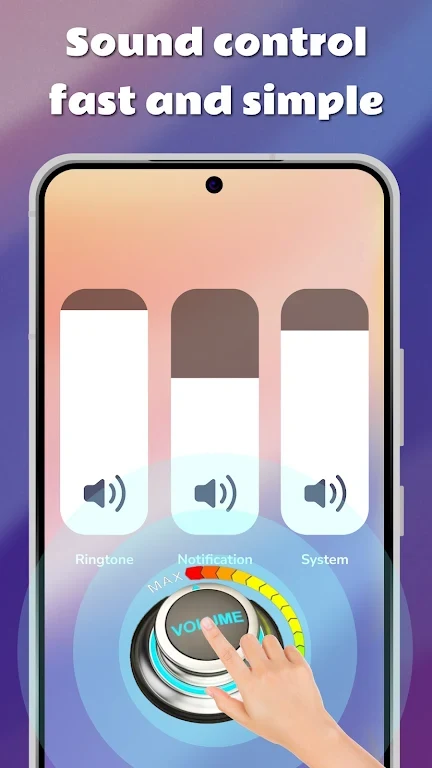
The panel includes quick access to Wi-Fi, Bluetooth, and Airplane Mode. It also provides shortcuts for frequently used settings and controls, including screen rotation, the flashlight, and volume. These options are grouped in the control panel so they can be reached from a shared interface rather than opened separately.
Brightness and music playback
Smart screen brightness adjusts brightness according to ambient lighting conditions. For music, dedicated controls in the panel let users play or pause playback, skip tracks, and adjust volume. These controls are intended for managing playback from the control panel.
Notifications and layout
Notifications are displayed in a dedicated notification area, where users can review and manage alerts. The app also allows toggles and shortcuts to be rearranged, so the panel's layout can be tailored to individual preferences. Its iOS-style appearance and smooth animations shape the interface, while its controls provide access to Android functions.