

Connect Credit Union gives members a mobile way to review account activity and handle common banking tasks, including transfers, bill payments and document submission. Access to these functions depends on completing the app’s sign-in steps and, for some tasks, registering accounts or bills through Online Banking first.
When you need to check account activity
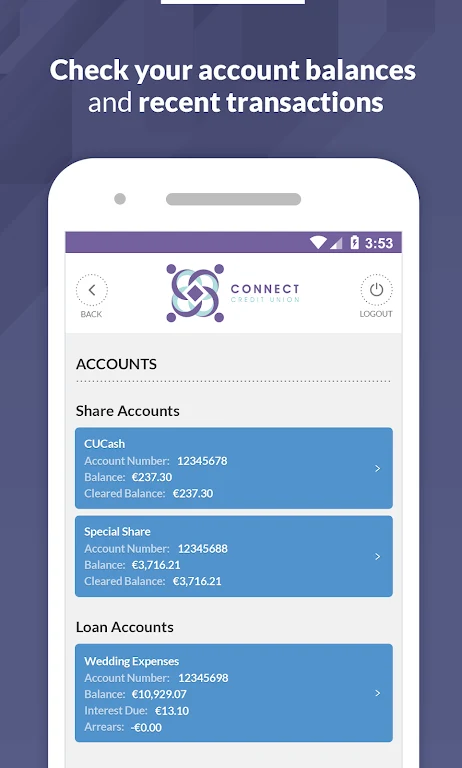
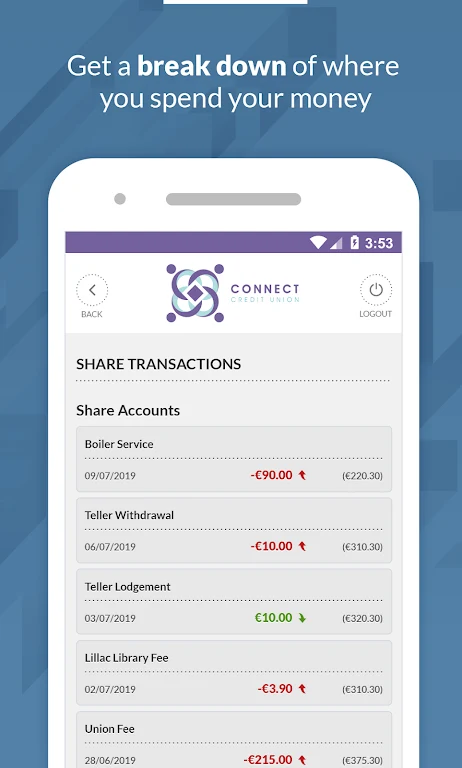
Use the app to view account balances and transaction history. These details provide a way to review recent activity and track spending without limiting the app to transfers and payments. The source describes access to accounts through the app, but does not specify additional account-management tools.
When money needs to move between accounts
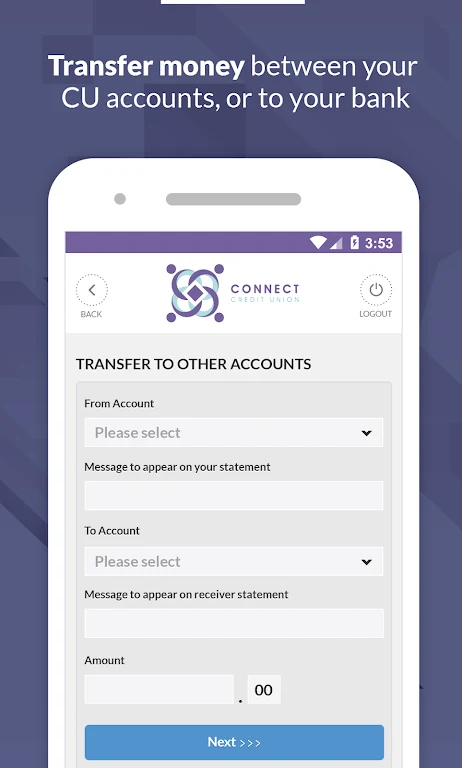
The app supports transfers between Credit Union accounts, such as moving funds from savings to checking or making a loan payment. It also supports transfers to external bank accounts. External accounts must first be registered through Online Banking before using the app’s external transfer function.
When you are paying bills
Bill payment is available through the app after utility bills have been registered in Online Banking. Members can set up payees and schedule payments. The source also describes recurring bill payments as an option, allowing those payments to be automated. It does not specify payment timing or other conditions.
When a task requires documents
For requests such as providing proof of identity or address, or submitting material for a loan application, documents can be uploaded from a phone. The app accepts a picture taken with the phone or a file selected from its gallery, then provides a way to submit it through the app.
Getting access to the app
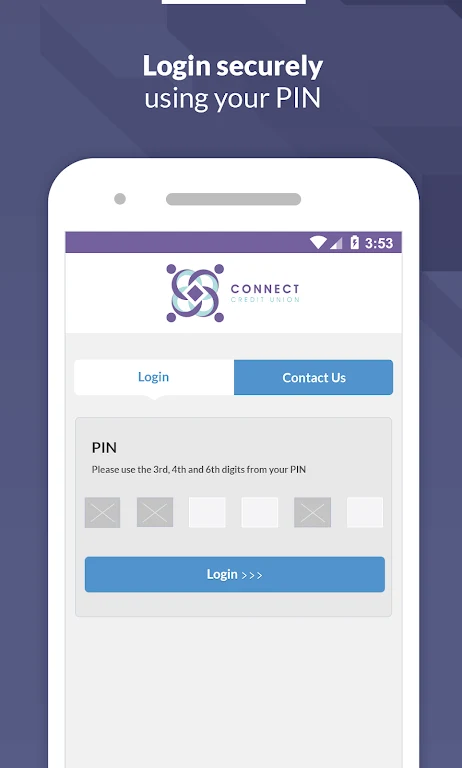
Before signing in, the mobile phone number must be verified. If it has not been verified, the source directs members to complete verification through their Online Banking account. Sign-in uses a Member Number, date of birth and PIN, and members are asked to review and accept the Terms and Conditions before proceeding.