


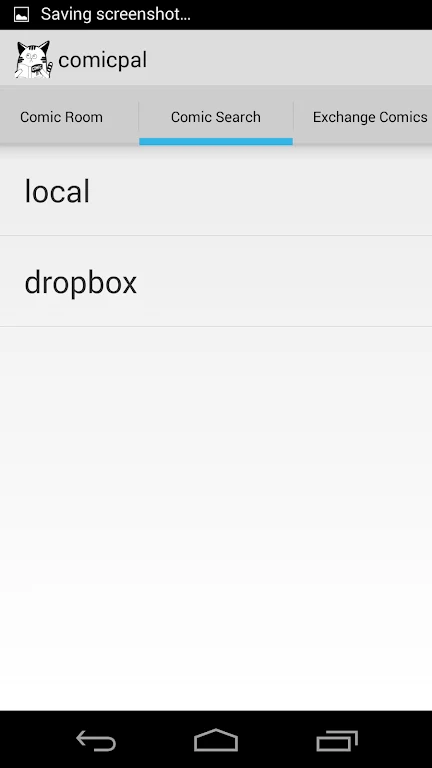
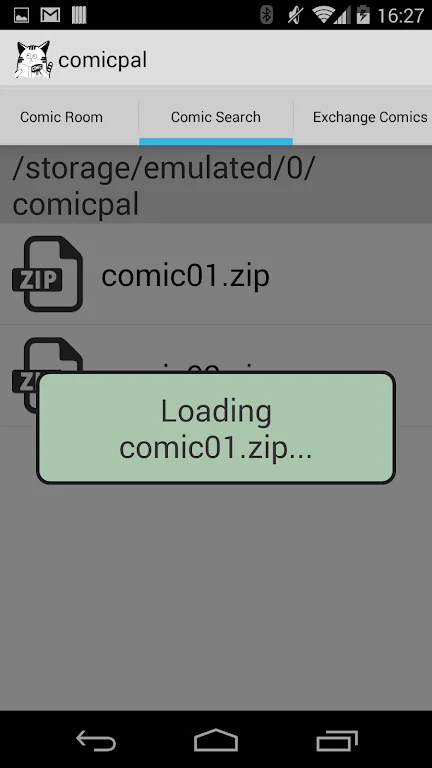
comicpal (comic viewer) helps readers browse and enjoy comics from different genres in one Android app. Its simple interface is designed to keep navigation clear, so users can focus on the stories rather than complicated controls. The app also supports a more personal reading setup through adjustments for brightness, background color, and text size. Comics can be downloaded for offline use, which makes it possible to continue reading when a stable internet connection is not available.
Finding comics across different genres
The app includes an extensive library covering various comic genres. This gives readers room to stay with familiar types of stories or explore genres they have not tried before. Having these choices in one place can make browsing more convenient when deciding what to read next.
Adjusting the reading view
comicpal (comic viewer) lets users change brightness, background color, and text size to suit their preferences. These controls can be useful in different reading situations, such as lowering brightness for nighttime reading or selecting a different background color for a more comfortable view. Text-size adjustments provide another way to tailor the display.
Reading without a connection
Users can download comics before going offline and read them later without relying on an active internet connection. This connects the library and reading functions in a practical way: a comic can be selected while connected, saved to the device, and opened when internet access is unavailable.
A straightforward comic viewer
The user-friendly interface is intended to make moving through the app and opening comics uncomplicated. Together with the customization settings and offline downloads, it supports a reading experience that can be adapted to personal preferences and different circumstances.