
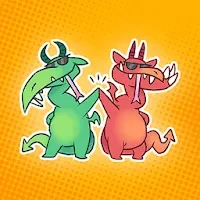
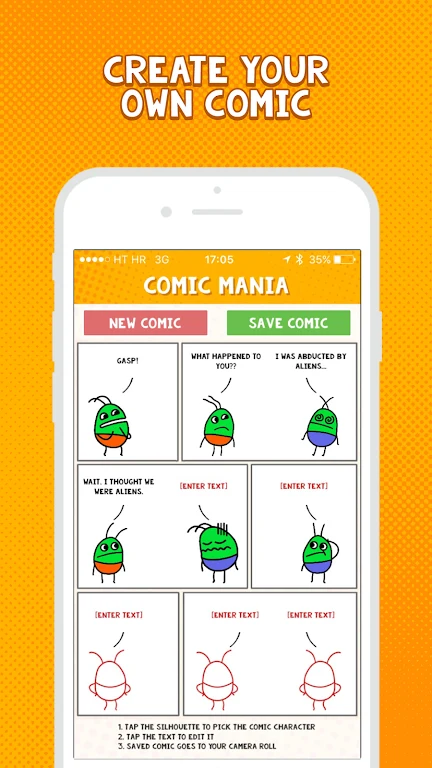
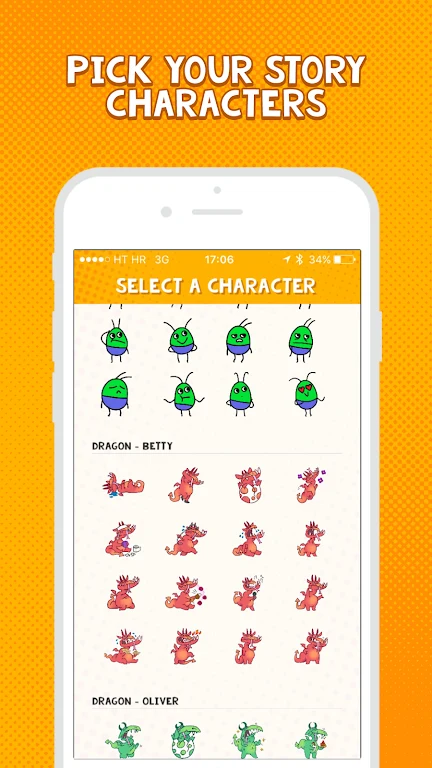
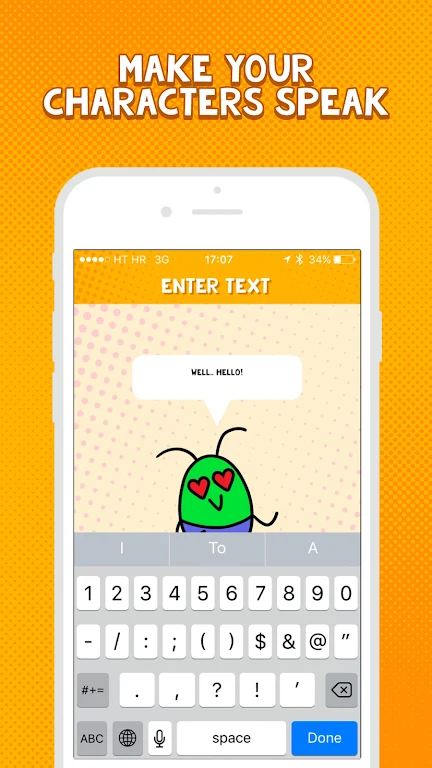
Comic Mania helps you turn characters and a setting into a comic you can save as an image and share. You can choose from figures such as aliens and dragons, customize character features and personalities, and place scenes in settings ranging from a city to a forest. Dialogue bubbles give characters a way to express thoughts and conversations, helping connect the visuals into a story. The app is intended for making comics in a short time, so its tools suit both a first attempt at visual storytelling and a more playful creative project.
Shape characters and scenes
Character customization lets you give figures individual features and personalities rather than relying on a fixed cast. The range of backgrounds and landscapes provides a setting for each scene, whether the story calls for a busy city or a mythical forest. Trying different character combinations can help suggest new relationships and storylines.
Give the story a voice
Speech bubbles let you add conversations and thoughts to the comic. The app’s user guidance also suggests using sound effects such as “Boom!” or “Pow!” for action scenes, and experimenting with angles and perspective to add visual interest and depth to panels.
Make a comic with others
Comic Mania’s guidance proposes collaborating with friends by taking turns adding to a story and its characters. This is presented as a creative way to develop a comic together; the supplied information does not describe a specific in-app collaboration tool.
Save and share your finished comic
When a comic is complete, you can save it as an image and share it with friends or family through social media or messaging apps. This gives the finished story a format that can be passed along outside the app.