
Color Gear: color wheel assists designers and artists in developing harmonious color palettes through its support for both RGB and RYB models. The app includes multiple harmony schemes that match entered color codes, making it useful for ensuring visual consistency in digital designs or traditional artwork. Users can pull colors directly from personal images to generate palettes, then adjust individual values with precision tools before saving or sharing the results as collages placed over chosen images. The entire workflow functions without an internet connection.
Selecting Color Models
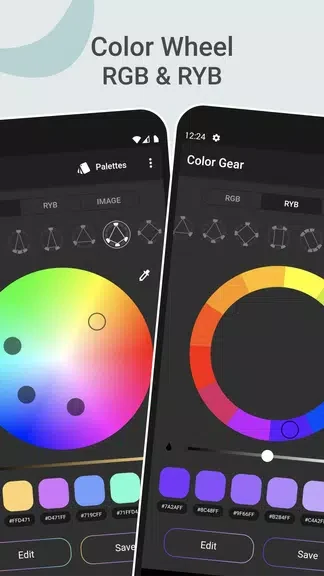
The application supplies an RGB wheel suited to digital screens and an Itten wheel aligned with traditional pigment mixing. Switching between these models shows how identical hues interact differently across media, helping users choose the wheel that matches a given project.
Generating and Extracting Palettes
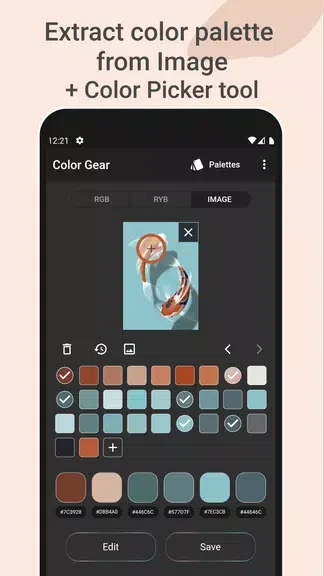
Typing a color code produces matching harmony options without further setup. The image extractor converts any photograph into an organized color set, removing the need for manual picking and allowing direct use of real-world scenes as references.
Editing, Saving, and Sharing
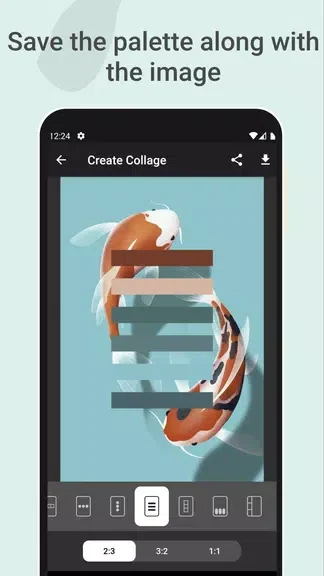
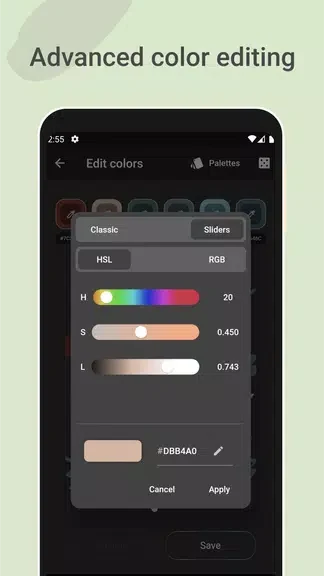
Precision editing controls let users fine-tune hue, saturation, or other values on any selected color. Finished palettes can be stored for reuse and arranged as collages overlaid on reference images, after which they are ready for export or social sharing.