


Streamlining System Maintenance and Performance
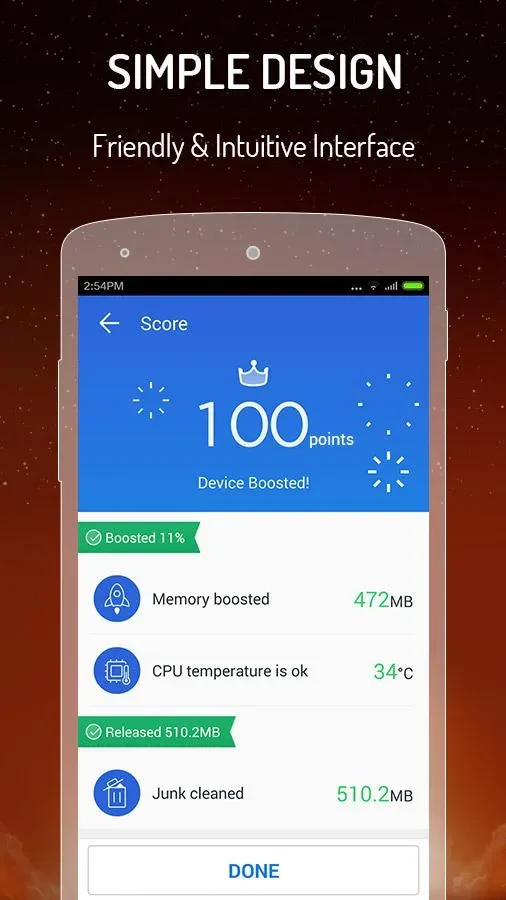
CM Speed Booster is a compact system utility designed to help mobile device users address common performance slowdowns and storage clutter. By combining essential maintenance tools into a lightweight package, the application enables individuals to reclaim valuable storage space, optimize memory usage, and maintain device stability. Because it avoids heavy, deceptive animations and excessive resource consumption, the software runs efficiently across a wide variety of hardware configurations, ranging from modern smartphones to older, resource-constrained tablets running Android 2.3 and higher.
Storage Optimization and Junk File Cleaning
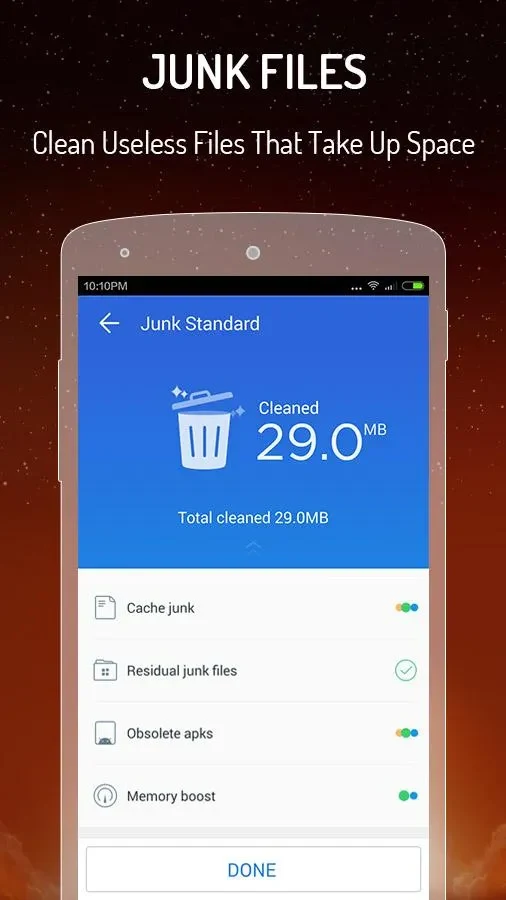
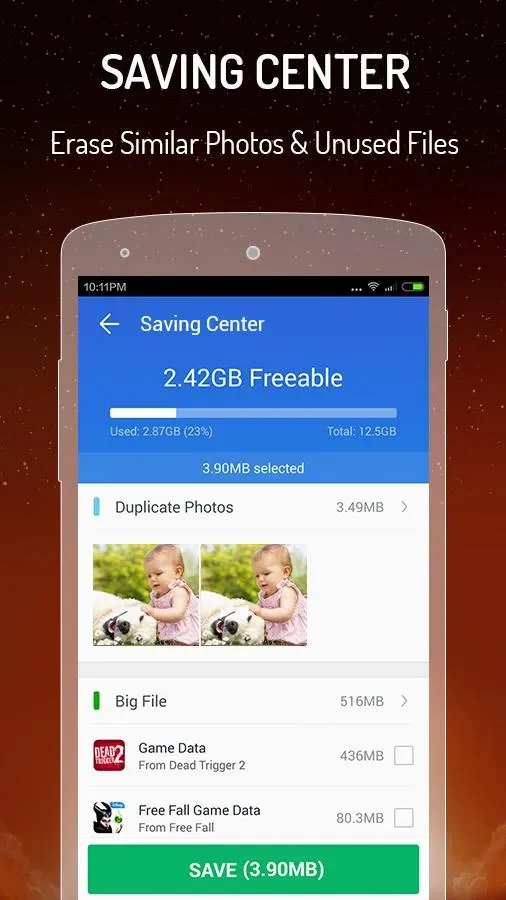
Managing internal storage becomes straightforward through dedicated scanning capabilities that locate and remove redundant data. The built-in storage insight system provides a clear overview of how device space is allocated and what condition the storage is in. Simultaneously, the junk file cleaner identifies residual files, cache data, and duplicate files, safely clearing them away to make room for personal media like photos and videos. This cleanup process helps prevent clutter from building up over time, ensuring the operating system has adequate room to function smoothly.
Memory Boost and Background Task Management
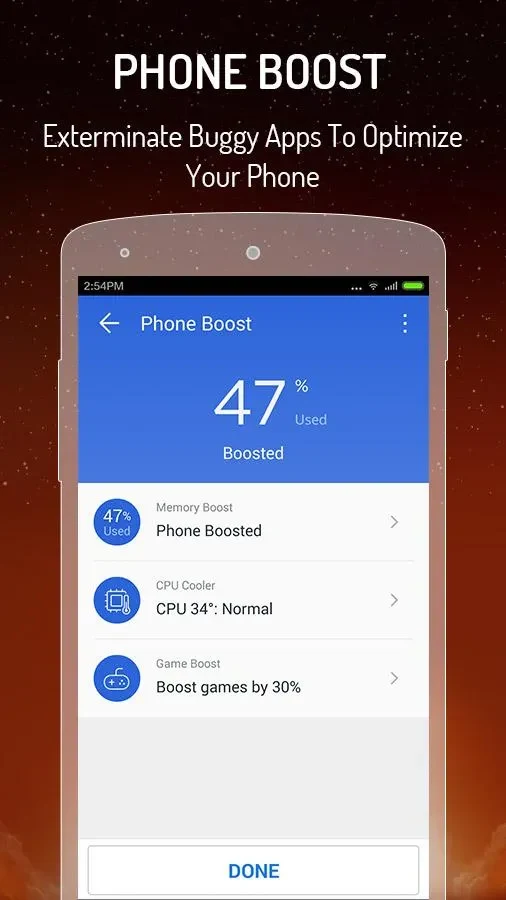
To tackle sudden slowdowns and freezing, the utility incorporates a one-tap task killer that instantly halts unnecessary background processes and services. Freeing up RAM prevents resource-heavy background tasks from consuming processing power, which directly contributes to a more responsive user experience. Furthermore, the CPU cooling feature detects when the processor is working too hard due to excessive background activity, shutting down non-essential operations to lower device temperatures and help conserve battery life during extended usage.
Ad Blocking and Integrated Shortcuts
Beyond performance tuning, the application includes functionality to automatically block intrusive ads and pop-ups, maintaining a clean viewing screen during daily use. For expanded capabilities, the interface provides shortcuts to popular Clean Master features such as an app manager and game boost tools, though accessing these specific supplementary features requires having the companion Clean Master application installed on the device. Users can navigate between the core boost, cooling, and cleanup options quickly due to a clean and straightforward interface design.