

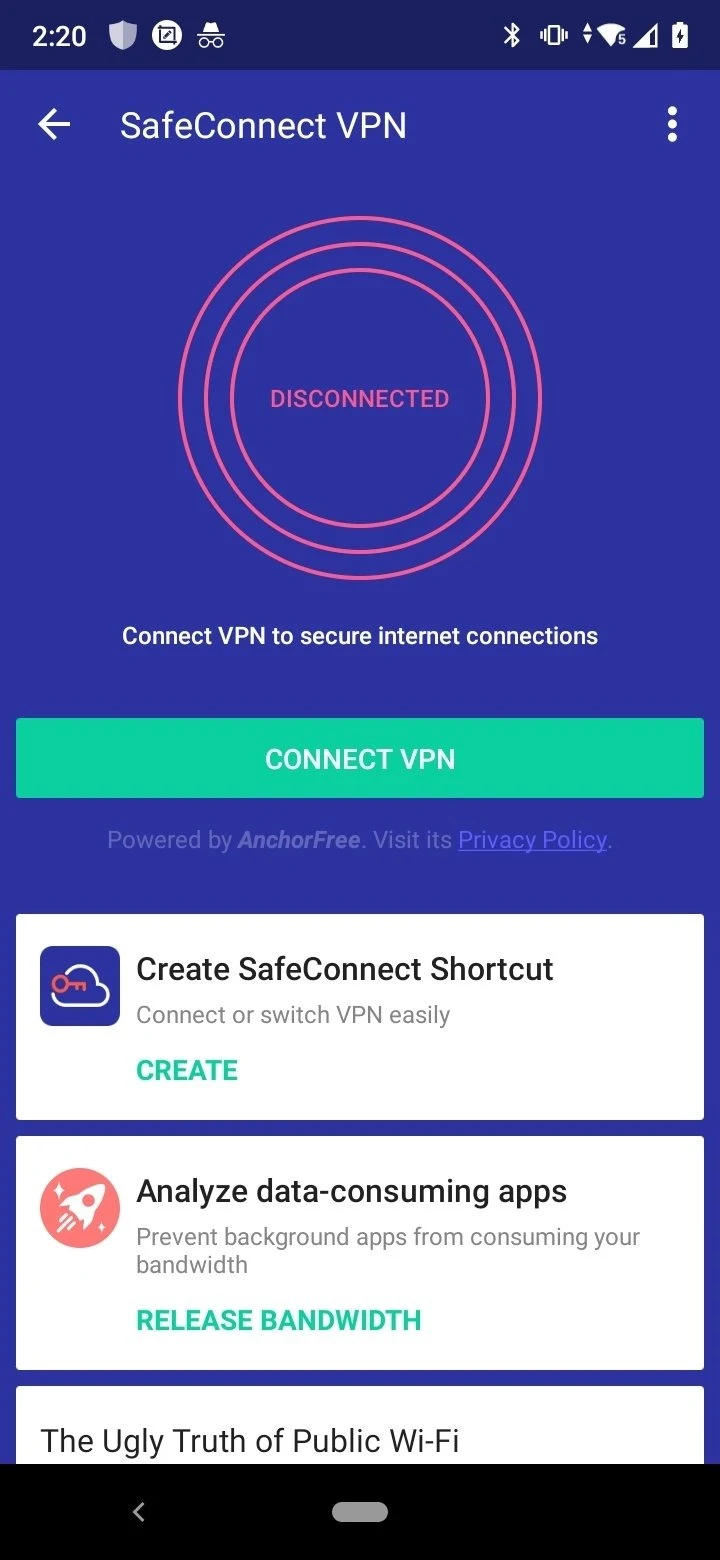
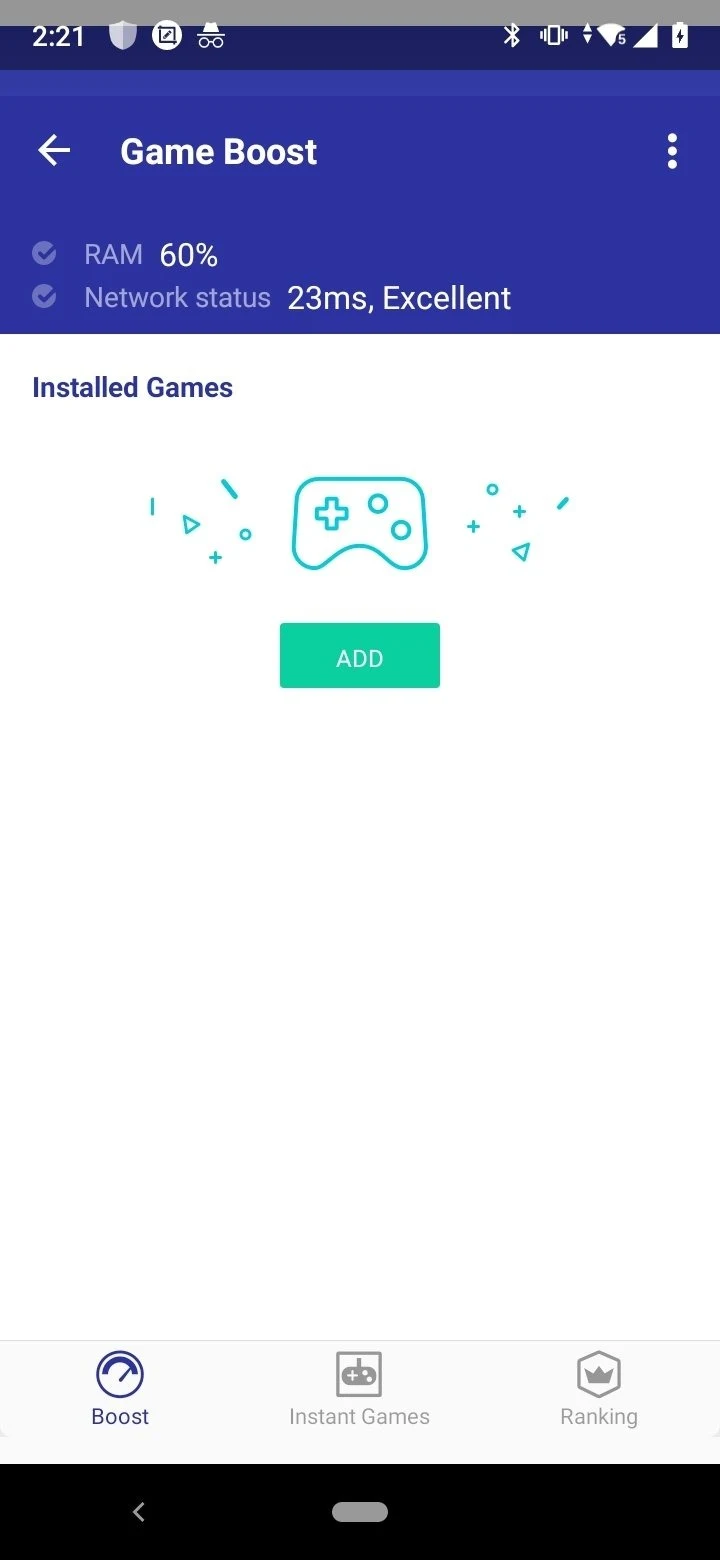

CM Security AppLock AntiVirus is an Android security and utility app that brings several device-protection tasks together. It can scan for viruses, detect junk files, check connected Wi-Fi networks for threats, and help protect privacy-sensitive apps with a password. The app also analyzes high-risk permissions, hides notification previews on the lock screen, and blocks scam calls. Its simple interface is intended to help users begin quickly, while its listed minimum requirement is Android 5.0 or later.
What can the app check on an Android device?
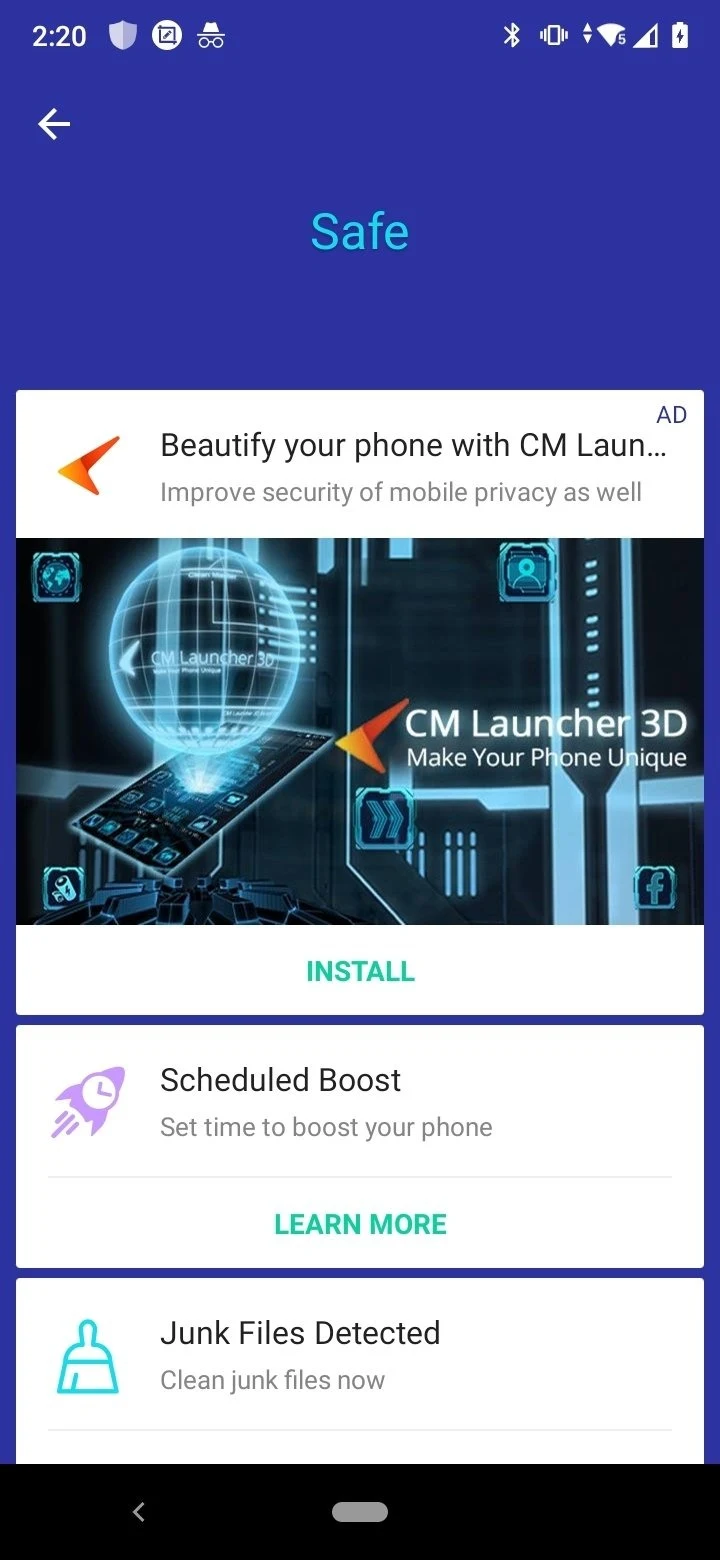
Its intelligent diagnosis tools include antivirus scanning and junk file detection. The source also describes quick analysis and real-time protection among the app’s advantages, giving users access to both device checks and ongoing protection features.
How does it protect private apps and messages?
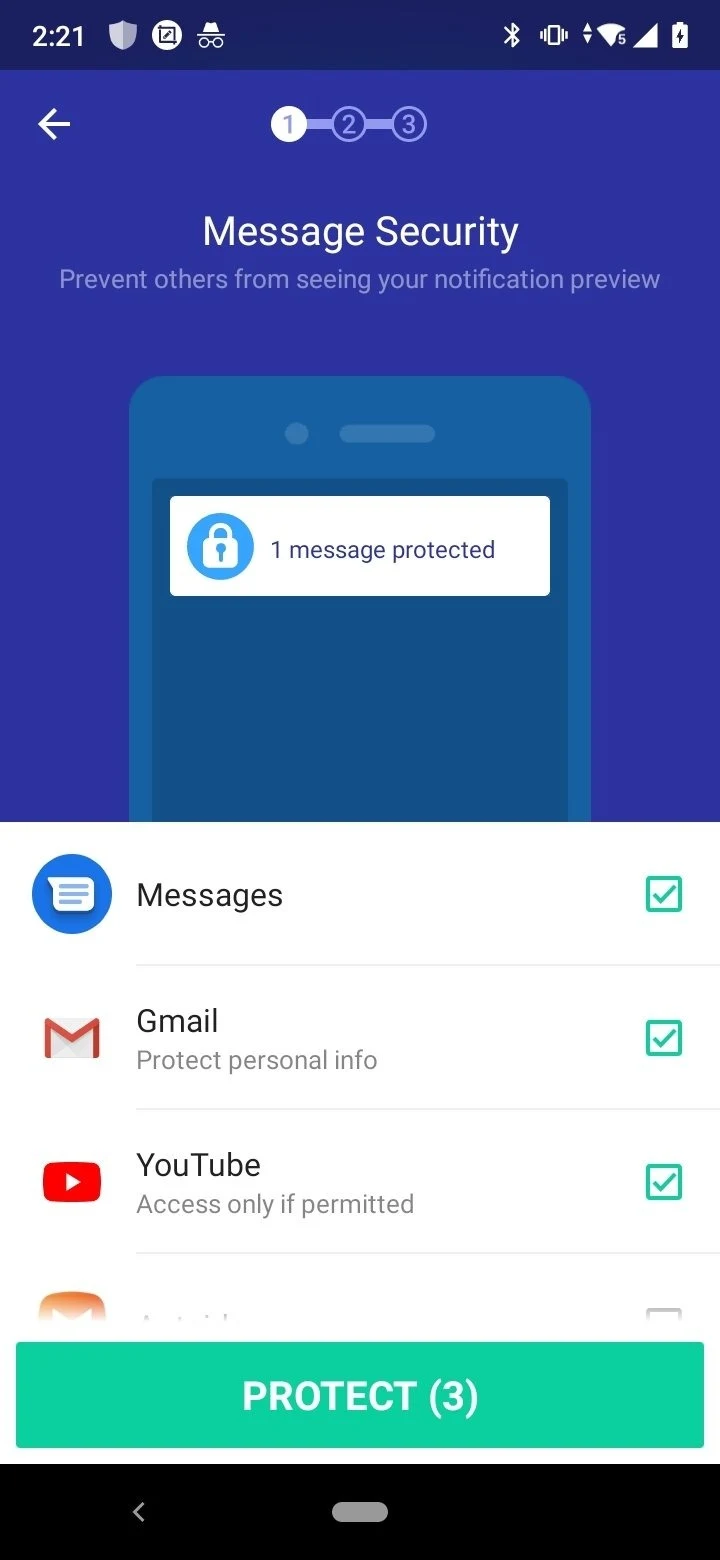
AppLock lets users lock applications with a password, which can help restrict access to privacy-sensitive apps. The message security feature hides notification previews on the lock screen, reducing the amount of message content visible there.
Can it check Wi-Fi and app permissions?
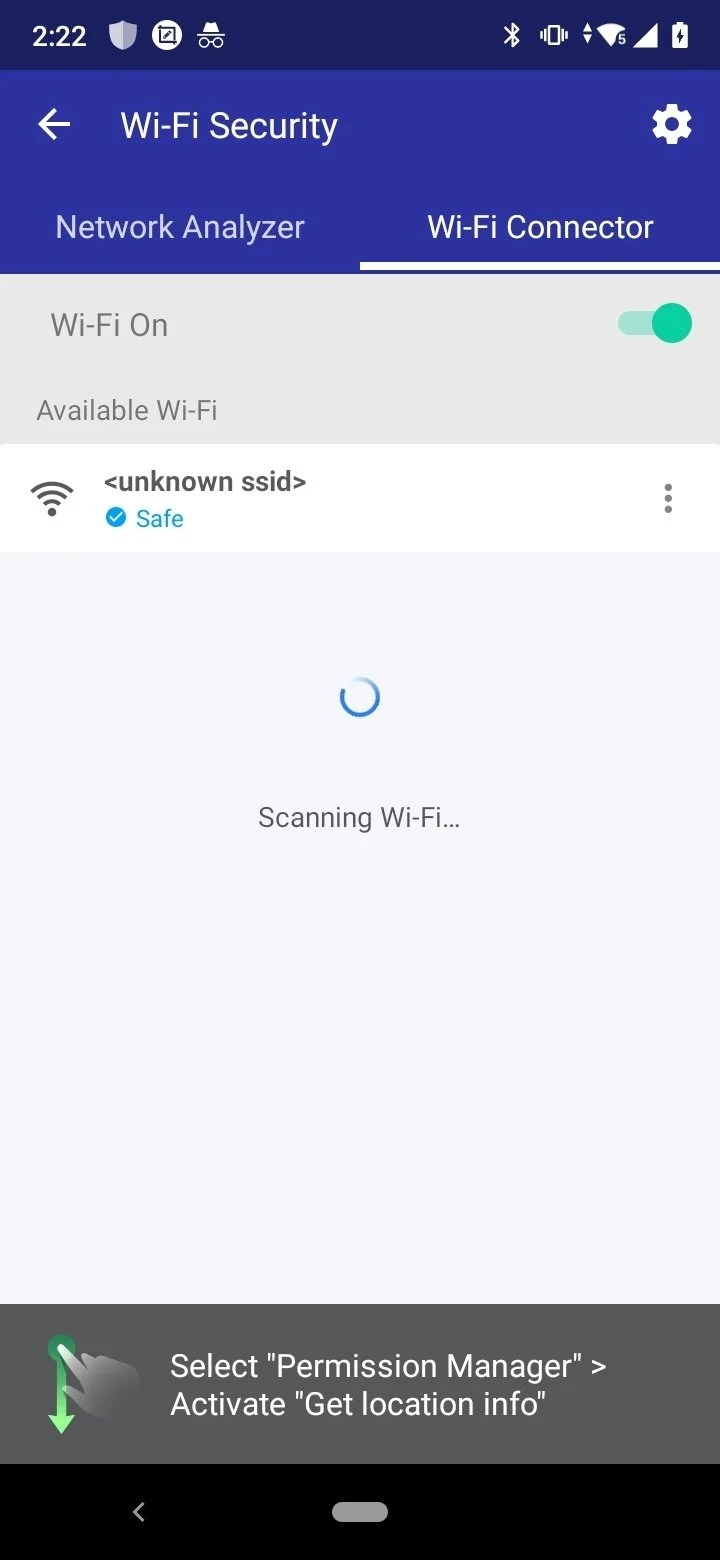
When a device connects to a Wi-Fi network, the app can scan that network for threats. Its app permissions advisor detects and analyzes high-risk permissions, helping users review permissions that may require closer attention.
Does it include call filtering and cleanup integration?
The app includes a call-blocking filter designed to block scam calls. The source also lists integration with Clean Master, alongside junk detection and an easy-to-use design.
What should users know about its scope?
CM Security AppLock AntiVirus does not include a firewall or anti-theft features according to the supplied information. It may therefore suit users looking for combined scanning, privacy controls, Wi-Fi checks, and call filtering, while those specifically seeking those omitted functions would need to consider that limitation.