





CM Browser is an Android web browser for people who want ad and pop-up blocking, automatic history clearing, and built-in checks on suspicious websites and downloaded APK files. The source describes it as a lightweight browser focused on a clean browsing experience and privacy protection. The sections below group its documented functions by the browsing tasks they relate to.
Saving online videos while you browse
The smart download function applies when you find a video on a web page and want to keep a copy. According to the source, CM Browser detects downloadable videos as you browse and shows a download icon in the address bar that indicates whether the current page has videos you can download. The source states that this works on almost every website, so you do not need to look for a separate method for each site. One limit is stated directly: downloading from YouTube is not supported because of Google's policy.
Checking sites before you open links
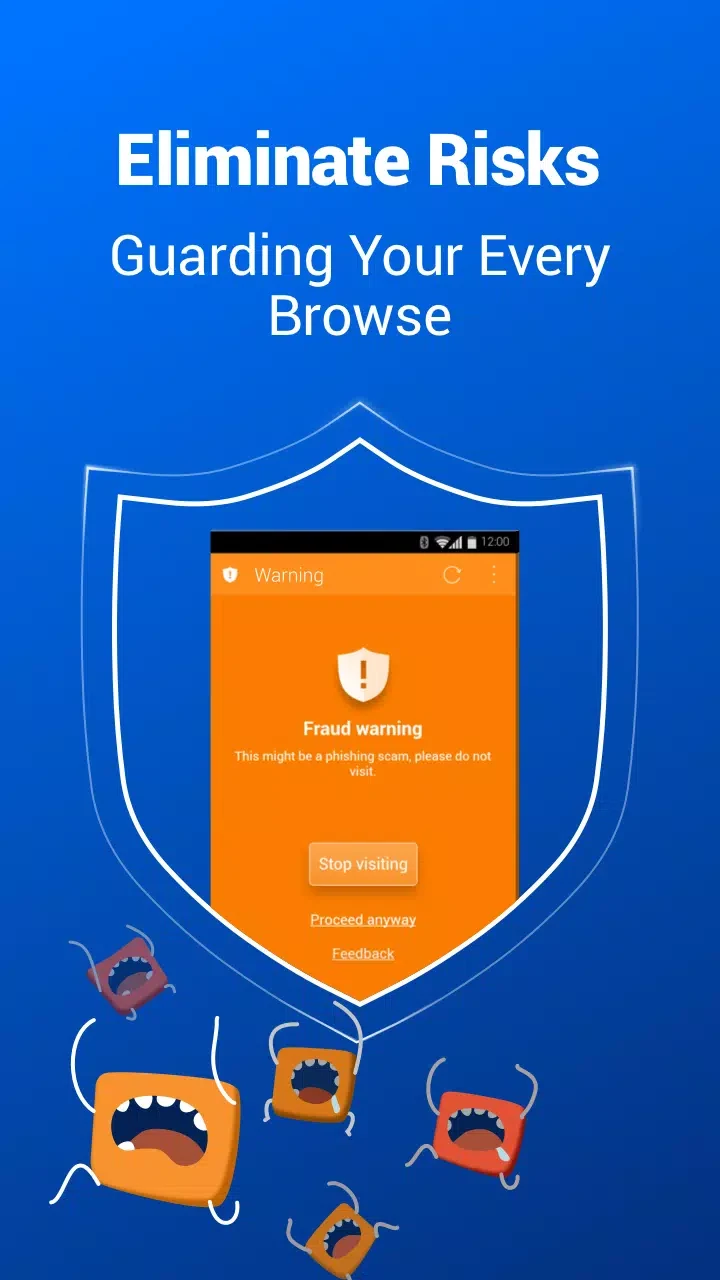
Malicious prevention is relevant when you follow links from pages you do not know well. The source says the browser warns you before you click a link that may lead to a page infected with malware. It also says the browser checks the pages you visit in real time against lists of suspected phishing, malware and unwanted software pages. The source describes these checks as comparisons against those lists, so the warnings reflect what those lists contain.
Scanning APK files after download
Download protection applies when you save an APK file through the browser. The source says the browser runs a background scan for malware once the download finishes. The conclusion ties this feature to situations where you want to download an app from outside Google Play, which is when the scan is most relevant. The source does not describe how long the scan takes or what happens to a file that is flagged, so those details should be checked in the app itself.
Browsing privately on a shared device
The source documents two privacy features that address related but different needs. Incognito mode is described as browsing without leaving history, cookies, cache and similar data behind. The no-trace feature states that all history data is deleted automatically when you exit the app, and the source presents it as a way to keep sensitive browsing from being visible to others. The source does not explain in detail how the two features differ, so readers who need a specific behavior should confirm it in the app settings.
Blocking ads, pop-ups and banners
The built-in ad blocker is described as blocking ads, pop-ups, banners and some specific JavaScript. The source states that this can make pages load faster and reduce the amount of data a user consumes. These are the benefits the source claims; it does not provide measurements or comparisons to support them.
Choosing a search engine
CM Browser offers multiple search engines, so you can select the one you prefer for searches. The source also says the app is continuously updated with new features, but it does not describe specific updates or release dates.