

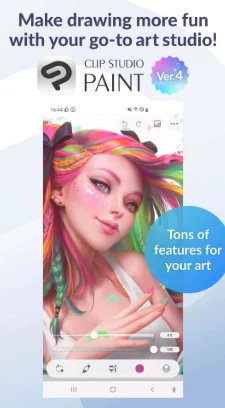
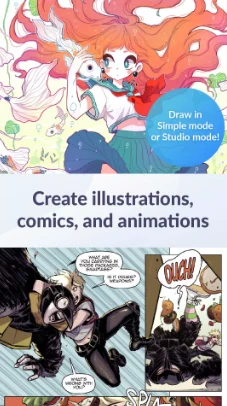
Clip Studio Paint is a digital comic illustration and drawing app for creating artwork, comics, manga, and webtoons. Its tools cover sketching and line work, color, perspective, and page elements, with options to adjust brushes and use visual references. The app also includes tools for making animations, so its documented uses extend beyond still images.
Brushes, lines, and color
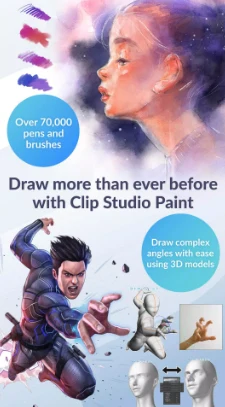
Brushes are a central part of the drawing workspace. The app offers access to brushes from other creators through its Asset Store, where the description lists more than 70,000 brushes, including free and premium options. It also describes a broader collection of more than 270,000 free and premium assets. These figures refer to different collections in the source; the assets include brush textures and other materials.
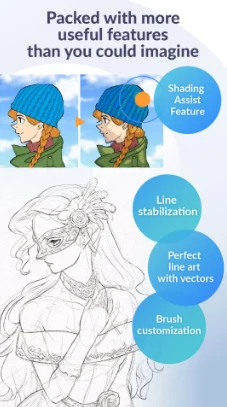
Users can customize brush textures and shapes, dual-brush settings, color blending, and spray effects. The description also identifies perceptual color mixing for blending colors like real paint. For line work, Line Stabilization is intended to smooth strokes, while vector layers let users adjust lines using control points. The Smart Fill tool can set flat colors, and vector artwork can be enlarged without losing quality, as described by the source.
References and composition
For planning layouts and difficult angles, the app provides 3D primitives and poseable 3D models. Users can use guides to align lines for perspective, and the snap feature helps place objects. The description also lists capturing gestures with live video as a drawing reference. These tools support composition and reference work; the source does not specify a particular workflow or automatic transfer between them.
Other listed editing controls include Liquify across multiple layers, gradient maps, and Puppet Warp. Clip Studio Paint describes support for up to 10,000 layers for detailed artwork, as well as 28 layers of effects. The layer counts describe separate capabilities in the source and are not presented as a single combined limit. The app also supports recording time-lapses for sharing creations on social media.
Tools for comics and animation
For comic, manga, and webtoon projects, the app can create dialogue, frames, and action lines. Users can customize and save character faces and sketch figures, and Shading Assist can add shading. A smartphone preview is available for webtoons. Managing multiple pages in one file is specifically identified as an EX feature.
For animation, the described output ranges from GIFs to full animations. The listed tools include adding sound, camera movements, and tweens. The source does not specify export formats beyond GIFs or explain how these animation controls are arranged.
Modes and learning resources
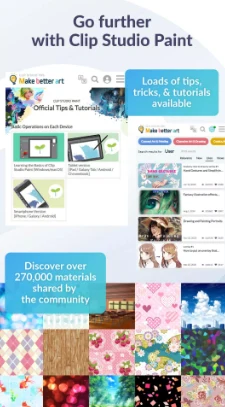
Simple mode is described as a way to start drawing quickly, while Studio mode provides access to the app’s full set of features. Free tutorials are available on the Clip Studio Paint website and YouTube channel, alongside user tips covering a range of topics. The source recommends checking device specifications for advanced features such as 3D tools and editing large files, but does not give specific minimum hardware requirements.