
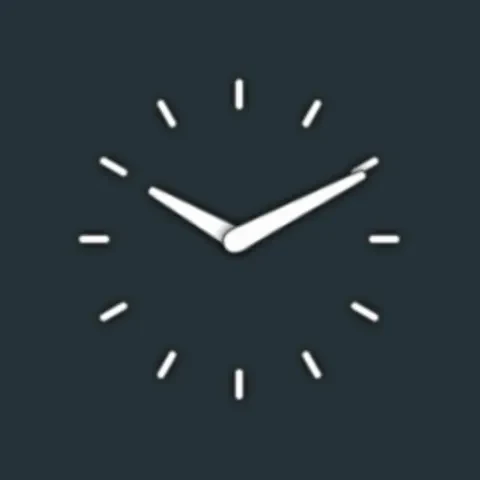
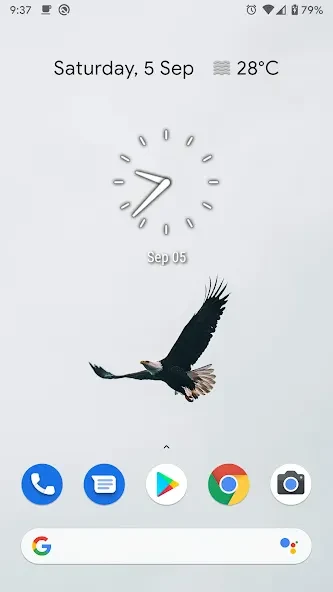
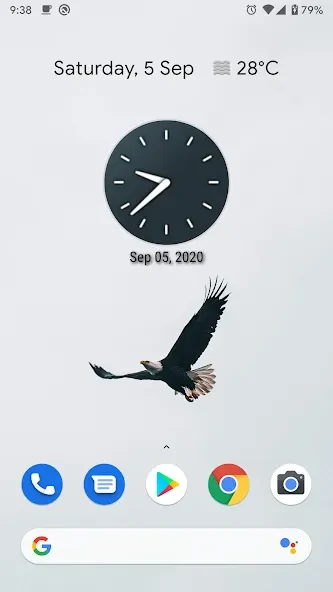
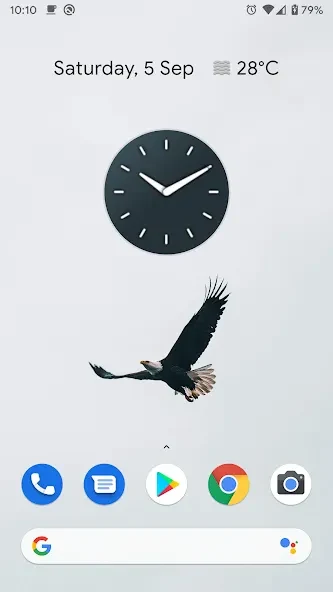
Clean Clock Widget is a minimalist clock widget application for customizing the time display on an Android home screen. It provides date styling options alongside a clean clock presentation, so the display can be adjusted to suit a device theme or wallpaper.
Date display customization
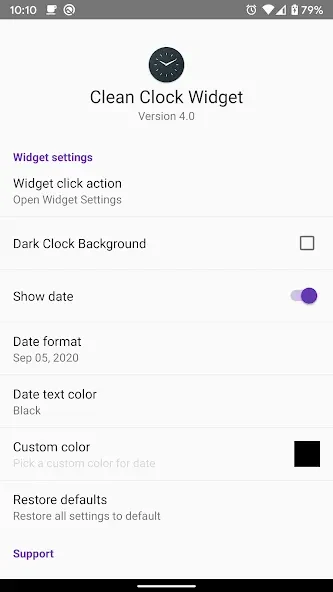
The date can use one of several preset colors, or you can create a custom color. The app also lets you show or hide the date. For the 2x2 widget size, different date formats are available; these formats are not available in the 1x1 widget size.
Widget access and layout
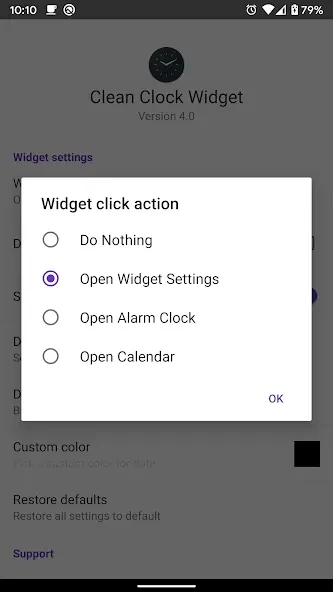
The widget is offered in at least 1x1 and 2x2 sizes, with the 2x2 option supporting the additional date-format choices. Tapping the widget can provide access to the widget settings, an alarm clock, or a calendar application, depending on the selected action.
Minimal presentation
The design focuses on a clutter-free clock display rather than a dense information panel. The source describes the widget as lightweight and intended to use minimal device resources, while retaining its color and date customization options.
Typical setup
After placing the widget on the home screen, you can choose a suitable size, decide whether the date should be visible, and adjust its color. If the 2x2 size is used, a date format can also be selected. The tap action can then be used for settings, the alarm clock, or the calendar.