

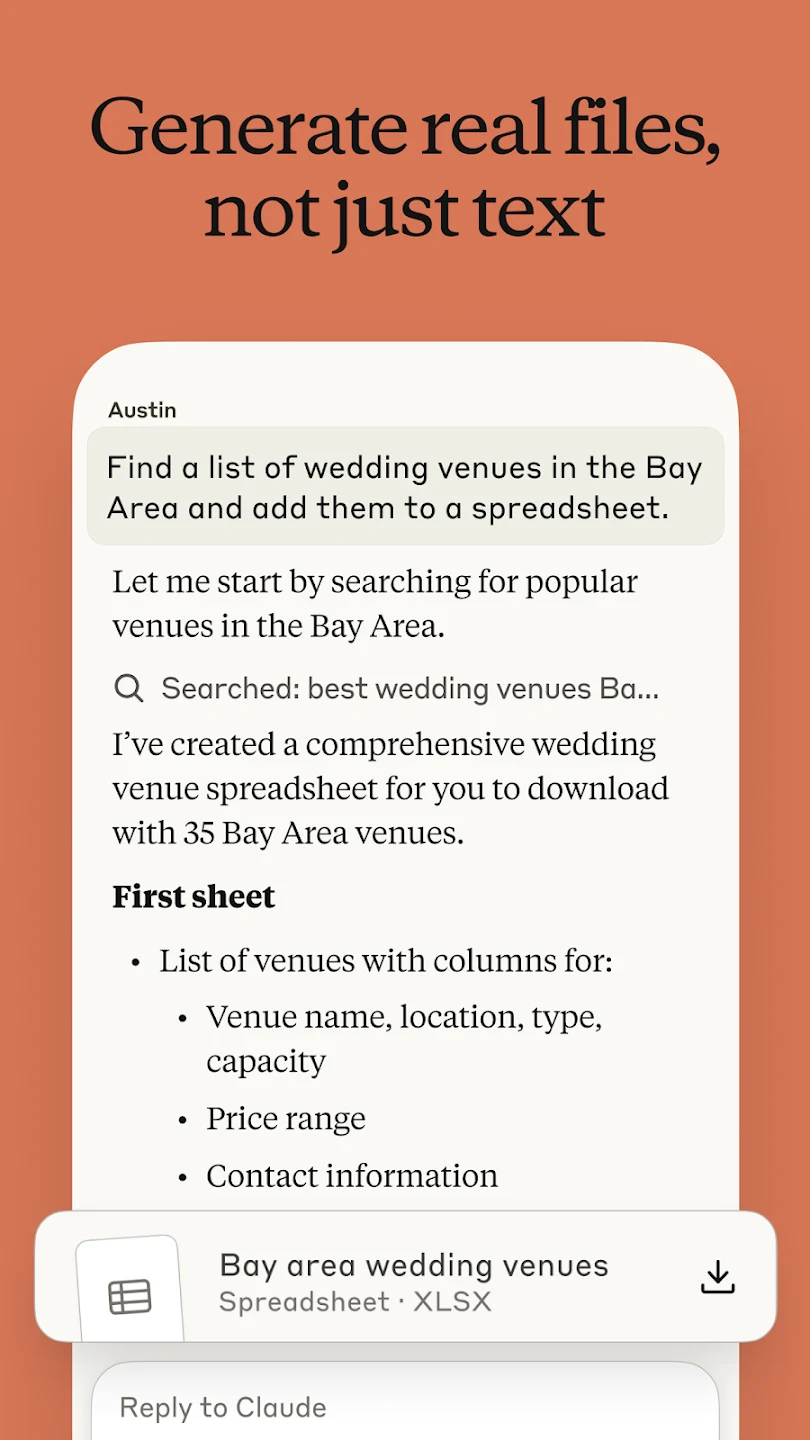
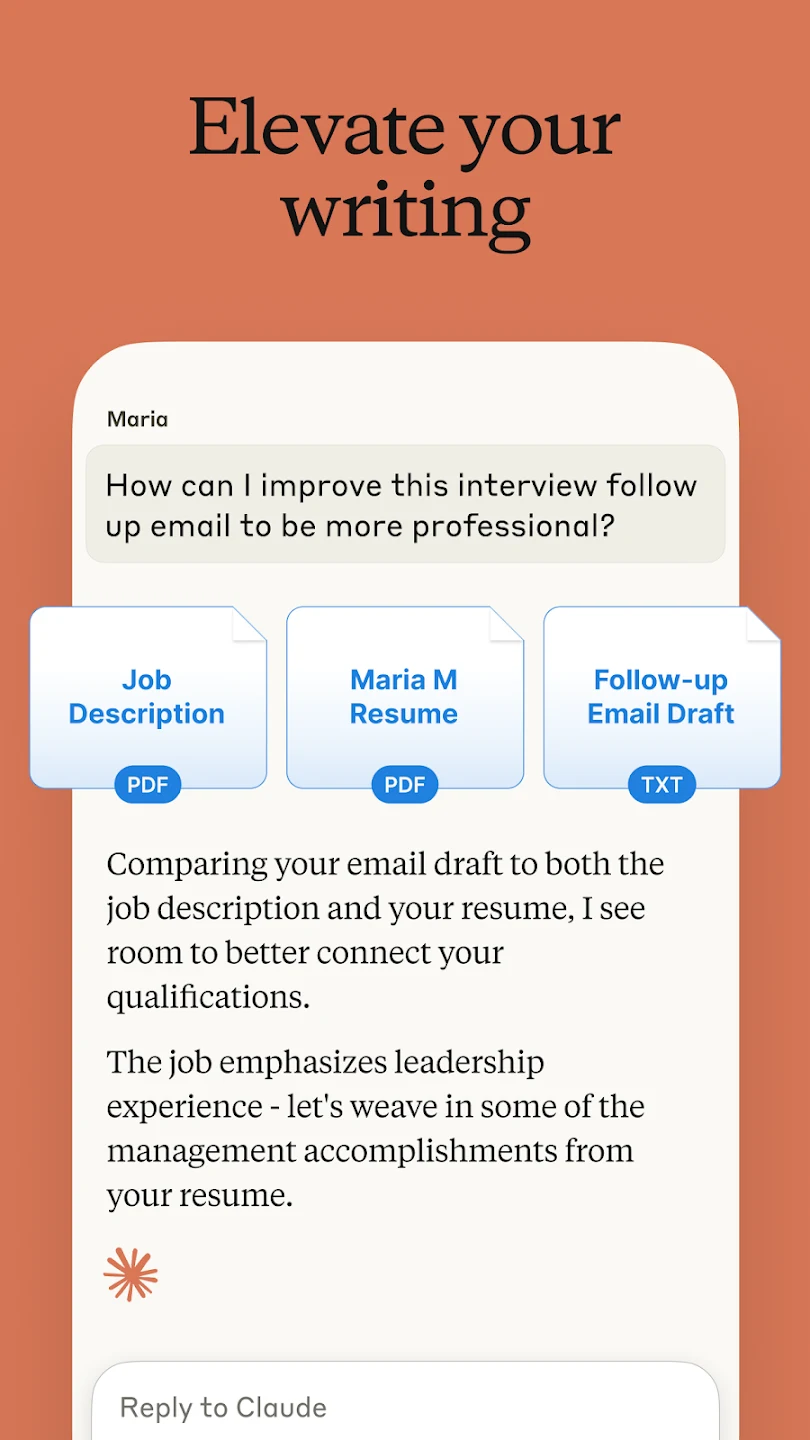
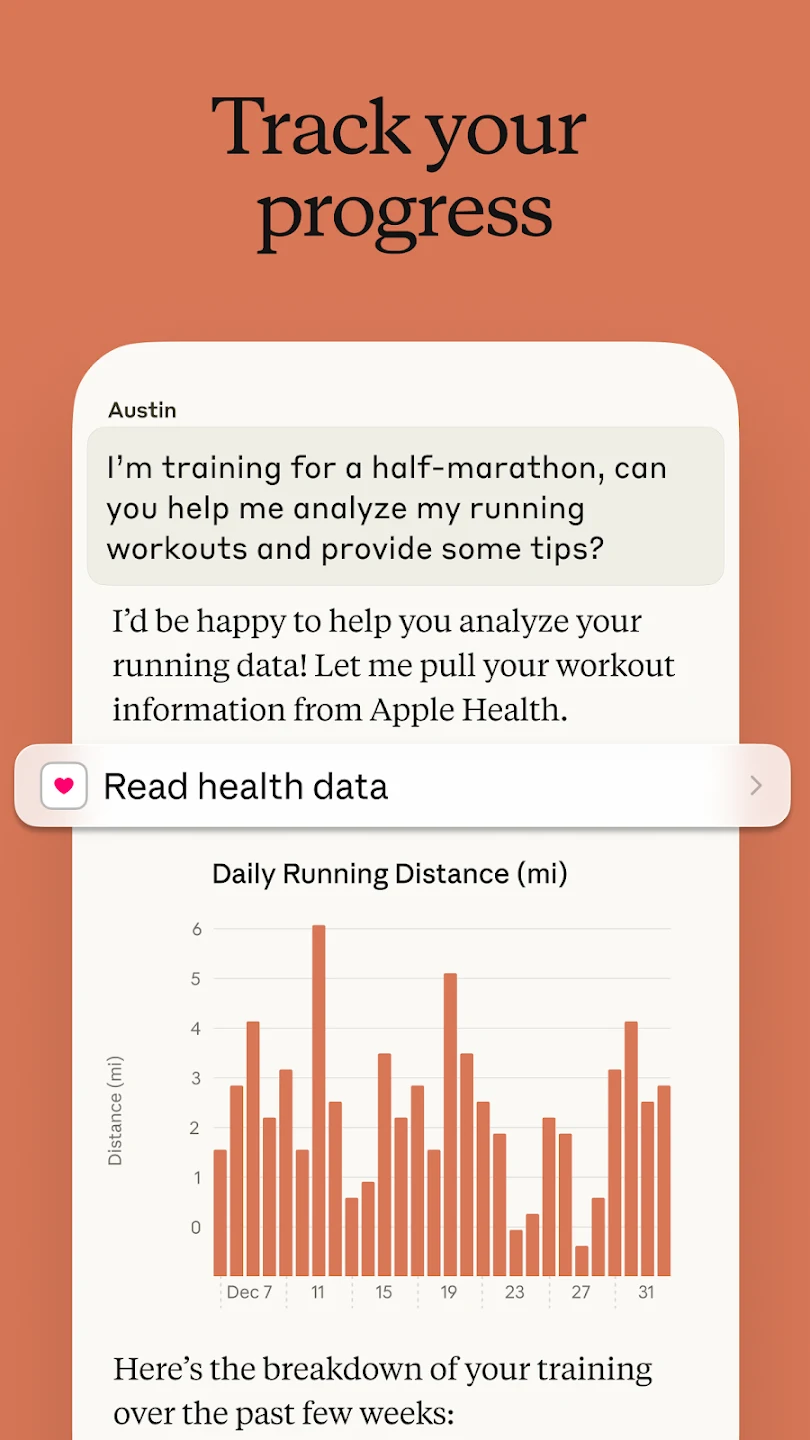
Claude helps users handle questions, technical work, writing, and information-heavy tasks from a single Android app. Its chat-based interface can support code review, debugging, document and image analysis, drafting, summarizing, translation, and other forms of content generation. That combination may be useful for developers, information workers, students, and globally distributed teams who need assistance while moving between different types of work. Users can provide text, files, images, screenshots, or voice input, then use the resulting analysis or suggestions as a starting point for their next task.
Support for software development
For developers, Claude can review implementations, identify errors or possible issues, suggest corrections, and explain problematic patterns or architectural concerns. The source specifically mentions Python, JavaScript, React, and dozens of other programming languages, making the app applicable to varied technology stacks. This can bring code analysis into one conversational workflow for web applications, systems software, data-processing pipelines, mobile apps, and specialized tools, rather than requiring a separate language-focused service for every project.
Writing and productivity workflows
The assistant can help compose and refine social media posts, professional emails, and reports. It can also summarize meeting discussions, correct text, translate content, and help users organize ideas for different audiences. Tone, clarity, structure, and style can be adjusted according to the communication context. Conversations can continue across multiple devices, allowing users to resume work away from their usual desk or while traveling.
Working with files and visual information
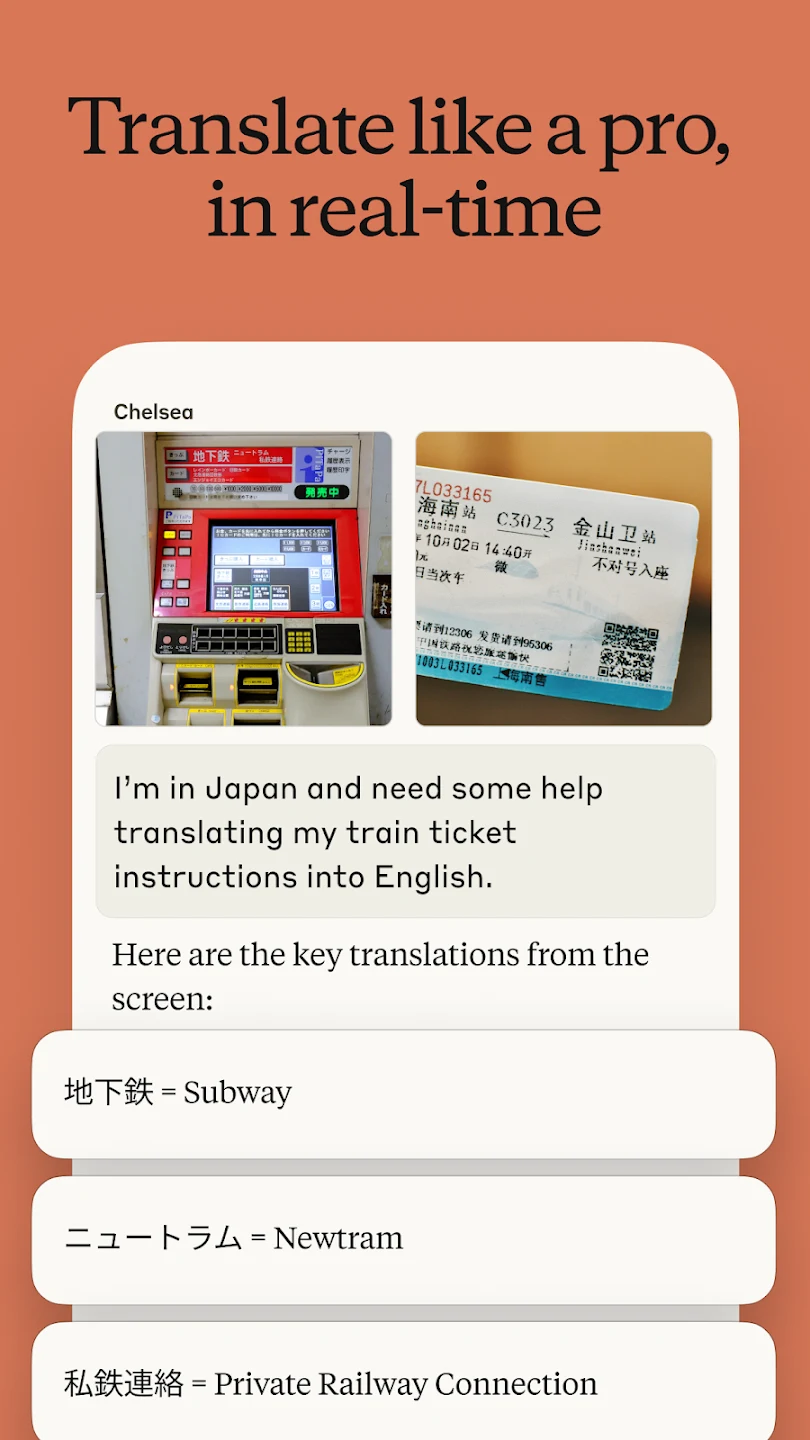
Claude accepts files for tasks such as filtering and editing, and it can analyze PDFs, photographs, screenshots, scanned documents, handwritten notes, interface mockups, charts, graphs, and technical diagrams. Its visual capabilities include extracting text from images and interpreting layouts or other visual details. The app can also generate SVG code from a text description, giving users a way to specify scalable graphics without manually editing the vector code from the beginning.
Reasoning, models, and access options
The source describes support for both quick answers and more detailed step-by-step reasoning on complex questions. It identifies Claude Opus 4 and Claude Sonnet 4 among the advanced models used for difficult problems, coding, creative work, and broader problem-solving. Claude is available to use without payment, while premium plans provide additional features, extended usage, and access to enhanced models such as Claude 3.7 Sonnet. The available model and usage level may therefore depend on the access option selected.
Voice and multilingual use
Voice input and transcription support allow users to dictate notes, compose messages, or give instructions for Claude to process. The app also includes translation support for more than 100 languages. These functions extend the same analysis and generation workflow to multilingual communication and spoken input, which can be useful when working across language barriers or capturing ideas without typing.