

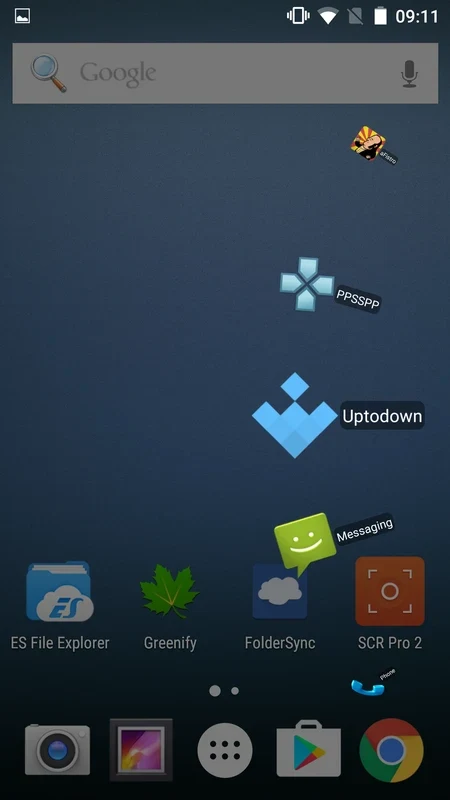
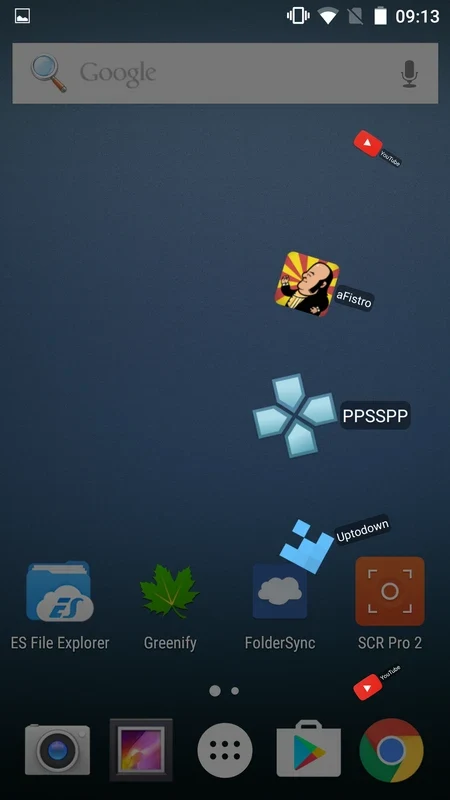
Circle Sidebar Pro is an Android app for people who want quicker access to the apps they use most. Instead of filling the home screen with icons, it places a discreet trigger along one side of the display. Tapping or swiping that trigger opens a circular sidebar that floats over the app you are currently using, so the apps you choose stay within reach.
Setting up the sidebar
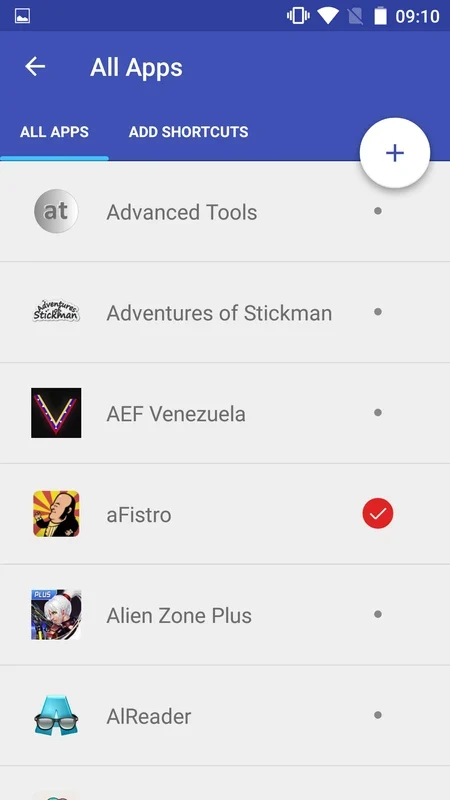
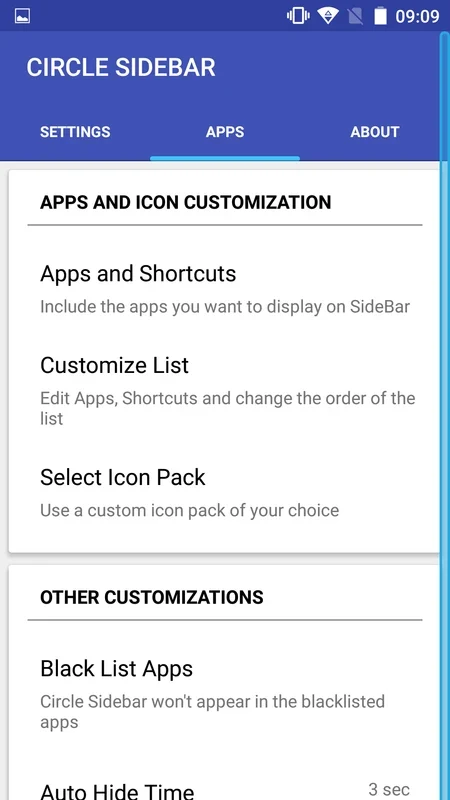
The main screen collects the controls in one place, and each function has a short description to make its purpose clear. You can choose which installed apps appear in the sidebar, and you can change that selection at any time. The source describes full access to the apps installed on the phone, so the list is not limited to a fixed set of launchers.
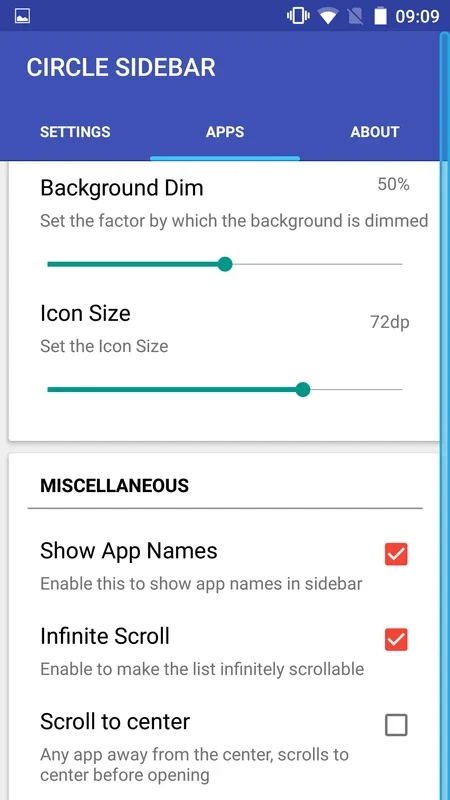
The trigger can be adjusted to suit how you hold and use the device. The source lists options for the trigger's width, height, and position. Haptic feedback gives a short physical response when the sidebar is called, which confirms the action without requiring you to look at the screen.
Icons and appearance
Icon customization is a central part of the app. You can install an icon pack from the store and then select it inside Circle Sidebar Pro. The app also includes an option to change icon sizes, which helps when you want the sidebar to match a particular layout or make icons easier to see.
Advanced controls
Beyond launching apps, the source describes several controls aimed at reducing distractions and fitting the sidebar into a regular routine. Blacklist settings let you specify apps in which the sidebar should stay hidden, which is relevant for full-screen activities such as games and video players. Other listed options include backing up and restoring sidebar settings, starting the sidebar automatically when the device turns on, and using timers to hide it automatically. A setting for disabling the sidebar in landscape orientation is also mentioned.
Permissions and feedback
The app requests two permissions, according to the source. Storage access is needed to add device storage shortcuts or create new icons. Call permission is needed to set up direct-dial shortcuts to specified phone numbers. For questions or bug reports, the source directs users to the RepoRTS section inside the app, which is used to send emails to the developer.