

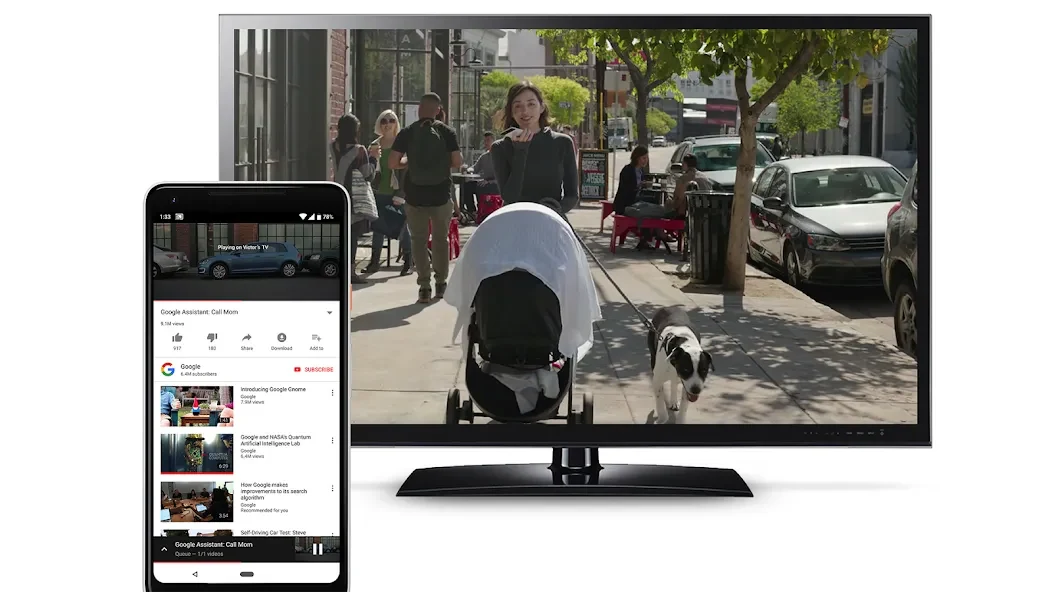
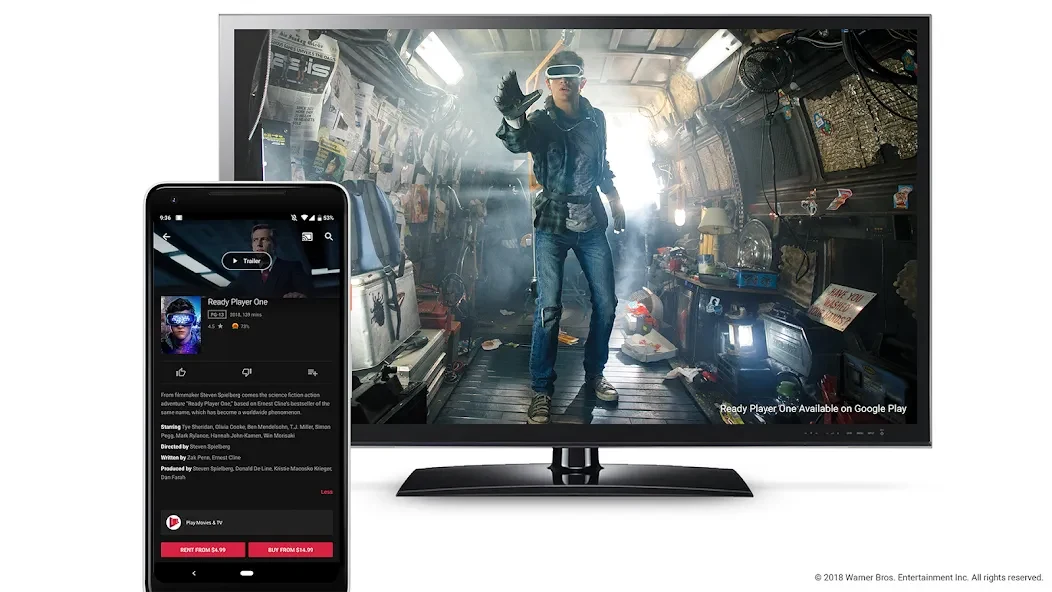
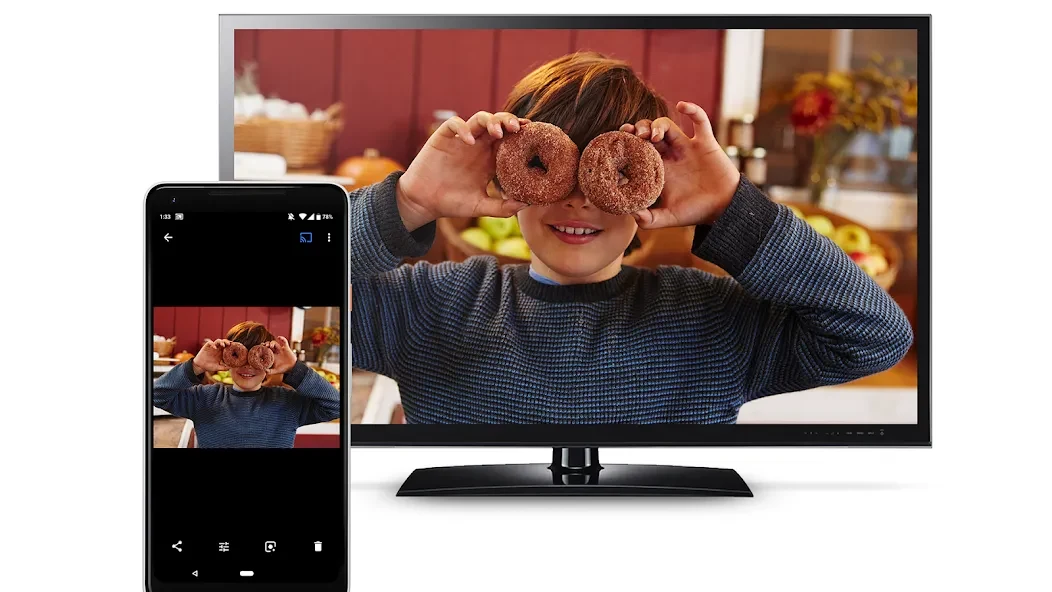
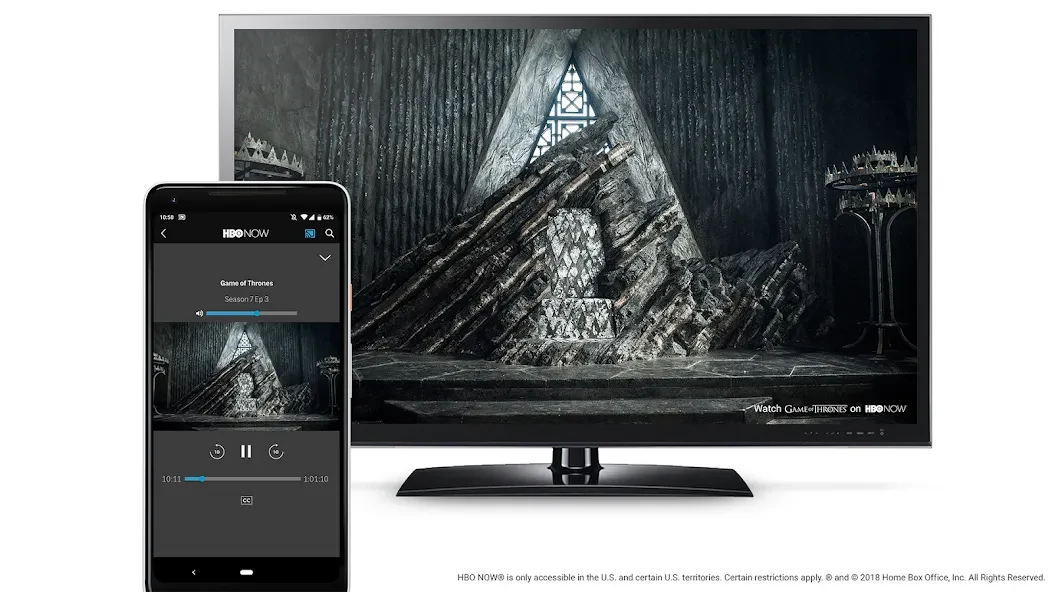
Chromecast built-in is a utility app designed specifically for Android TV that lets users cast video and audio content from smartphones and other devices directly to the television screen. It addresses the common need to view mobile media on a larger display by connecting devices over the same Wi-Fi network, where a single tap initiates playback. The clearest supported benefit is that control stays on the phone or tablet while the TV handles the stream, allowing continued use of the mobile device for other tasks. On certified Android TV hardware the receiver component is preinstalled, so the TV appears immediately as a cast target for compatible apps. The app supports casting from Android, iOS, and web sources, transport controls such as play, pause, seek, and stop, plus screen mirroring of Android displays. It also integrates with the Google Home app for device management and works with Nest Hub or Nest Audio products for voice commands.
How does the casting process function on supported Android TV devices?
Users open a supported app on their phone or tablet, tap the Cast button, and select the nearby TV. The session then runs on the television while the sender device retains playback controls and can be used for other activities. Because the receiver is built into certified Android TV models, no extra installation or input switching is required, and the TV becomes available as a cast target right away.
What is Cast Connect and how does it improve playback on TV apps?
Cast Connect allows Android TV apps to receive messages and report playback status in the same way a dedicated Chromecast receiver does. This integration supplies native-feeling transport controls and accurate media information on the television while the user continues to manage content from the phone. TV apps can therefore display correct progress and metadata without requiring separate setup.
Which media formats and control options are available?
Google Cast supports many common formats, protocols, and codecs used by modern media apps, enabling reliable playback across a range of sender applications. Users can start a session on one device and move control to another connected screen or speaker. Voice commands through Nest products extend the same controls to compatible speakers and Chromecast-enabled TVs, and the Google Home app provides centralized management of multiple devices and settings.
When is the app most useful for everyday viewing?
The utility is most useful when viewers want to watch videos or listen to music from phone or tablet apps on the larger TV screen without changing inputs or cables. It is also helpful for mirroring an Android display to a compatible television and for continuing playback control while moving around the home using additional connected devices. Configuration and device discovery are handled through the Google Home app on a mobile device.