



Overview
Chatstar is a video chat and live-broadcasting app for discovering broadcasters and joining conversations with viewers. Swipe between live programs, enter a room to interact with its audience, and send virtual gifts to broadcasters you enjoy. The app also lets users host one-to-one broadcasts, customize profile details, and share text or photos. Its mix of viewing and broadcasting suits people looking for live social interaction rather than only text-based messaging. Chatstar describes a review process for chat-related complaints, with sanctions for violations, and includes an appeal platform for users who want to raise concerns.
What You Can Do
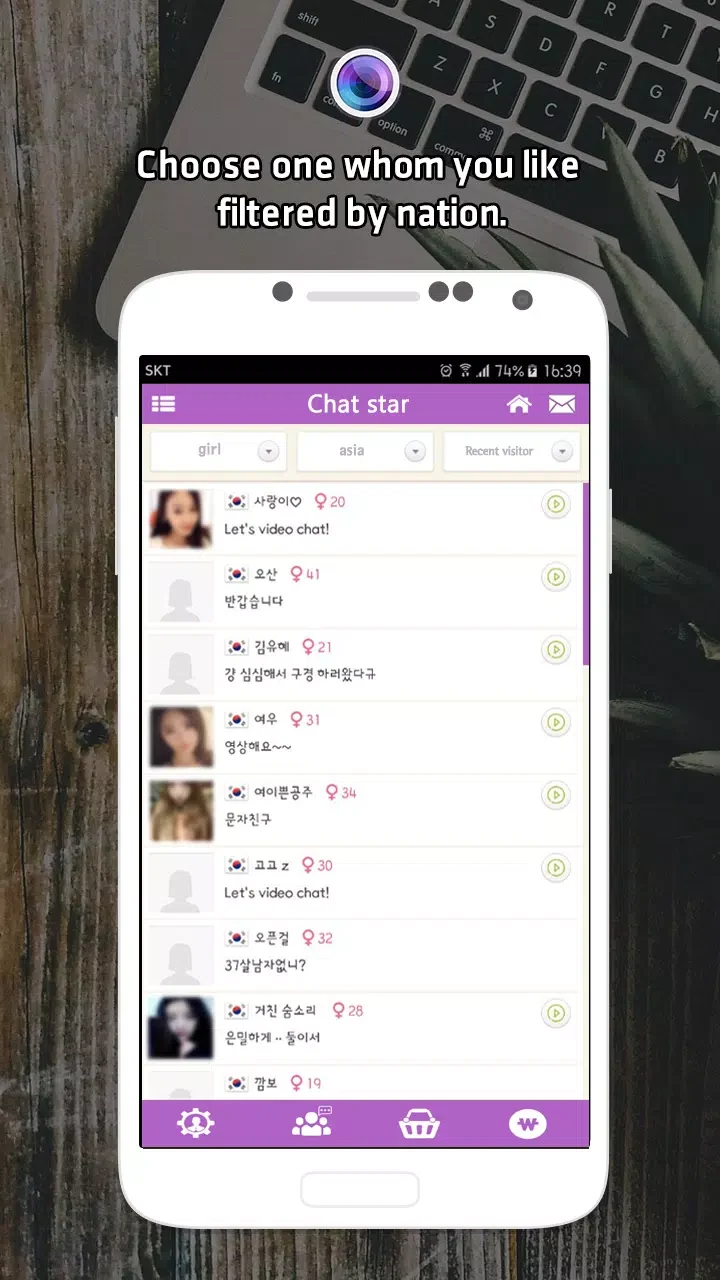
⭐ Browse live programs by swiping between rooms. When a broadcast catches your interest, you can join its live room and interact with other fans there.
⭐ Chat with people in a room and send virtual gifts to broadcasters. These tools let viewers take part in the live session rather than only watching.
⭐ Start a one-to-one internet broadcast and interact with members in real time. The source describes broadcasting as a way to share talents or programs with viewers.
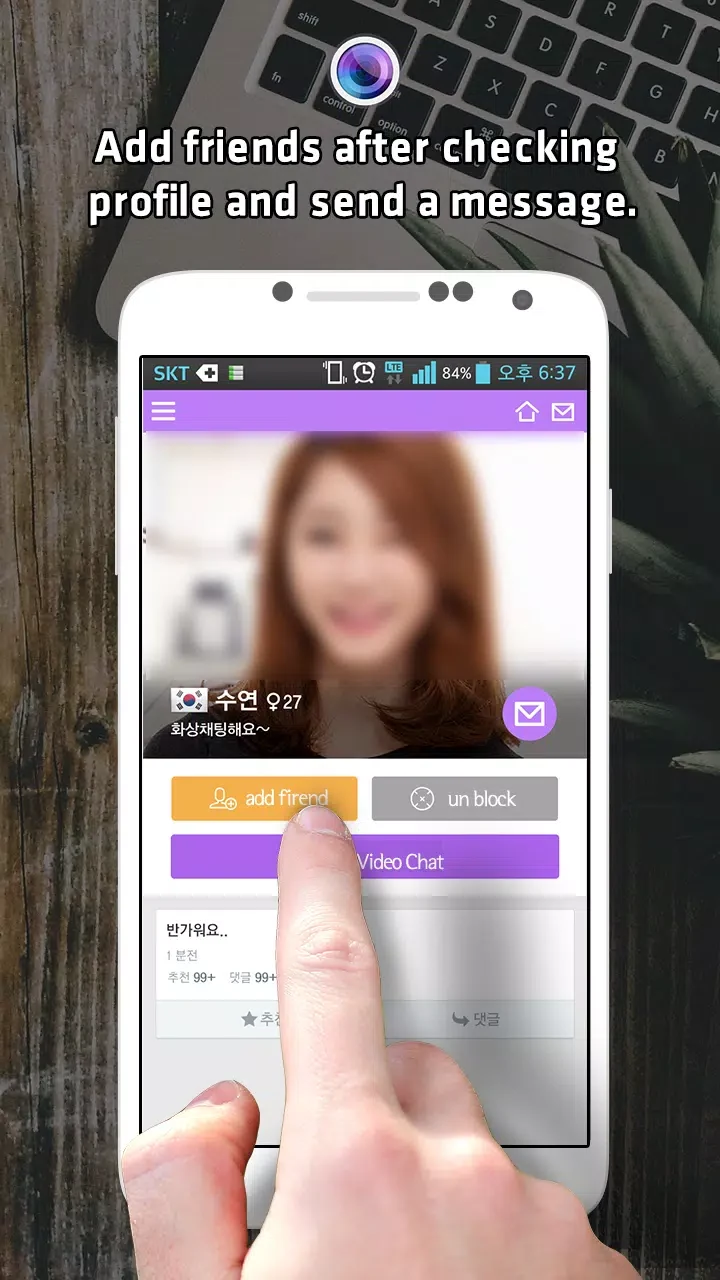
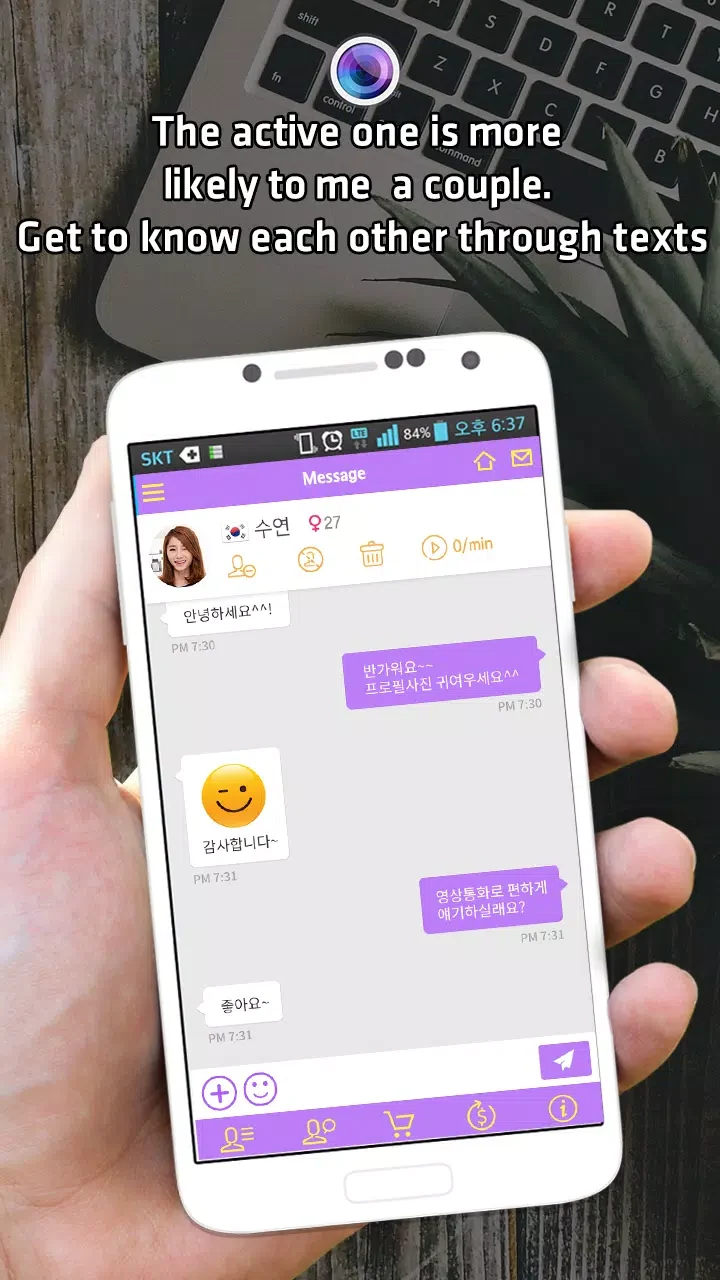
⭐ Personalize your profile with a picture, avatar, and photos. Chatstar also describes text and photo sharing, along with replying to comments from friends on your profile.
⭐ Save a favorite friend's broadcast channel so you can connect to it again. This provides a way to return to a broadcaster you want to follow.
⭐ Raise concerns about chat behavior through the app's appeal or reporting process. The source says chat logs are reviewed and appropriate sanctions may be applied for violations such as profanity, slander, or advertising.
Using the App
The described viewing flow is swipe-based: move between live programs, choose a room, and join its conversation. From there, users can interact with other members or send gifts to the broadcaster. Those who want to create content can begin a one-to-one broadcast and engage with viewers in real time. Profile editing and sharing provide a separate way to present yourself and communicate through text or photos. The source also mentions saving a favorite broadcast channel, though it does not explain how to access saved channels or describe further controls, connection requirements, or offline use.
Why It May Appeal
✅ Chatstar combines live video discovery, audience interaction, and broadcasting in one social app, giving viewers and potential hosts ways to participate.
✅ Profile customization and the ability to save a favorite broadcast channel support ongoing social connections as well as casual room browsing.
✅ The described complaint-review process offers a way to raise concerns about inappropriate chat behavior instead of leaving users without a stated reporting route.
Things to Consider
❎ The app centers on live social interaction, so its main activities depend on engaging with other users and broadcasters. The source does not provide details about privacy settings, encryption, or controls for limiting who can contact you; avoid assuming protections that are not described.
❎ Chatstar's source material advises users to be cautious when meeting online contacts. It suggests checking whether profiles and photos seem genuine, using a webcam conversation if identity is uncertain, and meeting in a public place with a friend if arranging an in-person meeting. These are general safety suggestions, not guarantees that a profile is authentic.