

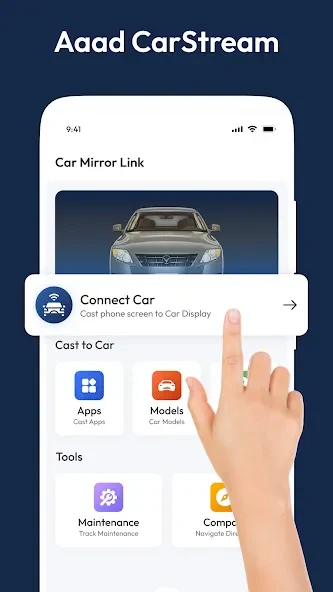
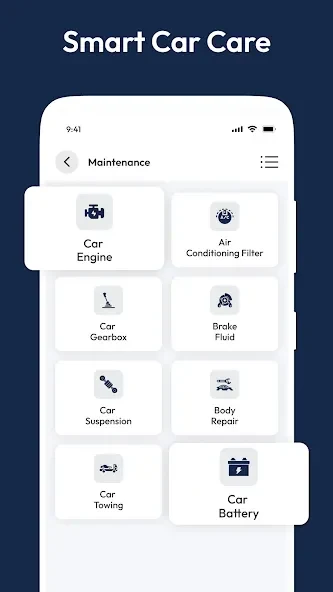
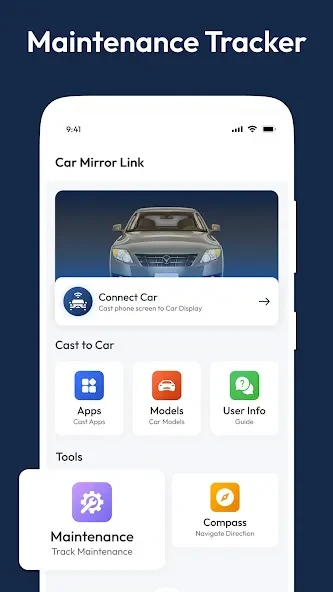
CarStream is an Android streaming utility that sends video content from a phone to a compatible car display. Its main task is to provide access to streaming media, including YouTube content, through screen casting, Wi-Fi connections, screen mirroring, or MirrorLink. The app also supports offline video playback, so selected content can remain available when connectivity is limited. Its interface is designed to help users start quickly, while built-in guidance provides troubleshooting information for common loading and installation problems. Because dashboard video may distract drivers, viewing should be limited to passengers or times when the vehicle is safely parked.
How does CarStream connect to a vehicle display?
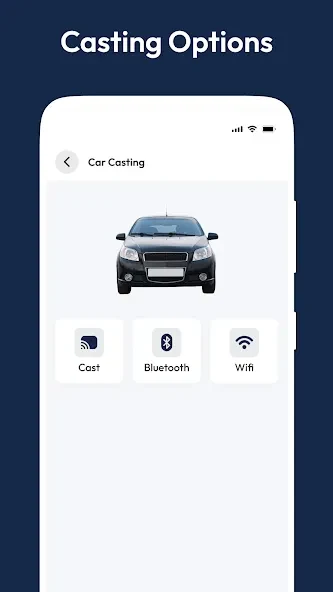
CarStream supports several connection methods, including screen casting, Wi-Fi connection, screen mirroring, and MirrorLink on compatible vehicles. These options let users connect a phone with the car system and send media to the dashboard display rather than watching only on the handset.
The source also describes support for Android Auto use without root access. Connection results can depend on the vehicle and phone setup, so the available method may differ between users.
What video and playback functions are available?
The app can cast YouTube content to a car display and is described as supporting video from platforms such as YouTube, Netflix, and Hulu. Users can search for content, browse categories, and use URL lookup. Playback controls include volume adjustment, seeking, and zoom controls from the dashboard interface.
CarStream also provides offline viewing for selected content. This can be useful on journeys through areas with poor connectivity, although the source does not specify which content can be downloaded or how long it remains available.
Can CarStream be used without rooting an Android device?
Yes. The supplied information states that CarStream does not require root access and is free to use. It can also be used on a rooted Android device, so rooting is not presented as a requirement for installation or operation.
What problems may affect loading or installation?
If the app crashes while loading, the provided troubleshooting guidance suggests trying mobile data instead of Wi-Fi and checking that the mobile data package is active and has sufficient allowance. The source reports device issues on Pixel 6 and Pixel 7 Pro models.
It also notes that newer Android versions may cause support or loading problems. Suggested steps include uninstalling and reinstalling the app, then trying an older Android device running Android 7 or below if the problem continues. The supplied FAQ lists support from Android 5 through Android 13.0, but the troubleshooting notes indicate that results can vary on newer releases.
Who may find this streaming tool useful?
CarStream may suit Android users who want to send YouTube or other supported video content to a compatible vehicle display, use MirrorLink or another supported connection method, or prepare selected videos for offline playback. Its search, category, URL, and playback controls provide several ways to manage content from the dashboard.
It is not appropriate to treat dashboard video as driver entertainment: the source identifies distraction as a disadvantage. Users should follow local driving rules and ensure that video viewing does not interfere with driving.