
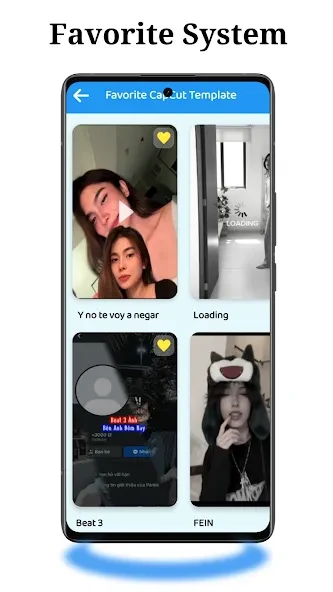
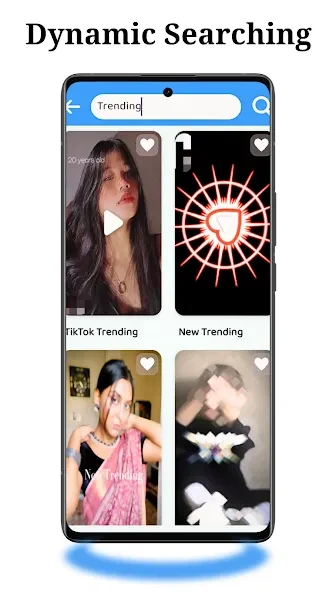
Cap Template helps users make social videos from templates or edit their own footage with music, text, and effects. Its themed options include classic and creative styles as well as beauty, food, children, music, and movies, giving users different starting points for posts and personal clips. The app also includes tools for combining photos into music-backed slideshows and editing photos with filters or background changes. A preview lets users review an edited video before finalizing it, while export and sharing options support moving finished work to social platforms.
Templates for different video styles
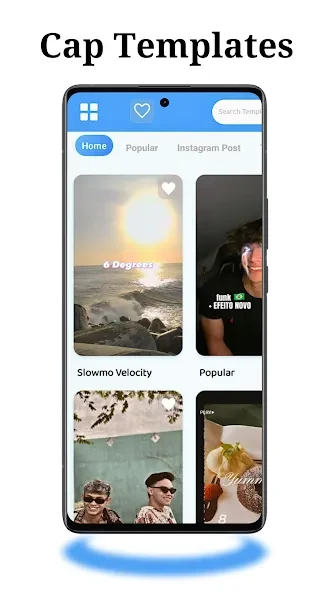
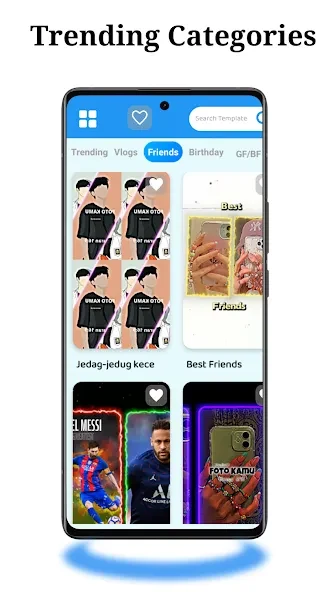
Templates are arranged by category, with themes also including birthdays and anniversaries. The source describes options inspired by trending designs on TikTok and Instagram, and says new templates are added daily. This approach can help users choose a visual direction before editing, rather than building every element from scratch. A tutorial or “How To Use” option is available for guidance while working with the app.
Editing footage and photo slideshows
For custom edits, users can add music, text, and special effects to footage. Text can be adjusted with different fonts, colors, and backgrounds, and filters can be used to change the look of a video. The slideshow maker combines photos with music, effects, emojis, and stickers, making it suitable for assembling images into a video. The app also lists a Lyrical Video Status Maker and a Particle Photo Status Maker among its creation tools.
Preview, export, and sharing
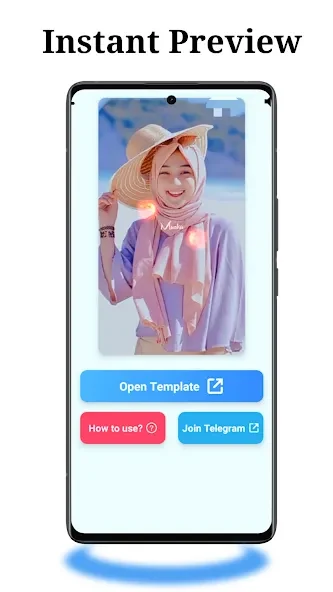
Users can preview an edited video before completing it, which provides a chance to check the result. The app offers HD export options, and videos can be shared directly to services named in the source: YouTube, Instagram, Facebook, TikTok, Snapchat, Twitter, and VK. These options connect the editing process with preparing a finished clip for posting or sharing.
Photo tools and device support
In addition to video creation, Cap Template includes photo-editing features such as professional filters and a background changer. The listed minimum operating system is Android 7.0. The app’s combination of templates, direct editing controls, slideshow tools, and photo options may suit users who want to create varied social content within one mobile app.